Best Software Development Tools in 2026
Building software involves more than writing code. This collection covers the work around it: Git clients such as Fork, browser and visual testing with BrowserStack and Percy, API documentation, and build and deployment tools. Browse the topic links to separate everyday development utilities from systems your whole engineering team will use.
Browse Development by topic
Developer Tools
The best AI developer tools fit into the loop developers already live in: reading code, changing it, testing it, reviewing the diff, and figuring out why something broke. They help explain unfamiliar repos, write unit tests, generate small chunks of boilerplate, debug failing builds, and clean up code that has grown awkward over time. Tools like GitHub Copilot, Cursor, and Replit are useful when they understand enough context to act like a careful pair programmer instead of a snippet generator. A frontend developer might paste in a tangled React component, ask for smaller hooks and better test coverage, then inspect the diff before merging. That is the right bargain: less grunt work, no outsourcing of judgment. Weak tools encourage copy-paste confidence. Strong ones make the next commit easier to understand, review, and maintain. If a tool cannot explain its change clearly, it should not be anywhere near production code.
Frontend Development
Frontend development tools are most useful when they sit close to the actual work: writing components, fixing layout bugs, reviewing state logic, and turning rough UI ideas into usable code. AI tools in this category can help generate React components, explain unfamiliar codebases, convert designs into HTML and CSS, or refactor a messy form before it ships. Tools like Cursor, v0, and GitHub Copilot are common choices, especially when developers want faster iteration without giving up control of the code. A frontend engineer might paste in a clunky dashboard component, ask for cleaner responsive behavior, then review the output line by line before committing anything. The good tools make reasonable guesses and expose their logic. The bad ones hide complexity behind confident snippets. Frontend still rewards taste, restraint, and a sharp eye for broken edge cases.
Open Source
The Open Source collection currently emphasizes app building and automation. Dyad supports local AI app-building workflows, while Appsmith, Budibase and ToolJet cover internal tools. Activepieces, Flowise and Automatisch address connected workflows or AI applications. GitHub also appears as a place to host and collaborate on projects, rather than as an interchangeable alternative to these tools. Start with the job you need a project to perform. Read the repository and license for the specific edition you plan to use. Public source code, self-hosting and an open-source license are different properties; check each instead of relying on a category tag. Look at release activity, documentation, issue responses and the work required for upgrades and backups. Compare paid-feature boundaries and any external API costs. Self-hosting gives you responsibilities as well as control, so budget maintenance time alongside infrastructure costs.
Accessibility
Accessibility work combines design choices, implementation checks and evaluation of real interactions. These listings span automated audits through Lighthouse and Axe DevTools, contrast tools, color-vision simulation with Color Oracle, and practical guidance from The A11Y Project and Inclusive Components. Each addresses a different part of making interfaces usable by more people. Choose resources around the task at hand: checking a palette, designing a component or investigating a live page. Contrast measurements and visual simulations can highlight specific issues, but they do not evaluate every interaction or represent every person’s experience. Pair tool findings with hands-on checks of keyboard navigation, focus, zoom and assistive-technology use. Review the complete path through important tasks, including errors and dynamic states. Keep accessible patterns in shared components so fixes carry into future screens, and retest after changes rather than relying on one audit score.
Mac Apps
This Mac Apps collection mixes specialist work tools with everyday utilities. RapidAPI for Mac supports API testing, Kap covers screen recording, Sip handles color picking, and Squash works with image batches. Paste, Sortail and mirowl address clipboard, email and screenshot organization. ConnectWizard adds App Store analytics. Use the task-specific tags to narrow the list rather than choosing an app solely because it runs on macOS. Test the action you repeat most often and compare the steps it saves. Check your macOS version and hardware compatibility, keyboard shortcuts, export formats and integration with the apps you already use. Review requested permissions, local versus cloud processing and sync settings for tools that handle clipboard or screenshot content. Compare subscriptions and one-time purchases alongside update policies. Keep utilities that remove a recurring friction point instead of adding another workflow to manage.
Version Control
Version control systems are software tools that track and manage changes to files, code, and digital projects over time. These platforms create a complete history of modifications, allowing teams to understand what changed, when it changed, and who made each change. Version control systems enable developers, technical teams, and collaborative projects to maintain organized repositories of their work while preventing accidental data loss and conflicts. The primary use cases for version control include software development, where teams coordinate code changes across multiple developers and branches. These tools also support documentation management, configuration file tracking, and content collaboration. Key features typically include branching and merging capabilities, conflict resolution mechanisms, rollback functionality to previous versions, and audit trails for compliance purposes. Version control systems serve several audiences: software development teams use them to coordinate work efficiently, individual developers benefit from backup and recovery capabilities, DevOps teams leverage them in continuous integration and deployment pipelines, and organizations utilize them for regulatory compliance and accountability. Both distributed systems like Git and centralized architectures serve different organizational needs, making version control essential infrastructure for any team managing digital assets or collaborative projects where change tracking and coordination are critical requirements.


Plan and build products with AI agents — from drafting PRDs to pushing PRs, all in one system.

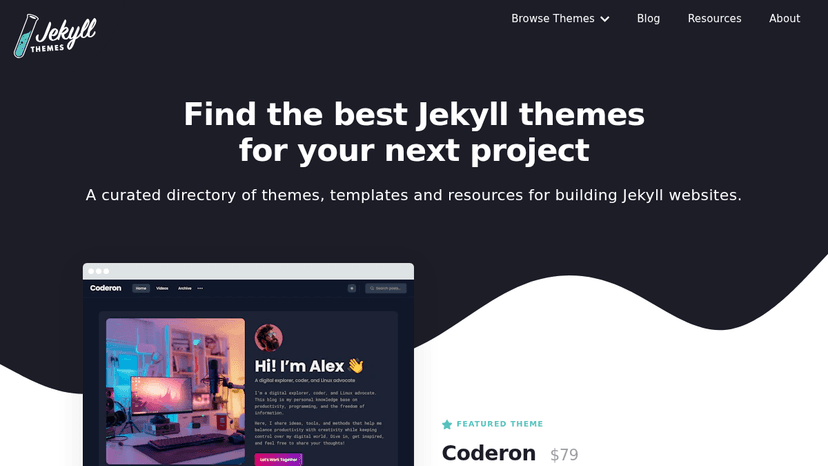
Find premium and free Jekyll themes, templates, and resources to build modern websites quickly
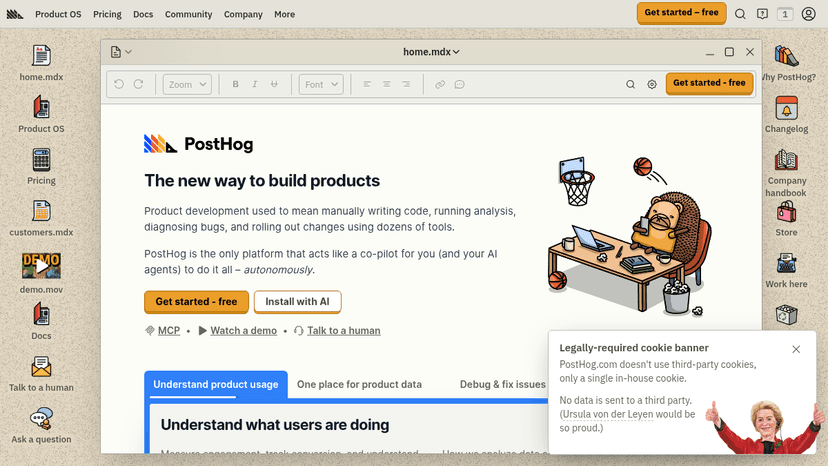
All-in-one product analytics, session replay, feature flags, and data warehouse — built for product engineers to ship products faster

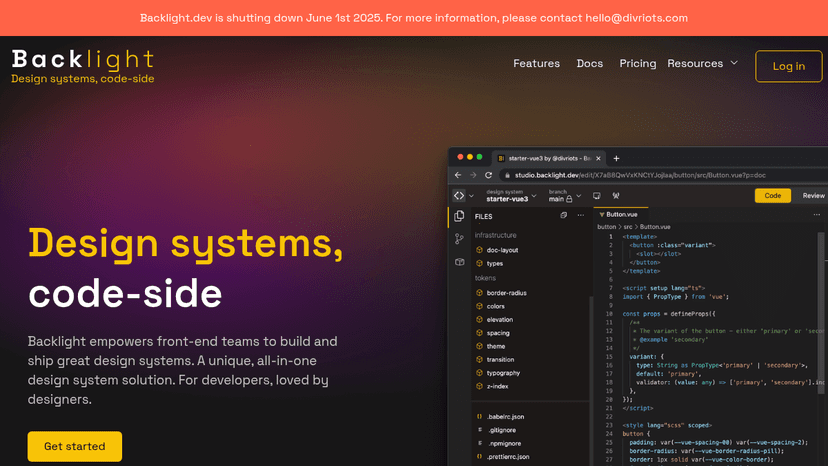
Build and ship design systems in days, not months — code-first platform with visual PR reviews, Figma integration, and cross-discipline collaboration

Centralize your design system so teams and AI agents always build from the right context, reducing drift and rework.

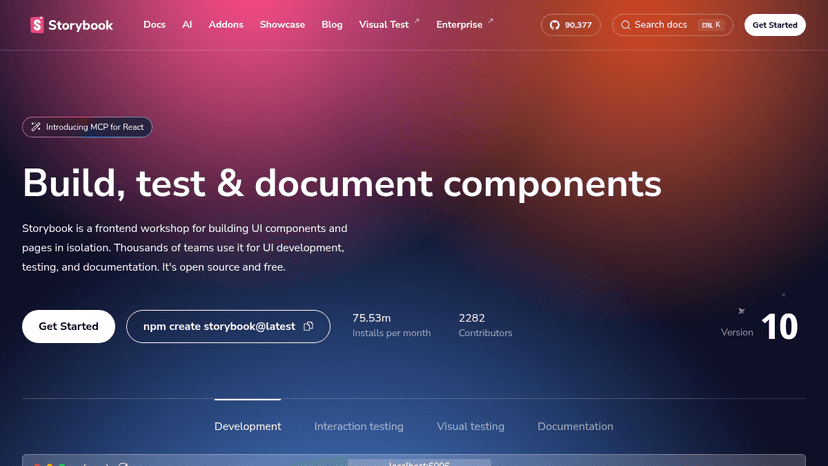
Build, test, and document UI components in isolation with an open-source frontend workshop used by thousands of teams

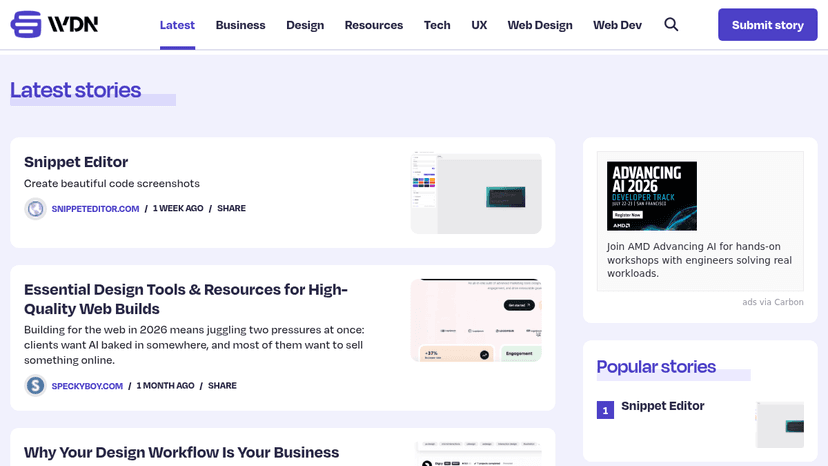
Curated news for web designers covering design tools, resources, UX, and development workflows

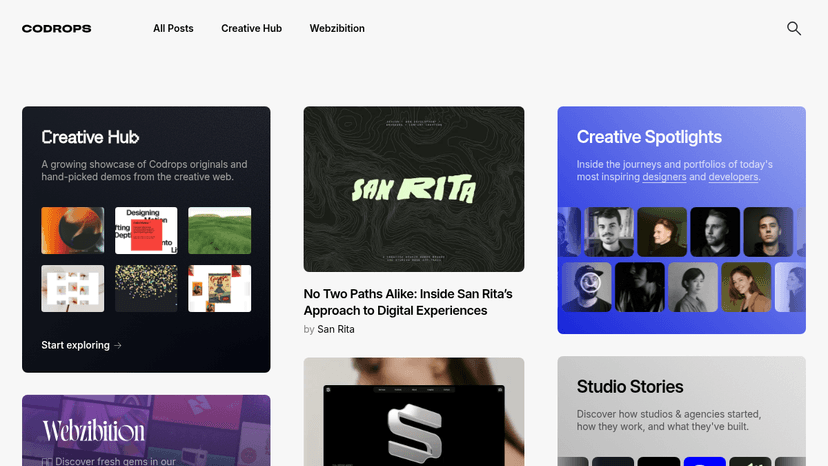
Fuel your web creativity with tutorials, demos, case studies, and curated inspiration — trusted by frontend developers and designers since 2009.

Discover websites that spark joy — a curated collection of fun, creative, and delightfully quirky sites from around the web.
Transform your writing process with ChatGPT Writer. Effortlessly create emails, messages, and more using advanced AI technology. Discover its features...

Design beautiful, responsive emails in minutes with Topol's drag-and-drop editor. No coding skills required. Explore features, pricing, and benefits t...
About Software Development Tools
Choose around a specific bottleneck. For testing, check browser coverage and how failures reach your team; for API documentation, check compatibility with your API definitions; for delivery, check your hosting targets and pipeline setup. A tool that fits your existing stack is usually easier to adopt than one that requires changing the entire workflow.
Compare top 5 Software Development Tools
Side-by-side highlights for the top-ranked products in this category. Products whose main category this is come first, then by featured placement, upvotes, ratings, and review count.
| Compare |  Windows Terminal Product page |  Fox Issue Tracker Product page |  SurrealDB Product page |  Barflare Product page |  ChatPilot – ChatGPT Bulk Delete, Archive & Timestamps Product page |
|---|---|---|---|---|---|
| Best for | Run command-line tools in a tabbed, themed terminal, and read the actual conhost.exe source Microsoft ships inside Windows. | Organize issues around the versions you ship and the milestones that get you there, track effort on Kanban boards, and keep Mac, iPad, and iPhone in sync | Query graphs, vectors and documents in one ACID database, and give AI agents persistent memory where every fact keeps its source. | Flare local apps to public HTTPS links in one click, and let AI agents manage Cloudflare tunnels while you keep full visibility. | Bulk delete or archive ChatGPT conversations in one run, add a timestamp to every message, and jump through long threads without endless scrolling. |
| Pricing | unknown | contact_sales | unknown | one_time | unknown |
| Platforms | Windows | macOS, iOS | — | macOS | — |
| Rating | — | — | — | — | — |
| Upvotes | 0 | 0 | 0 | 0 | 0 |
| Verified | No | No | No | No | No |
| Launch date | — | — | — | — | — |
Development FAQ
Common questions about this category, how we rank products, and how often the page is refreshed.
What are the best Software Development Tools on MazikBox?
The top-ranked Development products right now are Windows Terminal, Fox Issue Tracker, and SurrealDB. The comparison table above shows them side by side.
How do you rank Development products?
Products whose main category is Development (or one of its subcategories) are listed first, followed by products that also fit the category. Within each group we order by featured placement, then upvotes, average rating, review count, and newest listing. Featured placement is an editorial choice, not a quality score.
What pricing models are common for Software Development Tools?
On this page you will find unknown, contact_sales, and one_time options, depending on the tool. Check the comparison table and individual product pages for specifics.
Which platforms do these Software Development Tools support?
The products currently shown in this category support windows, macOS, and iOS workflows. Platform coverage varies by tool, so compare product pages before choosing one.
How often is this Development page updated?
The category description and details were last edited on October 5, 2026. The product list, ranking, and counts update automatically as products, votes, and reviews change.
How many Software Development Tools are listed right now?
MazikBox currently lists 331 Development products in this category, with more added as they meet our editorial standards and category fit.