
About Surge
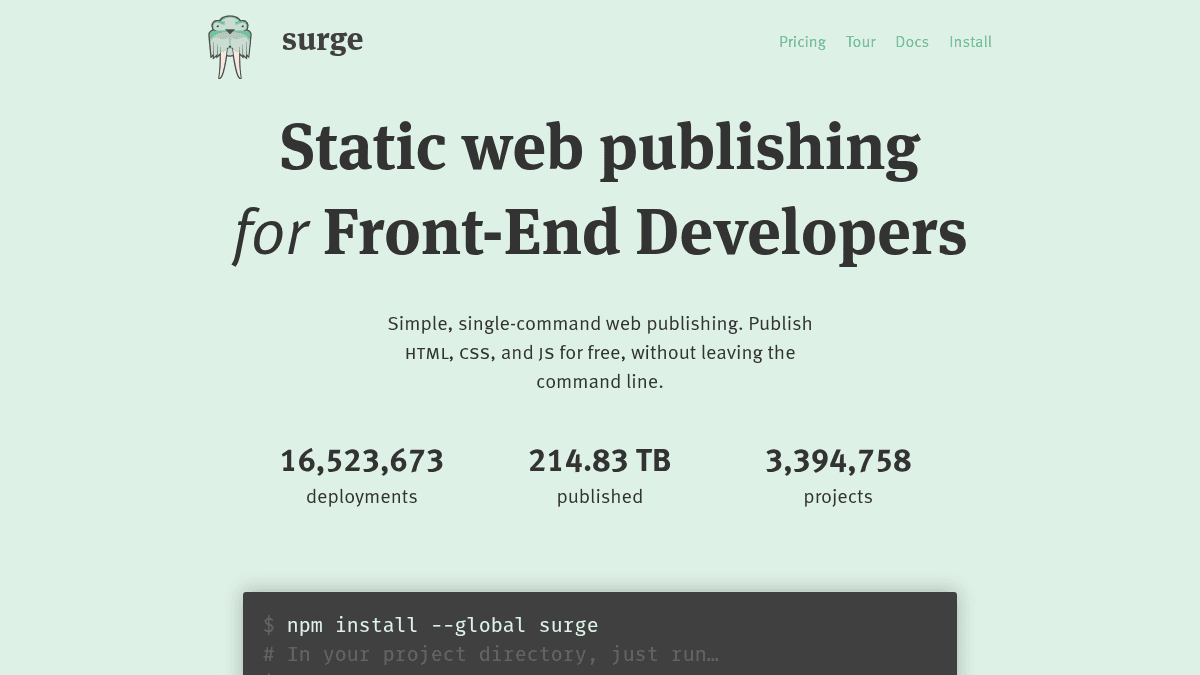
Overview Surge is a static web publishing tool for front-end developers that deploys HTML, CSS, and JavaScript from the command line. It eliminates the complexity of traditional deployment by letting developers publish projects to a production-quality CDN with a single command. Unlike managing servers or configuring cloud storage manually, Surge handles hosting, SSL, and custom domains automatically. It is built for front-end developers, designers, and anyone who wants to get a static site online immediately without leaving the terminal. Key Benefits Deploy any folder to the web with a single command — type surge and hit enter. Over 14.6 million deployments and 198 TB of data published across 3 million projects. Free custom domain support with CNAME configuration and no extra cost. Free SSL for surge.sh subdomains, with custom SSL available on the Professional plan. PushState support for single-page applications out of the box. Custom 404.html pages and cross-origin resource sharing support. How It Works Install the Surge CLI globally with npm, navigate to your project directory, and type surge. The CLI prompts you for the project path and a domain name, then uploads your files to a production-quality CDN. Your site is live at your chosen surge.sh subdomain or custom domain within seconds. Use Cases Front-end developers deploying static sites or client-side apps directly from the terminal without configuring servers. Open source maintainers publishing project documentation or landing pages with team collaborators added via the CLI. Designers and prototypers sharing interactive mockups or demos with clients by running a single command. Jekyll and static site generator users compiling locally and publishing to Surge without branch juggling or plugin limitations. Teams using CI services like Travis CI, CircleCI, or Codeship for automatic deployment on every push. Why Choose This Product Surge is best suited for front-end developers and designers who want fast, low-risk static web publishing from the command line. The free tier supports unlimited publishing with custom domains and basic SSL. The Professional plan at $30/month adds custom SSL, password protection, custom redirects, and CORS support for production-ready projects. Let me extract the structured data. https://surge.sh/
Surge Pros & Cons
- Free tier with unlimited publishing
- Single-command CLI deployment
- Free custom domain support
- Free SSL for surge.sh subdomains
- Integrates with Grunt, Gulp, npm, and CI services
- Server-side features require $30/month Professional plan
- Static sites only — no server-side processing
Key Features
CLI Deployment
Publish any folder to the web by typing surge in the command line with a project path and domain name.
Custom Domain Support
Deploy to any custom domain for free by adding a CNAME record.
Free SSL
All surge.sh subdomains include free SSL, with custom SSL available on the Professional plan.
PushState Support
Single-page applications work correctly with pushState support for client-side routing.
Custom 404 Pages
Create custom 404.html pages for your published sites.
Team Collaboration
Add collaborators to projects directly through the CLI with the --add flag.
Build Tool Integration
Integrates with Grunt, Gulp, npm scripts, Git hooks, Jekyll, and CI services like Travis CI and CircleCI.
Password Protection
Protect projects with password-based access control on the Professional plan.
Custom Redirects
Set up custom redirect rules for your published sites on the Professional plan.
CORS Support
Cross-origin resource sharing support available on the Professional plan.
Surge Pricing
View full pricing →- Unlimited publishing
- Custom domain
- Basic SSL
- Unlimited projects
- Unlimited publishing
- Custom domain
- Custom SSL
- Force http to https
- Cross-Origin Resource Sharing
- Custom redirects
- Password protection
| Feature | Surge Free | Surge Professional $30/mo |
|---|---|---|
| Unlimited publishing | ||
| Custom domain | ||
| Basic SSL | ||
| Unlimited projects | ||
| Custom SSL | ||
| Force http to https | ||
| Cross-Origin Resource Sharing | ||
| Custom redirects | ||
| Password protection |
Pricing extracted from the product website and may change. Check the source for current details.
Frequently asked questions about Surge
Is Surge free?
Surge offers a free plan with optional paid upgrades. See the pricing section for what's included in each tier.
How much does Surge cost?
Surge offers the following plans: Surge, Surge Professional. See the pricing section for what's included in each tier and any per-seat or usage-based costs.
What platforms does Surge support?
Surge is available on: Web, macOS, Windows, Linux.