
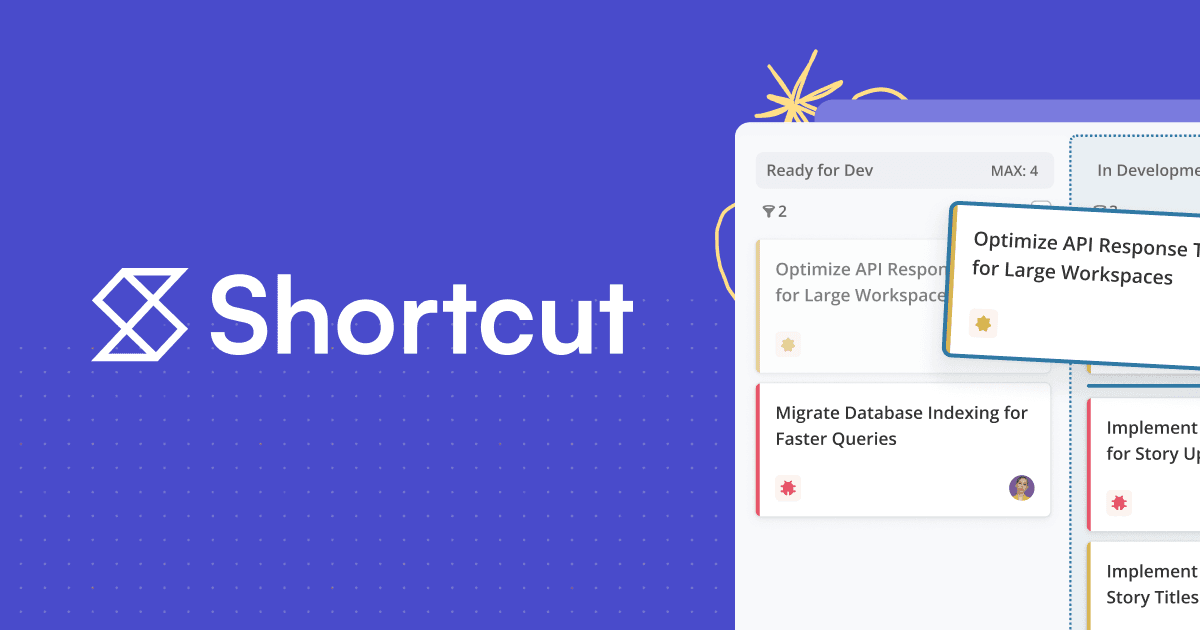
About Shortcut – Project Management for Software Teams and their Agents
Overview
Shortcut is a fast, lightweight project management and issue tracking platform built for software teams. Teams use it to plan, build, and ship together, with issue tracking, sprints, and roadmaps built in. Founded in 2014, the platform serves more than 50,000 active organizations and has completed over 21 million stories.
Shortcut pairs people with AI agents. Its Korey agent turns rough notes into dev-ready specs and tickets, and coding agents can scope tasks, write pull requests, and track progress directly in Shortcut.
Key Benefits
- Track work from idea to release, whether completed by people or agents.
- Plan week-to-week sprints with Iterations.
- Visualize Epics and progress on a Roadmap.
- Connect individual projects to company objectives and key results.
- Customize workflows with custom fields, labels, and automations.
- Free forever plan for teams up to 10 users, no credit card required.
How It Works
Teams create Stories to represent work, organize them into Epics and time-boxed Iterations, and move them through customizable workflows. VCS integrations with GitHub, GitLab, and Bitbucket attach commits, branches, and pull requests to Stories automatically. AI teammates, including Korey, help scope tasks and draft pull requests while the team tracks everything in one Workspace.
Use Cases
- Software engineers track commits, branches, and pull requests against Stories.
- Product managers plan sprints and map projects onto a Roadmap.
- Engineering leaders connect work to Objectives and Key Results.
- Agencies use multiple Workspaces to separate client work.
- Fast-growing startups scale from a free plan to Business and Enterprise.
- Teams adopt AI agents to scope tasks and write pull requests.
Why Choose This Product
Shortcut emphasizes speed and efficiency with quick load times and keyboard shortcuts. It provides security controls including GDPR and SOC 2 compliance, Google SSO on all plans, SSO and SCIM, and HIPAA readiness, and it connects to a broad set of tools from GitHub to Slack to Sentry.
Shortcut – Project Management for Software Teams and their Agents Pros & Cons
- Free forever plan for teams up to 10 users
- Broad integrations with GitHub, Slack, Sentry, and more
- SOC 2 Type 2, GDPR, and HIPAA-ready security
- Korey AI agent turns notes into dev-ready specs
- Speed and efficiency with keyboard shortcuts
- No pro-rated refunds for cancelled subscriptions
- HIPAA compliance only available by request on Enterprise
Key Features
Iterations & Sprints
Plan time-boxed development cycles for collections of Stories.
Roadmaps
Visualize Epics and progress on a Roadmap across teams.
Objectives & OKRs
Connect projects and Epics to company objectives and key results.
Custom Fields
Categorize work with basic and user-defined custom fields and labels.
WIP Limits
Set story limits in workflow states to prevent work from piling up.
Automations
Automate Epics, Iterations, and unfinished Story rollover.
Docs
Use Docs for PRDs and technical documentation with a suggestion mode.
Reports & Insights
Track velocity, cycle time, cumulative flow, and more on the Metrics dashboard.
AI Agent Collaboration
Work side-by-side with Korey AI and coding agents to scope tasks and write PRs.
MCP Server
Connect Shortcut to Cursor and Claude Code through the MCP server.
Shortcut – Project Management for Software Teams and their Agents Pricing
View full pricing →- Kanban views for Stories
- Progress on a Roadmap
- Quick insights with Reports
- Plan sprints with Iterations
- Work together with Docs
- GitHub, Slack & Figma integrations
- Everything in Free
- Suite of Reports
- Set Work In Progress limits
- Customize multiple workflows
- Manage repetitive tasks with Automations
- Access all integrations
- Everything in Team
- Unlimited everything
- Track strategic Objectives and key results
- Advanced Custom Fields
- Advanced Reports
- Multiple Workspaces for sandboxing
- Everything in Business
- Predictable pricing with volume discounts
- Premier support SLAs
- SSO and SCIM
- Custom terms and dedicated Slack channel
- Onboarding support
| Feature | Free Free/mo | Team $10/mo | Business $16/mo | Enterprise Custom |
|---|---|---|---|---|
| Kanban views for Stories | ||||
| Progress on a Roadmap | ||||
| Quick insights with Reports | ||||
| Plan sprints with Iterations | ||||
| Work together with Docs | ||||
| GitHub, Slack & Figma integrations | ||||
| Everything in Free | ||||
| Suite of Reports | ||||
| Set Work In Progress limits | ||||
| Customize multiple workflows | ||||
| Manage repetitive tasks with Automations | ||||
| Access all integrations | ||||
| Everything in Team | ||||
| Unlimited everything | ||||
| Track strategic Objectives and key results | ||||
| Advanced Custom Fields | ||||
| Advanced Reports | ||||
| Multiple Workspaces for sandboxing | ||||
| Everything in Business | ||||
| Predictable pricing with volume discounts | ||||
| Premier support SLAs | ||||
| SSO and SCIM | ||||
| Custom terms and dedicated Slack channel | ||||
| Onboarding support |
Pricing extracted from the product website and may change. Check the source for current details.
Frequently asked questions about Shortcut – Project Management for Software Teams and their Agents
Is there a free version of Shortcut?
Yes. The free version of Shortcut is available for teams of up to 10 people. If you have 10 or fewer users when the trial ends, you can continue using Shortcut for free or choose a paid plan.
What are the Shortcut pricing plans?
Shortcut offers four plans. The Free Plan covers the majority of Team features for small teams, the Team Plan suits multiple teams or squads, the Business Plan provides organization-wide visibility to plan, execute, and measure work, and the Enterprise Plan helps large teams scale.
Does Shortcut offer a plan for nonprofits?
Yes. Shortcut is free for qualifying nonprofits. Teams can apply for the nonprofit program through the website.
Is Shortcut SOC 2 compliant?
Yes. Shortcut has completed a SOC 2 Type 2 audit. A copy of the SOC 2 report can be requested by emailing [email protected].
How do I import data from another project management tool?
Shortcut imports data directly from Jira and Trello using an automated importer. Data from any other tool can be imported using a CSV spreadsheet.
Can I invite an observer to Shortcut?
Yes. Observers are included in the Team, Business, and Enterprise plans across all Workspaces, with up to 5 Observer seats per paid seat. Observers can view Spaces, follow Stories, and search, but cannot move, change, or comment on anything and are restricted from using the API.