
About Recruit CRM
Overview
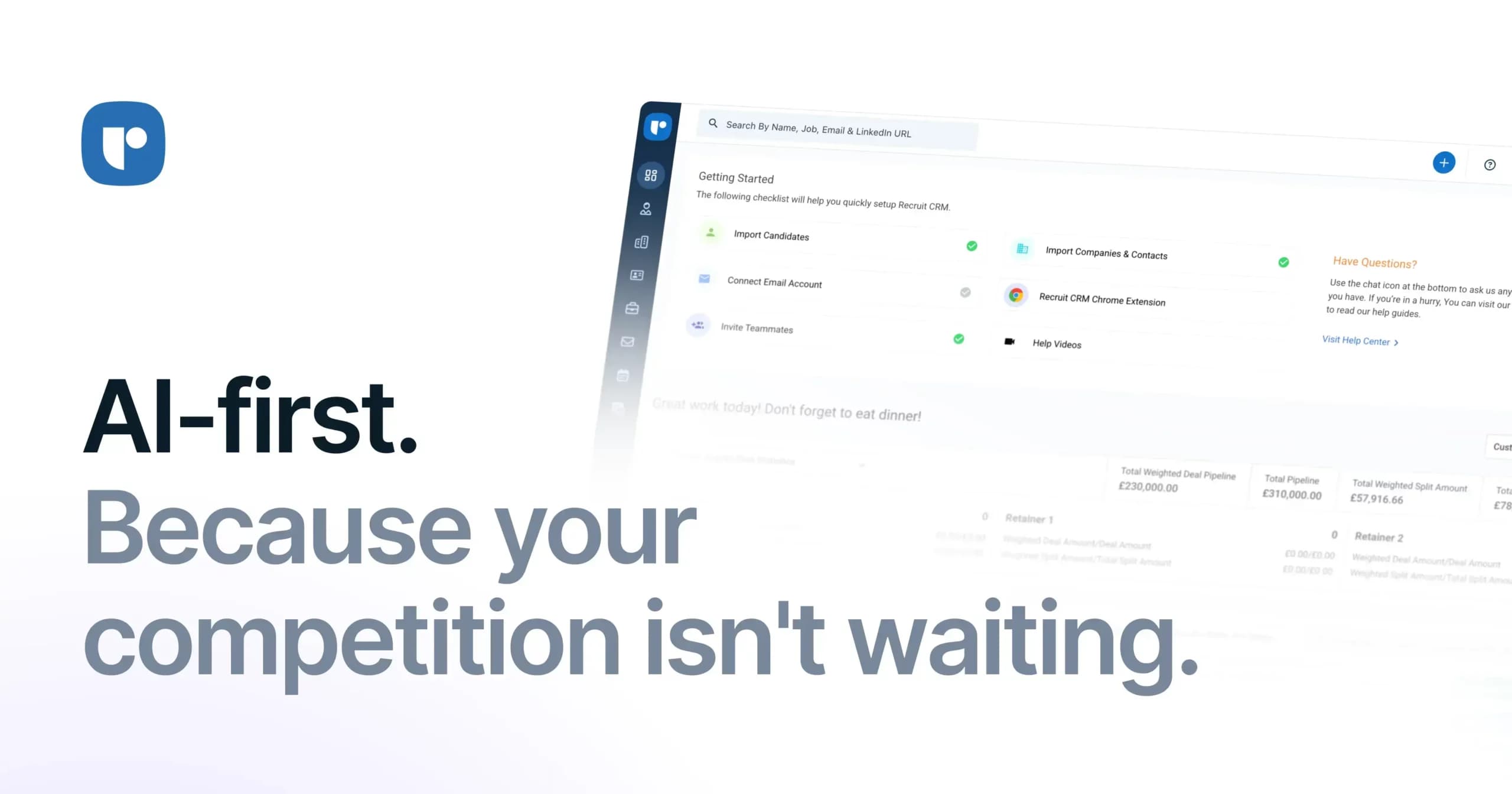
Recruit CRM is an AI-first applicant tracking system and CRM built for recruitment agencies and executive search firms in more than 100 countries. It combines AI agents, automations, and flexible workflows in one platform.
Teams use it to source candidates, parse resumes, run email and LinkedIn outreach, post jobs, manage clients, and track timesheets. Workforce Cloud Tech, Inc. operates the product, and the founders bootstrapped it without external funding.
Key Benefits
- AI agents format resumes, submit candidates, parse custom fields, and reply to emails to save recruiters hours each week.
- A Chrome extension turns LinkedIn, Xing, or ZoomInfo profiles into structured candidate records with one click.
- Automated email, LinkedIn, and SMS sequences keep candidate follow-ups consistent without manual effort.
- Job multiposting reaches 5,000+ channels, and a Kanban board tracks every candidate through the pipeline.
- Job change and backdoor hire alerts help agencies catch placements that move and recover fees.
- Customizable workflows, pipelines, and user roles fit the way each agency recruits.
How It Works
Start a 30-day free trial, then import candidates, companies, and notes with the built-in Excel or CSV tool, or hire the data migration team. Source candidates with the Chrome extension or AI sourcing, move them through Kanban pipelines, submit them to clients, and let automations and AI agents handle repetitive tasks.
Use Cases
- Agency recruiters parse resumes, multipost jobs, and track high-volume hiring in a customizable pipeline.
- Contract staffing firms manage invoicing, timesheets, and payroll with the Bill & Pay tool.
- Executive search firms generate search reports and track candidate moves across companies.
- In-house recruiting teams organize candidate management and boost productivity.
- Freelance recruiters source from LinkedIn with the Chrome extension and stay organized in one place.
- Agency owners build career pages and candidate portals with Recruit Craft, with applications flowing into the CRM.
Why Choose This Product
Recruit CRM is specific to recruitment agencies, offers 24/7 live chat support, and is GDPR compliant. Some advanced capabilities, such as Workflow Automation, Advanced Analytics, and LinkedIn Messaging, sit on the Enterprise plan, and certain features need a paid plan beyond the trial.
Recruit CRM Pros & Cons
- 30-day free trial available
- AI agents for resume formatting, submissions, and field parsing
- Job multiposting to 5,000+ channels
- GDPR compliant with 24/7 live chat support
- Mobile apps for Android and iOS
- Pricing figures are not listed publicly on the pricing page
- Workflow Automation and Advanced Analytics are Enterprise-only
- Some features need a paid plan beyond the free trial
- Paid data migration takes 10-14 business days
Key Features
AI Agents
Resume formatting, candidate submission, and custom field parsing agents handle time-consuming tasks instantly.
Chrome Sourcing Extension
All plansConverts LinkedIn, Xing, or ZoomInfo profiles into structured candidate records with a single click.
Automated Sequencing
Sends automated email, LinkedIn, and SMS sequences configured once to keep candidates engaged.
Kanban Pipeline
Moves candidates across stages, assigns tasks, and shows the whole pipeline in real time.
Calling and Recording
All plansLets users make and record calls to candidates and clients directly inside the CRM.
AI Candidate Sourcing
All plansBuilds a list of prospects from a few prompts describing the ideal candidate.
Job Multiposting
EnterprisePublishes jobs across 5,000+ channels and tracks campaign status, with direct posting to your own job board accounts.
Workflow Automation
EnterpriseBuilds no-code workflows that sync with 1000+ apps and automate repetitive recruiting tasks.
Job Change Alerts
Monitors candidate job changes through LinkedIn and alerts you when they join pitched companies.
Recruit Craft Websites
EnterpriseCreates recruitment websites, career pages, and candidate portals without coding, feeding applications into the CRM.
Recruit CRM Pricing
View full pricing →- Chrome Sourcing Extension
- AI Resume Parser
- GPT Integration
- Unlimited email templates
- Deal Pipelines
- Unlimited open jobs
- Everything on the Pro plan
- Automated email sequencing
- Bulk texting
- Resume formatting
- Multiple hiring pipelines
- Single Sign On (SSO)
- Everything on the Business plan
- Workflow Automation
- Advanced Analytics
- LinkedIn Messaging Integration
- Data Enrichment
- Job Multiposting and Recruit Craft
| Feature | Pro Custom | Business Custom | Enterprise Custom |
|---|---|---|---|
| Chrome Sourcing Extension | |||
| Calling and Recording | |||
| AI Candidate Sourcing | |||
| Job Multiposting | |||
| Workflow Automation | |||
| Recruit Craft Websites |
Pricing extracted from the product website and may change. Check the source for current details.
Frequently asked questions about Recruit CRM
Who can use Recruit CRM?
Recruit CRM is designed for recruitment agencies, and it also supports contract staffing firms, in-house recruiting teams, and freelance recruiters. Agencies get AI resume parsing, job multiposting across 5,000+ job boards, and customizable pipelines, while staffing firms get the Bill & Pay tool for invoicing, timesheets, and payroll.
Does Recruit CRM have a free trial?
Yes. You can start a 30-day free trial to explore how Recruit CRM manages candidates, clients, jobs, and pipelines. Certain usage limits apply during the trial, and some features are available only on paid plans.
Is Recruit CRM customizable?
Yes. Recruit CRM lets users tailor workflows, pipelines, and user roles to their needs, and the company describes the platform as 100% customizable.
Is there a Recruit CRM mobile app?
Yes. Recruit CRM is optimized for mobile use and has launched a mobile app for Android and iOS users.
Is Recruit CRM GDPR compliant?
Yes. Recruit CRM states that it is fully GDPR compliant and handles recruitment data securely and in line with legal guidelines.
Can I migrate my data to Recruit CRM?
Yes. You can use the free built-in Excel or CSV import tool for candidates, companies, clients, and notes. You can also hire the data migration engineers, which is priced by data volume and takes 10-14 business days.