
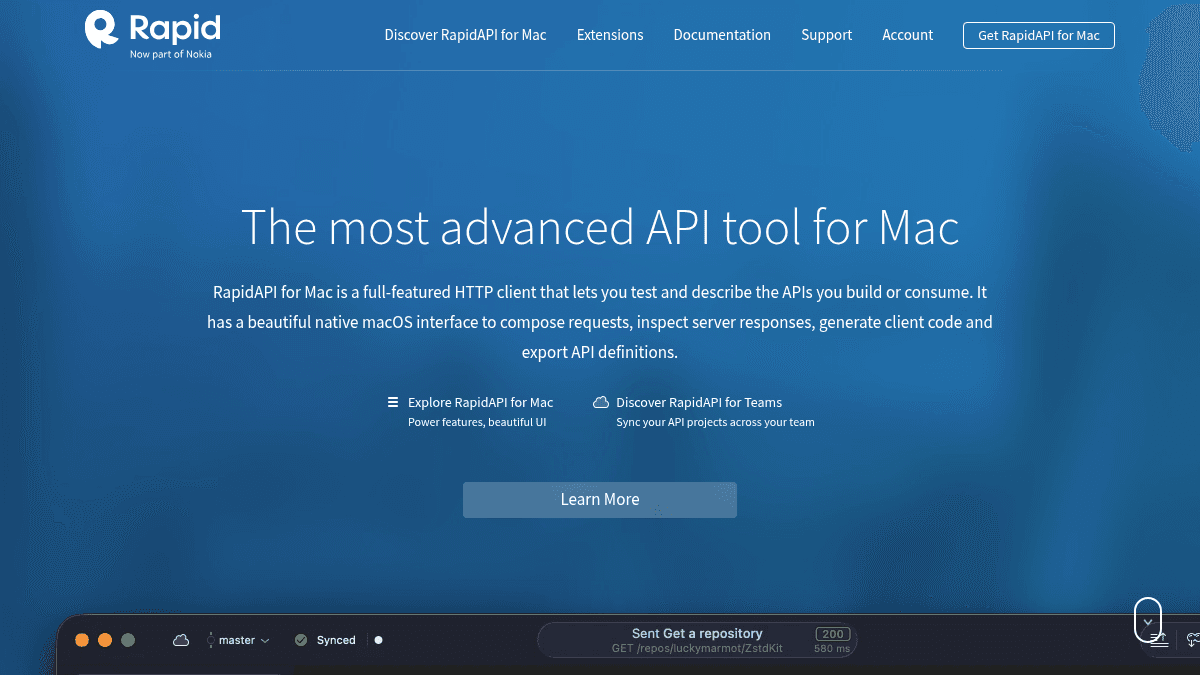
About RapidAPI for Mac
Overview RapidAPI for Mac is a native macOS HTTP client for testing and describing APIs. Developers use it to compose HTTP requests, inspect server responses, generate client code, and export API definitions. Unlike web-based API tools, it runs as a fully native Mac application with keyboard shortcut access and a visual editor. It supports both API consumers and API makers who need to iterate on their own services or explore third-party APIs. Key Benefits Full visual HTTP client with support for all request types and response inspection. Native JSON Schema support with full compliance to Swagger, RAML, and API Blueprint formats. Team sync with branching and merging patterns similar to Git but with real-time updates. Free for personal and professional use with no usage caps on the HTTP client or API description features. Personal sync via RapidAPI Studio to keep projects in sync across multiple Macs. Real-time notifications and safe data merges when collaborating on API projects in a team. How It Works You open RapidAPI for Mac and use the visual editor to build an HTTP request by choosing the method, entering the URL, and setting headers or body parameters. After sending the request you inspect the server response inline, then optionally document each parameter by adding textual descriptions, type constraints, and JSON Schema annotations. When ready, you export the API definition as a Swagger, RAML, or API Blueprint file, or push the project to RapidAPI Studio for syncing across machines or team members. Use Cases Backend API developers testing endpoints during development and documenting request parameters inline. Frontend engineers inspecting server responses from third-party APIs before integrating them into client code. API product managers generating Swagger or RAML specification files for internal documentation and team handoffs. Freelance API consultants collaborating with client teams by sharing synchronised API projects through RapidAPI for Teams. Why Choose This Product RapidAPI for Mac is best suited for individual developers and small teams who work exclusively on macOS and need a native tool for API testing and documentation. It is free for personal and professional use; team collaboration requires a subscription to RapidAPI for Teams. The tool does not support Windows or Linux, so cross-platform teams need an alternative.
RapidAPI for Mac Pros & Cons
- Free for personal and professional use
- Native macOS app with full keyboard shortcut support
- Native JSON Schema validation and spec export
- Team sync with Git-like branching and merging
- No usage caps on core HTTP client features
Key Features
HTTP Client
Build HTTP requests with a visual editor supporting all standard methods, headers, and body types.
API Description
Document each request parameter with textual descriptions, type constraints, and JSON Schema annotations.
Spec Export
Import and generate fully compliant Swagger, RAML, and API Blueprint specification files.
Personal Sync
Sync API projects between machines using RapidAPI Studio for personal use.
Team Sync
Collaborate with team members using branching, conflict-free merging, and real-time notifications.
Code Generation
Generate client code directly from described API requests for rapid integration.
RapidAPI for Mac Pricing
View full pricing →- Full HTTP client for testing APIs
- API description with JSON Schema support
- Import and generate Swagger, RAML, API Blueprint files
- Personal sync via RapidAPI Studio
- Team sync with branching and merging
- Real-time notifications and updates
- Up to 5 users per team
| Feature | Free Free/mo | Teams Custom/mo |
|---|---|---|
| Full HTTP client for testing APIs | ||
| API description with JSON Schema support | ||
| Import and generate Swagger, RAML, API Blueprint files | ||
| Personal sync via RapidAPI Studio | ||
| Team sync with branching and merging | ||
| Real-time notifications and updates | ||
| Up to 5 users per team |
Pricing extracted from the product website and may change. Check the source for current details.
Frequently asked questions about RapidAPI for Mac
Is RapidAPI for Mac free?
RapidAPI for Mac offers a free plan with optional paid upgrades. See the pricing section for what's included in each tier.
How much does RapidAPI for Mac cost?
RapidAPI for Mac offers the following plans: Free, Teams. See the pricing section for what's included in each tier and any per-seat or usage-based costs.
What platforms does RapidAPI for Mac support?
RapidAPI for Mac is available on: macOS.