
About Paperform
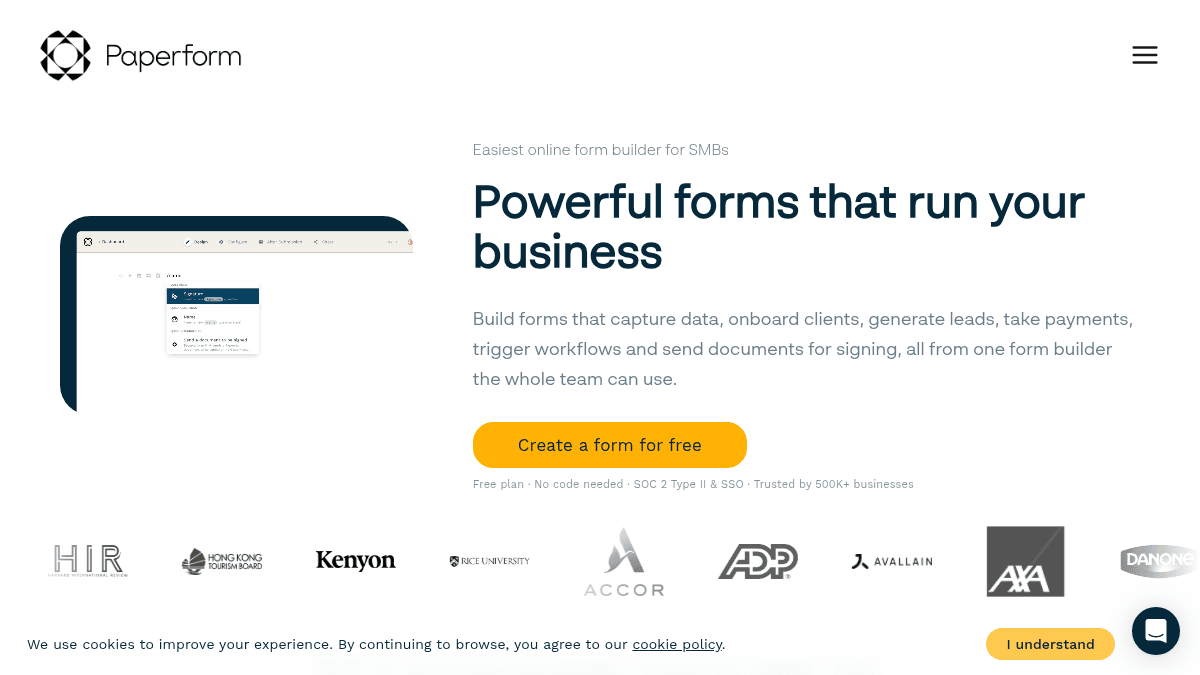
Overview Paperform is an online form builder that combines document-style design with business automation. It lets you build forms that capture data, onboard clients, generate leads, take payments, trigger workflows, and send documents for signing — all from one platform. Trusted by over 500,000 business owners and creators, Paperform is built for small and growing teams across marketing, eCommerce, education, and professional services. It holds an average rating of 4.8 out of 5 from 380 reviews across Capterra, Trustpilot, and G2. Key Benefits Replace messy PDFs and email chains with branded onboarding forms that capture everything first time. Spin up high-converting forms for ads, landing pages, social campaigns, and referrals with direct CRM sync. Run surveys with conditional logic, custom success pages, and AI-powered reporting to understand results faster. Take payments, automate workflows, and send documents for signing from a single form builder. Trusted by over 500,000 business owners with an average rating of 4.8 out of 5 from 380 reviews. Connect with over 2,000 popular apps and software to improve productivity and automate workflows. How It Works You start by picking a template or building a form from scratch using the doc-style editor. You add fields, conditional logic, payment options, and branding — then share the form via link, embed, or social media. Submissions flow into your connected tools like Slack, Google Sheets, or HubSpot, and you can trigger automated workflows, send documents for signing, or generate reports from the results. Use Cases Multi-state real estate brokers — onboard clients consistently with branded forms that trigger the right next steps automatically. Marketing consultants — spin up high-converting forms for ads, landing pages, and social campaigns, syncing every lead into their CRM. eCommerce store owners — sell products, manage subscriptions, and issue refunds directly through payment-enabled forms. Professional services firms — replace messy PDFs and email chains with clear onboarding forms and document signing workflows. Educators and event organizers — run surveys, quizzes, and polls with conditional logic and AI-powered reporting. Why Choose This Product Paperform is best suited for small and growing teams across marketing, eCommerce, education, and professional services who want to run forms, payments, workflows, and document signing from one platform. The free tier is limited to 30 submissions per month and 5 payment submissions, with Paperform branding included.
Paperform Pros & Cons
- Free plan available with unlimited forms
- Over 2,000 integrations with popular apps
- SOC 2 Type II and GDPR compliant
- Doc-style editor with conditional logic
- Built-in payment processing and document signing
- Free plan limited to 30 submissions per month
- Free plan includes Paperform branding
- Custom domain support only on Pro and Business tiers
- SSO (SAML) only on Business tier
Key Features
Doc-style form editor
Build forms using a document-style editor that combines text, images, and fields in a single canvas.
Conditional logic
Show or hide questions, content, emails, and summaries based on respondent answers.
Payment processing
Accept payments through Stripe, PayPal, Square, Braintree, and Google Pay with support for subscriptions and coupons.
2,000+ integrations
Connect forms to over 2,000 apps including Google Sheets, Slack, HubSpot, Notion, and Airtable via native, Zapier, and Make connections.
Document signing
Send documents for signing directly from the form builder through the Papersign feature.
AI form creation
Generate forms using AI, with additional AI-powered report insights and a calculations assistant on higher tiers.
Appointment scheduling
Include an appointment field in forms to let respondents book time slots directly.
Custom branding & design
Add images, GIFs, videos, custom CSS, and custom domains to match your brand identity.
SOC 2 & GDPR compliant
Paperform is SOC 2 Type II and GDPR compliant with SSL encryption and two-factor authentication.
Paperform Pricing
View full pricing →- Unlimited forms
- 1 user
- 30 submissions per month
- 5 payment submissions per month
- Paperform branding
- 2000+ integrations
- 26 field types (partial support)
- 1,200 submissions per year
- 240 payment submissions per year
- 1 user
- Minimal Paperform branding
- Calculations field
- Scoring
- Email responses
- 3 users
- 12,000 submissions per year
- 3,000 payment submissions per year
- Custom HTML & CSS
- Webhooks
- Standard API access
- Custom domain support
- Removable branding
- 5 users (+ $9/month/user max 25)
- 120,000 submissions per year
- 30,000 payment submissions per year
- Custom email domains
- SSO (SAML)
- Business API access
- 1 custom domain included
| Feature | Free Free/mo | Essentials $24/mo | Pro $49/mo | Business $99/mo |
|---|---|---|---|---|
| Unlimited forms | ||||
| 1 user | ||||
| 30 submissions per month | ||||
| 5 payment submissions per month | ||||
| Paperform branding | ||||
| 2000+ integrations | ||||
| 26 field types (partial support) | ||||
| 1,200 submissions per year | ||||
| 240 payment submissions per year | ||||
| Minimal Paperform branding | ||||
| Calculations field | ||||
| Scoring | ||||
| Email responses | ||||
| 3 users | ||||
| 12,000 submissions per year | ||||
| 3,000 payment submissions per year | ||||
| Custom HTML & CSS | ||||
| Webhooks | ||||
| Standard API access | ||||
| Custom domain support | ||||
| Removable branding | ||||
| 5 users (+ $9/month/user max 25) | ||||
| 120,000 submissions per year | ||||
| 30,000 payment submissions per year | ||||
| Custom email domains | ||||
| SSO (SAML) | ||||
| Business API access | ||||
| 1 custom domain included |
Estimate based on listed per-seat pricing. Volume discounts and add-ons may apply.
Pricing extracted from the product website and may change. Check the source for current details.
Frequently asked questions about Paperform
Is there a free plan?
Yes, Paperform offers a Free plan with unlimited forms, 1 user, 30 submissions per month, 5 payment submissions per month, and Paperform branding included.
What payment gateways does Paperform support?
Paperform supports Stripe Payments, Google Pay, Braintree Payments, PayPal Business Payments, and Square Payments across all paid tiers.
Does Paperform offer a free trial for paid plans?
Yes, Paperform offers an unrestricted 7-day free trial on paid plans with no credit card required.
Is Paperform free?
Paperform offers a free plan with optional paid upgrades. See the pricing section for what's included in each tier.
How much does Paperform cost?
Paperform offers the following plans: Free, Essentials, Pro, Business. See the pricing section for what's included in each tier and any per-seat or usage-based costs.
What platforms does Paperform support?
Paperform is available on: Web.