
About illustration.tools
Overview
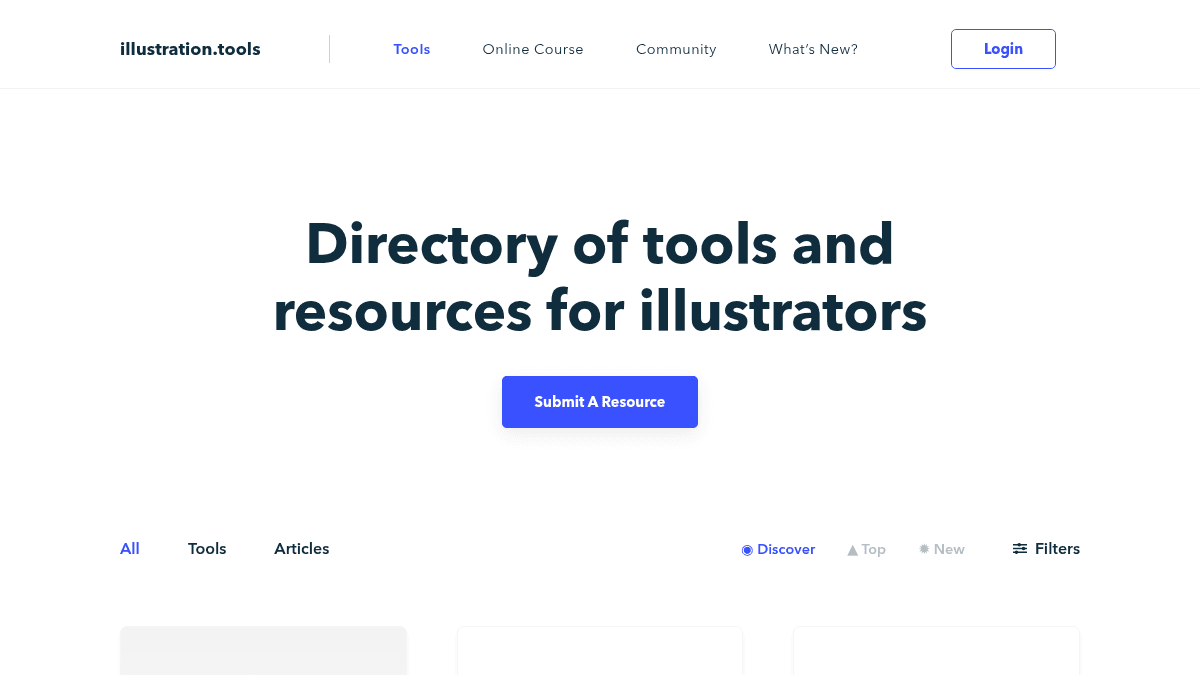
illustration.tools is a curated directory of tools and resources built specifically for illustrators. It collects drawing apps, color generators, brushes, portfolio builders, productivity tools, typography resources, and business aids into one searchable database.
Unlike a general search engine or app store, this site filters everything by topic and platform so illustrators can quickly find what they need. The directory covers tools for Photoshop, Illustrator, Procreate, Mac, Windows, iOS, and Android.
Key Benefits
- Over 80 curated tools and resources organized in one searchable directory.
- Filters by topic (Drawing, Colors, Brushes, Animation, Portfolio, Productivity, Business, Communication, Typography) and platform (Mac, Windows, iOS, Android, Web).
- Community-driven with a "Submit a Resource" feature for adding new tools.
- Sorting options include Discover, Top, and New to find trending or recently added resources.
- Each resource includes a community upvote count to show popularity.
How It Works
You browse the directory and filter resources by topic (Drawing, Colors, Brushes, Animation, Portfolio, Productivity, Business, Communication, Typography) or platform (Photoshop, Illustrator, Procreate, Mac, Windows, iOS, Android, Web App). You sort results by Discover, Top, or New to find trending or recently added tools. Each listing shows a title, description, category tags, and a community upvote count so you can gauge popularity at a glance.
Use Cases
- Freelance illustrators looking for new drawing apps, brush packs, and color palette generators to expand their toolkit.
- Animation artists searching for rigging plugins like RubberHose and animation-specific software like Clip Studio Paint.
- Illustration students seeking free resources like Krita, Inkscape, and educational tutorials on anatomy and style development.
- Portfolio builders exploring tools like Semplice and reading advice on writing portfolio bios.
- Freelance business owners finding invoicing apps like Manta, contract tools like Bonsai, and pricing guidance articles.
- Typography enthusiasts discovering font generators like Calligraphr and archives like Fonts In Use.
Why Choose This Product
illustration.tools is best suited for illustrators at any career stage who want a single, community-curated reference for tools, tutorials, and business resources. The site does not host or sell any tools itself — it is a directory that links out to third-party resources, so users should verify each tool independently.
illustration.tools Pros & Cons
- Free to use with no account required
- Covers 12 topic categories for illustrators
- Includes both tools and educational articles
- Community-driven submissions for new resources
- Filters by platform and topic for easy discovery
Key Features
Curated Tool Directory
A searchable collection of over 80 tools and resources for illustrators, organized by topic and platform.
Topic & Platform Filters
Filter resources by 12 topics including Drawing, Colors, Brushes, Animation, Portfolio, Productivity, Business, Communication, and Typography.
Cross-Platform Filtering
Filter tools by platform compatibility including Photoshop, Illustrator, Procreate, Mac, Windows, iOS, Android, and Web App.
Sort by Popularity
Sort resources by Discover, Top, or New to find trending, most-upvoted, or recently added tools.
Submit a Resource
Community members can submit new tools and resources for inclusion in the directory.
Category Tagging
Each resource is tagged with relevant topic categories like #drawing, #colors, #productivity, and #typography for easy filtering.
Articles & Tutorials
Includes educational articles on anatomy fundamentals, pricing, portfolio writing, and software workflows.
illustration.tools Pricing
Pricing extracted from the product website and may change. Check the source for current details.