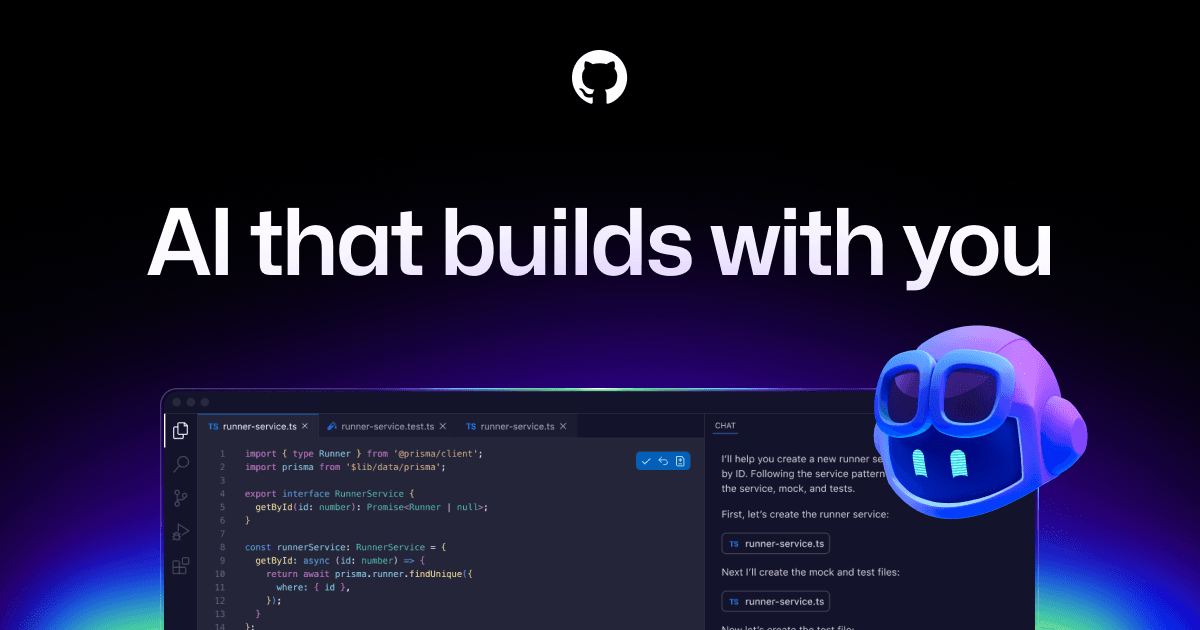
About GitHub Copilot
Overview
GitHub Copilot is an AI-powered development tool that acts as a pair programmer across your editor, command line, and GitHub workflow. It helps developers write code faster, explain existing code, propose edits, validate files, and even autonomously plan and execute tasks via agent mode.
Built by GitHub (a Microsoft subsidiary), Copilot supports multiple leading LLMs — including OpenAI models, Claude by Anthropic, and OpenAI Codex — so teams can choose the model that best balances speed, accuracy, and cost. It works inside VS Code and other IDEs, the GitHub CLI, chat applications, and custom MCP servers.
Key Benefits
- Grupo Boticário reported a 94% increase in developer productivity after adopting Copilot.
- Copilot works where developers already are — in their IDE, on the command line, in GitHub, and in chat apps — without context switching.
- Teams can choose from multiple leading LLMs optimized for different trade-offs between speed, accuracy, and cost.
- Enterprise-grade governance includes activity audit logs, agent management from a single control plane, and MCP server allow lists.
- A free tier provides up to 2,000 code completions per month to get started without commitment.
- Custom agents — including Copilot, Claude by Anthropic, and OpenAI Codex — can autonomously plan, explore, and execute work in the background.
How It Works
You install the GitHub Copilot extension in your IDE (VS Code, JetBrains, or others), sign in with your GitHub account, and start typing. Copilot suggests inline code completions as you type, explains highlighted code blocks, and can validate files for issues.
For more complex tasks, you switch to agent mode: you describe a goal in natural language, assign the work to an agent (Copilot, Claude, or OpenAI Codex), and the agent plans, explores, and executes autonomously in the background. You review the results and merge from the GitHub Copilot desktop app or your IDE.
Use Cases
- Individual developers accelerate daily coding by accepting AI-suggested completions inline without leaving their editor.
- DevOps teams assign agent-mode tasks — like writing deployment scripts or refactoring CI pipelines — to run autonomously in the background.
- Enterprise engineering organizations enforce governance policies across agent usage with audit logs, allow lists, and a single control plane.
- Open-source maintainers use the free tier (2,000 completions/month) to speed up contributions on public repositories.
- Startup teams choose between multiple LLMs to balance cost and performance based on each project's complexity.
- Engineering managers create Copilot Spaces as a shared knowledge source, connecting docs and repository context to keep team knowledge consistent.
Why Choose This Product
GitHub Copilot is best suited for developers and teams already using GitHub who want AI assistance embedded directly into their existing workflow — from code suggestions to autonomous agent execution. It offers a free tier for individuals, multiple LLM choices, and enterprise governance features. No limitations are explicitly mentioned on the page, though advanced governance and custom agent management are oriented toward business and enterprise customers.
GitHub Copilot Pros & Cons
- 94% developer productivity increase reported by Grupo Boticário
- Free tier with 2,000 completions per month
- Multiple LLM choices (OpenAI, Claude, Codex)
- Works across IDE, CLI, chat, and GitHub web
- Enterprise-grade governance with audit logs and allow lists
Key Features
AI Code Completion
Copilot suggests inline code completions as you type and can explain highlighted code blocks in your IDE.
Agent Mode
Assign tasks to agents like Copilot, Claude by Anthropic, and OpenAI Codex to plan, explore, and execute work autonomously in the background.
Copilot Spaces
Create a shared source of truth by connecting docs and repository context to keep team knowledge consistent.
MCP Integration Security
Control which MCP servers developers can access from their IDEs and use allow lists to prevent unauthorized access.
Governance Controls
Track activity with detailed audit logs and enforce governance by managing agents from a single control plane.
Multi-LLM Choice
Choose from leading LLMs optimized for speed, accuracy, or cost, including OpenAI and Claude models.
Desktop Workspace
Launch work from GitHub, track progress across multiple agents, review changes, and merge completed work from a desktop app built natively on GitHub.
GitHub Copilot Pricing
View full pricing →- Up to 2,000 code completions per month
- Unlimited public repositories
- Unlimited private repositories
- 2,000 GitHub Actions minutes/month
- 500 MB GitHub Packages storage
- Community support
- Advanced collaboration for individuals and organizations
- 3,000 GitHub Actions minutes/month
- 2 GB GitHub Packages storage
- Standard support
- Unlimited collaborators for private repositories
- Security, compliance, and flexible deployment
- 50,000 GitHub Actions minutes/month
- 50 GB GitHub Packages storage
- SAML single sign-on
- Audit log API
- Premium and Premium Plus Support available
| Feature | Free Free/mo | Team $4/mo | Enterprise $21/mo |
|---|---|---|---|
| Up to 2,000 code completions per month | |||
| Unlimited public repositories | |||
| Unlimited private repositories | |||
| 2,000 GitHub Actions minutes/month | |||
| 500 MB GitHub Packages storage | |||
| Community support | |||
| Advanced collaboration for individuals and organizations | |||
| 3,000 GitHub Actions minutes/month | |||
| 2 GB GitHub Packages storage | |||
| Standard support | |||
| Unlimited collaborators for private repositories | |||
| Security, compliance, and flexible deployment | |||
| 50,000 GitHub Actions minutes/month | |||
| 50 GB GitHub Packages storage | |||
| SAML single sign-on | |||
| Audit log API | |||
| Premium and Premium Plus Support available |
Pricing extracted from the product website and may change. Check the source for current details.
Frequently asked questions about GitHub Copilot
Is GitHub Copilot free?
Yes, GitHub offers a Free plan for getting started with GitHub Copilot that includes up to 2,000 code completions per month at $0 per user per month.
What LLMs does GitHub Copilot support?
GitHub Copilot supports multiple leading LLMs optimized for speed, accuracy, or cost, including models from OpenAI, Claude by Anthropic, and OpenAI Codex.
Where does GitHub Copilot work?
GitHub Copilot works in your IDE (including VS Code and JetBrains), on the command line via the GitHub CLI, in chat applications, on GitHub itself, and through custom MCP servers.
How much does GitHub Copilot cost?
GitHub Copilot offers the following plans: Free, Team, Enterprise. See the pricing section for what's included in each tier and any per-seat or usage-based costs.
What platforms does GitHub Copilot support?
GitHub Copilot is available on: Web, Windows, macOS, Linux.
How GitHub Copilot compares
G GitHub CopilotThis | ||||
|---|---|---|---|---|
| Starting price | Free | Free | Free | Free |
| Pricing model | Freemium | Freemium | Freemium | Freemium |
| Platforms | Web, Windows, macOS, Linux | macOS, Web | Web, macOS, Windows, Linux | Web, macOS, Windows, Linux |
| Top features |
|
|
|
|
| Rating | — | — | — | — |


