About DaVinci Apps
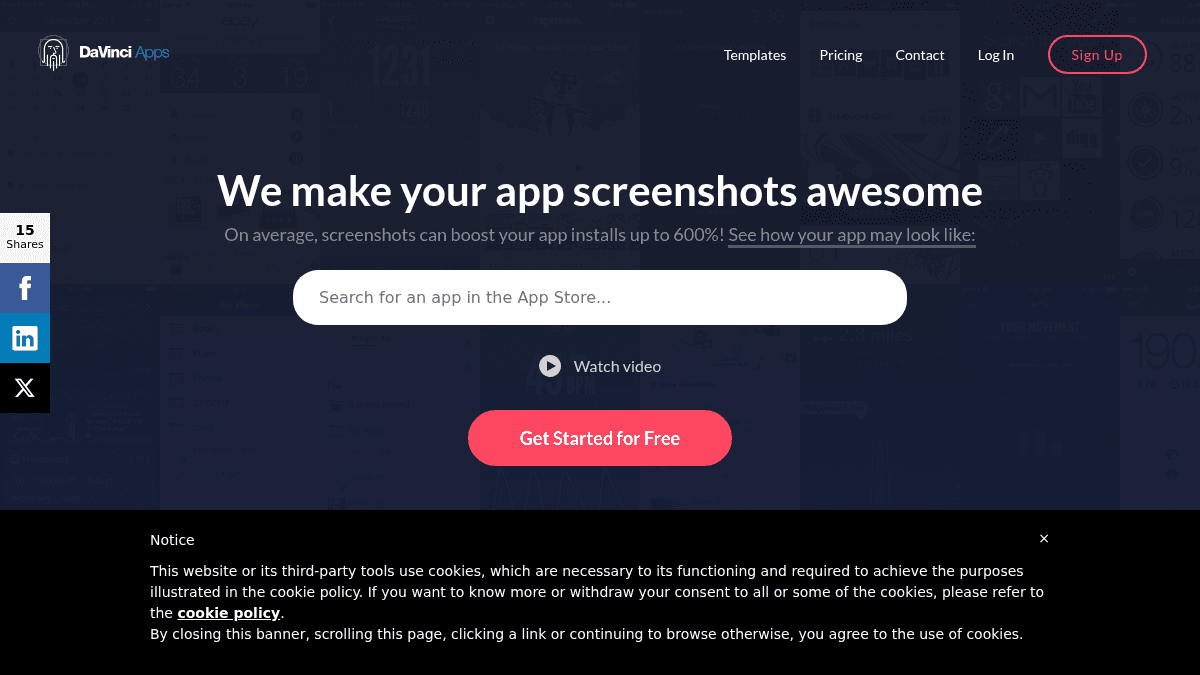
Overview DaVinci Apps is an online tool that helps you create App Store and Google Play screenshots for your mobile apps. It uses predesigned templates so you can produce all required image sizes without any design skills. The platform targets app developers and founders who need professional screenshots quickly. On average, app screenshots can boost installs up to 600%. Key Benefits Create all required App Store screenshot sizes in a few minutes No design skills required to produce store-ready screenshots Every template is fully customisable with adjustable colors, device mockups, and captions Supports both iOS and Android with device frames and store-specific image sizes Free plan available with no upfront payment How It Works You pick one of the dozens of predesigned templates. You upload your own app screenshots and add text captions to engage customers, then tweak the colors freely. In minutes you get ready-to-publish screenshots for the App Store and Google Play. Use Cases Indie app developers who need professional screenshots but cannot afford a designer Startup founders preparing an App Store launch and needing fast turnaround Small app studios managing multiple apps who want consistent screenshot branding Freelance mobile developers who ship apps for clients and need store assets included in their deliverable Google Play publishers who require Android-specific device frames and screenshot sizes Why Choose This Product DaVinci Apps suits solo developers and small teams who want to produce store-ready screenshots quickly rather than learning design tools. The free plan includes watermarks and limits you to one project, while the Pro plan removes watermarks and unlocks up to three projects with custom backgrounds.
DaVinci Apps Pros & Cons
- Free plan available with no payment required
- Creates all App Store screenshot sizes in minutes
- No design skills needed
- Supports both iOS and Android device frames
- Pro plan removes watermarks and adds custom backgrounds
Key Features
Predesigned templates
Dozens of predesigned screenshot templates available to choose from
Full customisation
Every template lets you adjust colors, device mockups, and caption formatting freely
iOS device frames
The platform provides device frames and image sizes specific to iOS devices
Android device frames
The platform provides device frames and image sizes specific to Android devices
App Store export
Screenshots export ready for direct publishing on the App Store
Google Play export
Screenshots export ready for direct publishing on Google Play
Custom captions
Add a few lines of text to your screenshots to engage potential customers
Clone projects
Pro plan supports cloning existing projects
Custom backgrounds
Pro plan includes custom background images
DaVinci Apps Pricing
View full pricing →- 1 saved project
- Watermarks on outputs
- 3 device frames (iPhone 6, iPad, Nexus 5/5x, Nexus 6p)
- Up to 3 projects
- No watermarks
- Pro device frames (iPhone X, iPhone 6 Plus, Nexus 9, iPad PRO)
- Clone projects
- Custom backgrounds
| Feature | Free Free/mo | Pro $99/yr |
|---|---|---|
| 1 saved project | ||
| Watermarks on outputs | ||
| 3 device frames (iPhone 6, iPad, Nexus 5/5x, Nexus 6p) | ||
| Up to 3 projects | ||
| No watermarks | ||
| Pro device frames (iPhone X, iPhone 6 Plus, Nexus 9, iPad PRO) | ||
| Clone projects | ||
| Custom backgrounds |
Pricing extracted from the product website and may change. Check the source for current details.