
About daisyUI
Overview
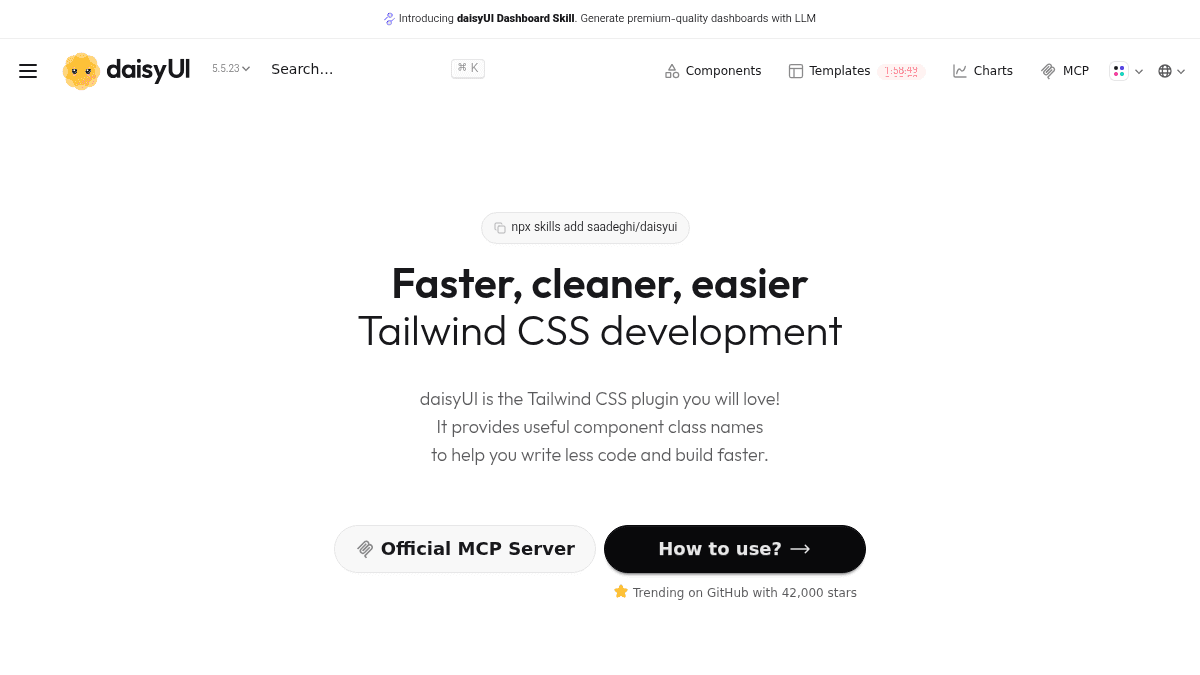
daisyUI is a Tailwind CSS plugin that provides semantic component class names to replace hundreds of individual utility classes. Instead of writing 100+ class names per element, developers use short, descriptive class names like btn, card, and toggle to style components.
The library reduces HTML size by 79% and class name usage by 88% compared to raw Tailwind CSS. It works with all JavaScript frameworks, contains no dependencies, and uses pure CSS—making it a drop-in enhancement for existing Tailwind projects.
Key Benefits
- 88% fewer CSS class names required per element compared to Tailwind CSS alone.
- HTML file size reduces to 427 bytes versus 2110 bytes with plain Tailwind (79% smaller).
- Includes 24+ built-in themes (light, dark, cupcake, cyberpunk, dracula, and more) ready to apply.
- Semantic color system with primary, secondary, accent, and status colors (info, success, warning, error).
- Pure CSS with no JavaScript dependency—works on any framework and in static HTML.
- Fully customizable via Tailwind CSS utility classes for design system control.
How It Works
Add the daisyUI plugin to your Tailwind CSS project, then replace utility class strings with component class names. Instead of writing classes for input fields, buttons, and toggles individually, you add the btn, input, or card class and optionally modify it with Tailwind utilities like sizing, colors, or spacing. The plugin interprets semantic class names and applies the corresponding styled HTML.
Use Cases
- Frontend developers building web applications in React, Vue, or Next.js who need to reduce boilerplate styling code.
- Startup teams creating multiple products quickly without rebuilding button, form, and card components from scratch.
- Design system teams enforcing consistent component usage across projects using a shared Tailwind plugin.
- Full-stack developers working on small-to-medium projects who want production-ready UI without a separate component library.
Why Choose This Product
daisyUI is ideal for developers already using Tailwind CSS who want to accelerate component styling without adding framework dependencies or JavaScript bloat. The library is used by engineers at major companies including Meta Research, Alibaba, Amazon, Adobe, Google Cloud, and Pepsico. It works on all frameworks and browsers, making it a universal enhancement for Tailwind-based projects.
daisyUI Pros & Cons
- Reduces HTML size by 79% and class names by 88% versus raw Tailwind CSS
- 24+ built-in themes with semantic color system ready to use
- Pure CSS with no JavaScript or framework dependencies
- Used by engineers at Meta Research, Alibaba, Amazon, Adobe, and Google Cloud
Key Features
Semantic Component Classes
Replaces hundreds of Tailwind utility classes with short, descriptive names like btn, card, and toggle.
24+ Built-in Themes
Includes pre-designed themes such as light, dark, cupcake, cyberpunk, dracula, and luxury ready to apply.
Semantic Color System
Provides primary, secondary, accent, neutral, info, success, warning, and error color definitions.
Pure CSS, No JavaScript
Operates entirely with CSS; no JavaScript dependencies or framework requirements.
Framework Agnostic
Works with React, Vue, Next.js, Angular, and any other framework or vanilla HTML.
Customizable via Tailwind
Built on Tailwind CSS utilities, allowing full customization of components and design tokens.
Responsive Design System
Includes responsive sizing utilities (xs, sm, md, lg, xl) for mobile-first component design.
Component Library
Provides pre-styled components including buttons, cards, inputs, toggles, and other common UI elements.
daisyUI Pricing
Pricing extracted from the product website and may change. Check the source for current details.
How daisyUI compares
daisyUIThis | ||||
|---|---|---|---|---|
| Starting price | Free | Free | — | Custom quote |
| Pricing model | Free | Free | Freemium | one_time |
| Platforms | Web | Web | Web | Web |
| Top features |
|
|
|
|
| Rating | — | — | — | — |


