About CSS Stats
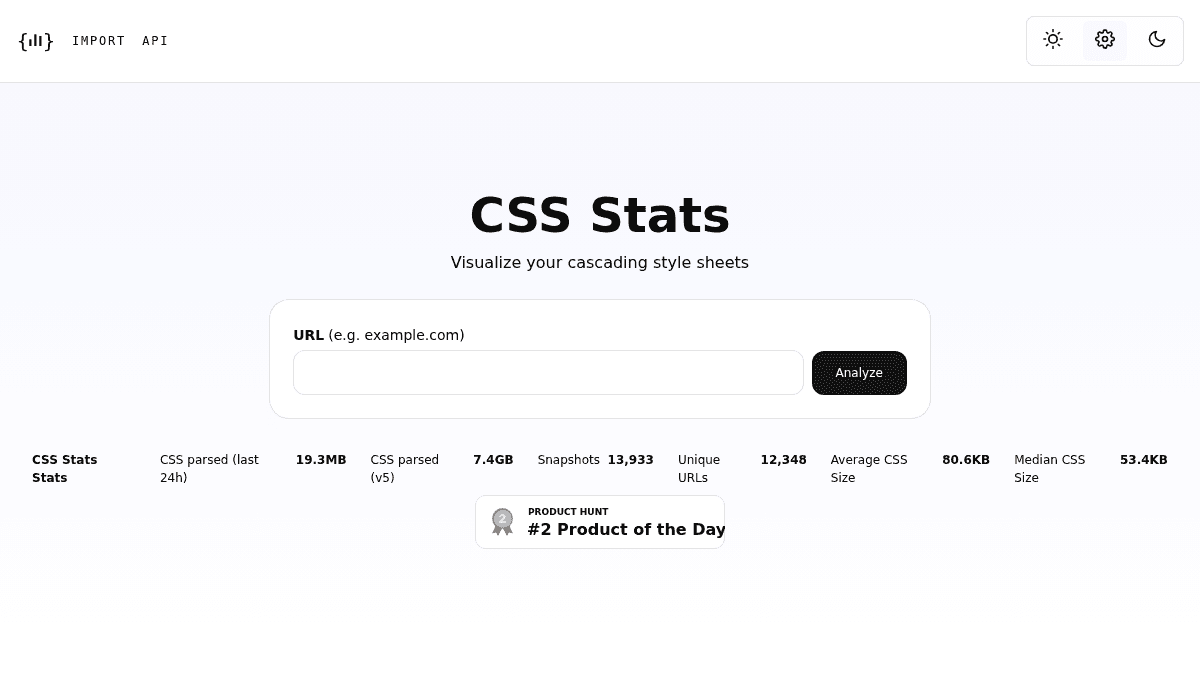
Overview CSS Stats is a web-based tool that analyzes the cascading style sheets of any public website. You enter a URL and the tool parses the site's CSS to produce a visual breakdown of its styling architecture. It is built for front-end developers, designers, and engineering teams who want to audit CSS quality, identify bloated stylesheets, or understand a site's design system. Unlike manual code inspection, CSS Stats provides automated metrics and leaderboard comparisons across thousands of analyzed URLs. Key Benefits Parsed over 7.4 GB of CSS across 12,348 unique URLs with 13,933 snapshots taken. Average CSS size across analyzed sites is 80.6 KB; median is 53.4 KB. Shows uncompressed file size, minified+gzip size, and compression rate for any analyzed URL. Displays the full color palette used by a site along with usage counts per color value. Ranks sites on specificity scores to help identify overly complex or deeply nested selectors. Compares compression efficiency — the best rate recorded is 98.64% (3.5 KB to 49.0 B). How It Works You type or paste a URL into the input field and click the Analyze button. CSS Stats fetches the site's stylesheets, parses every rule and declaration, then generates visual charts for colors, typography, spacing, and specificity. Results are saved as snapshots that can be revisited later. Use Cases Front-end developers auditing their own site's CSS to find redundant or oversized stylesheets. Engineering teams comparing compression ratios to identify performance optimization opportunities. Design system maintainers extracting a complete color palette and font stack from an existing site. Technical consultants performing a CSS quality review on a client's website before recommending refactors. Open-source contributors checking the specificity profile of a CSS framework they contribute to. Why Choose This Product CSS Stats is best suited for developers and designers who want a quick, automated CSS audit without installing local tooling. It is free to use with no sign-up required and has been live since at least 2013. No paid tiers or API access details are mentioned on the site.
CSS Stats Pros & Cons
- Free to use with no sign-up required
- Analyzed over 12,000 unique URLs
- Provides color, typography, and specificity insights
- Includes leaderboard comparisons across sites
- Available as a Chrome extension
Key Features
CSS File Size Analysis
Shows uncompressed file size, minified+gzip size, and compression rate for any analyzed website's CSS.
Color Palette Extraction
Extracts every color value used in a site's CSS and ranks them by usage count across analyzed URLs.
Specificity Graphing
Measures CSS selector specificity and ranks sites by specificity score to highlight overly complex selectors.
Typography Detection
Identifies the font-family stacks used by a site, including fallback fonts and custom font names.
Leaderboard Rankings
Ranks analyzed sites by file size, color count, specificity, and compression rate against all 12,348 URLs in the database.
Snapshot History
Saves each analysis as a snapshot so you can revisit past results — 13,933 snapshots have been created.
Chrome Extension
Available as a browser extension for Chrome to analyze CSS directly from any open web page.
CSS Stats Pricing
Pricing extracted from the product website and may change. Check the source for current details.