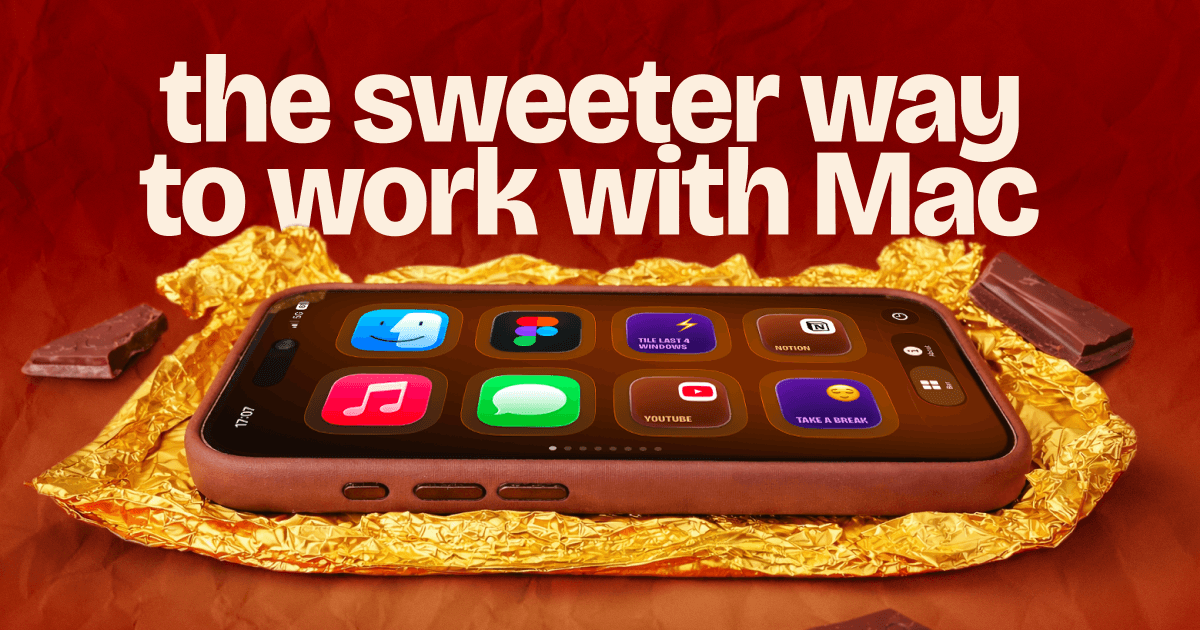
About choclift
Overview
choclift turns your iPhone or iPad into a third interface for your Mac, alongside the keyboard and trackpad. You can access apps, Shortcuts, websites, and emojis from your phone, and version 2.3 is out now for iOS, iPadOS, and macOS.
The iPad version was designed from the ground up for a bigger screen. It is fully resizable, brings more actions and features into view, and lets you connect multiple devices at once, making it the most complete choclift experience. Created by Phil Traut and developed by BE-DEV, the project follows a strict no-AI policy across the entire creative process.
Key Benefits
- Launch and switch between Mac apps instantly from your iPhone with up to 8 customizable pages.
- Tap the Emoji Bar to add emojis to any text you're typing on your Mac.
- Save websites with custom names and open them with a single tap.
- Add Apple Shortcuts, customize them with emojis, and trigger them from the choclift bar.
- Jump back through a timeline of recent apps and pin favorites to the front instead of cycling with Cmd+Tab.
- Control apps with gestures: swipe to minimize or maximize, and grab-and-throw to copy and paste.
How It Works
Download the choclift app on your iPhone or iPad and on your Mac. Enter the PIN shown on your Mac, and the two devices connect instantly.
Use Cases
- Mac users who want to launch and switch apps without touching the keyboard or trackpad.
- Writers and typists who want to drop emojis into their Mac text instantly.
- Apple Shortcuts builders who trigger their workflows directly from their iPhone.
- Users who revisit the same websites often and want one-tap launch with custom names.
- iPad owners who want a larger, resizable control surface with multiple connected devices.
Why Choose This Product
choclift works as a companion third interface alongside the keyboard and trackpad rather than a replacement. The iPad version is the fullest experience, and the project follows a strict no-AI policy, with all promotional videos shot on an iPhone 15 Pro and created without AI.
choclift Pros & Cons
- Available on iOS, iPadOS, and macOS
- Built-in Apple Shortcuts support with emoji customization
- Gesture-based control for apps and clipboard
- Up to 8 customizable app-launch pages
- No-AI policy across the entire creative process
Key Features
App Launcher
Launch and switch between Mac apps instantly from your iPhone with up to 8 customizable pages.
Emoji Bar
Tap the Emoji Bar while typing on your Mac to add a favorite emoji to your text.
Website Launcher
Save websites with custom names and launch them with a single tap.
Shortcuts Support
Add Apple Shortcuts, customize them with emojis, and trigger them from the choclift bar.
Recent Apps Timeline
Jump back through a timeline of recent apps and pin favorites to the front instead of Cmd+Tab cycling.
Gesture Control
Minimize and maximize apps with a swipe and use a grab-and-throw gesture to copy and paste to your clipboard.
iPad Layout
The iPad version is fully resizable, brings more actions into view, and connects multiple devices at once.