
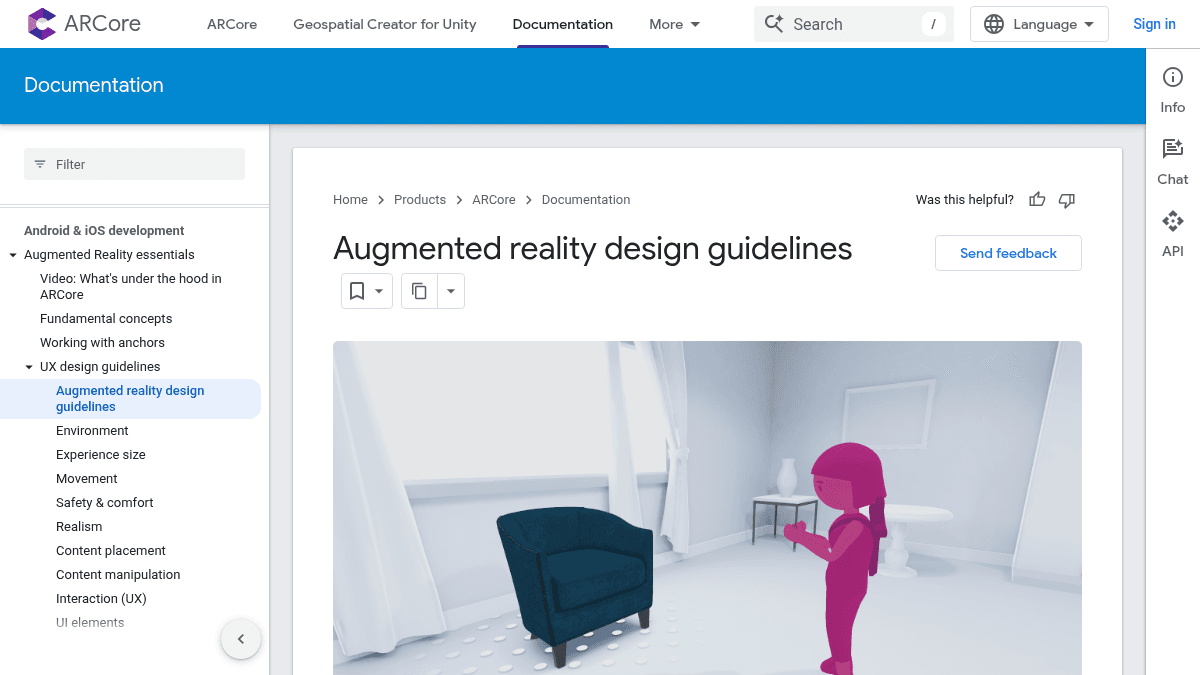
About ARCore Design Guidelines
Overview
ARCore Design Guidelines are Google's official UX and visual design recommendations for building augmented reality experiences. They cover how to plan, prototype, and test AR interactions that feel natural and safe for users.
The guidelines address core AR design concerns: environment size and type, user movement, physical safety, visual realism, content placement, and interaction mechanics. They are intended for designers and developers building AR apps on Android and iOS using ARCore.
Key Benefits
- Covers safety and comfort rules to prevent users from colliding with real-world objects while using AR.
- Provides guidance on matching virtual content to real-world lighting using ARCore's Lighting Estimation API.
- Explains how to place content that stays anchored to surfaces using ARCore's anchor system.
- Recommends interaction patterns for touch, gesture, and gaze-based input in AR.
- Addresses different environment sizes — from tabletop to room-scale to outdoor AR experiences.
- Includes guidance on motion design and visual feedback to signal system state to users.
How It Works
Designers read through guideline sections organized by topic — environment, safety, realism, content placement, and interaction. Each section provides rationale, do/don't examples, and implementation notes tied to ARCore APIs. Teams then apply these patterns when building AR app prototypes or final products using ARCore on Android, iOS, or Unity.
Use Cases
- AR/UX designers planning the user flow and safety guardrails for a furniture-placing app.
- Game developers designing room-scale AR games that require players to move around a physical space.
- Industrial designers prototyping how a virtual prototype appears at full scale inside a real room.
- Mobile app teams adding AR features to an existing e-commerce or education app for the first time.
- Interaction designers testing gesture-based controls for manipulating virtual objects in 3D space.
- Accessibility specialists evaluating how AR interactions affect users with limited mobility or vision.
ARCore Design Guidelines Pros & Cons
- Free to use with code samples licensed under Apache 2.0
- Combines motion tracking, environmental understanding, and light estimation
- Builds cross-platform AR experiences for Android and iOS via AR Foundation
- Advanced features like Cloud Anchors, Augmented Faces, and the Depth API
- Design guidance grounded in education, shopping, creativity, and gaming research
Key Features
Motion tracking
Tracks the position of the phone in the real world to anchor virtual content in place.
Environmental understanding
Builds an understanding of surroundings by identifying walls and floors in the environment.
Light estimation
Estimates lighting so virtual content blends with the real world, including environmental HDR lighting.
Cloud Anchors
Shares shared AR experiences across devices using Cloud Anchors provided by ARCore Extensions.
Depth API
Uses AROcclusionManager with the Depth API to automatically occlude virtual content behind real objects.
Augmented Images
Tracks 2D images using Image Tracking provided by ARTrackedImageManager.
Augmented Faces
Tracks faces using Face Tracking provided by ARFaceManager.
Cross-platform builds
Builds one AR experience with AR Foundation and targets both Android and iOS devices.
Unity support
Works with Unity 2019.4.3f1 or later through the AR Foundation and ARCore XR Plugin packages.
ARCore Design Guidelines Pricing
Pricing extracted from the product website and may change. Check the source for current details.