
About remove.bg
Overview
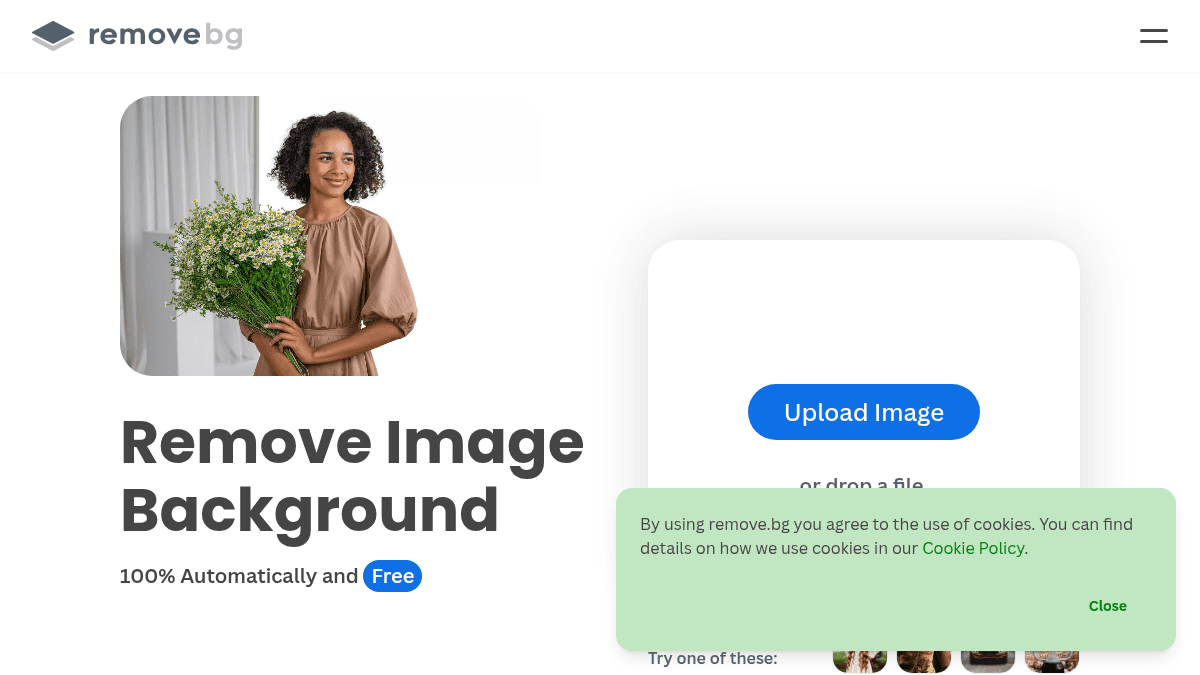
remove.bg is an AI-powered background removal tool that isolates subjects from images in seconds with a single click. It solves the time-consuming problem of manual background deletion for anyone who works with product photos, portraits, logos, or marketing visuals, offering a faster alternative to manual selection tools in Adobe Photoshop or GIMP.
Beyond simple removal, the platform includes an AI background generator that creates custom backdrops without requiring text prompts, plus a Magic Brush for fine-tuning edges and restoring accidentally removed areas. Owned by Canva Austria GmbH, remove.bg targets individuals, photographers, marketers, developers, e-commerce sellers, car dealerships, and enterprise teams who need fast, consistent results at scale.
Key Benefits
- Processes up to 500 images per minute with bulk editing for high-volume workflows.
- Removes backgrounds in approximately 5 seconds with one click, eliminating manual pixel selection.
- Integrates directly with Figma, Photoshop, and Zapier to embed background removal into existing design and automation workflows.
- Generates AI backgrounds instantly without needing to write a prompt.
- Offers a free tier with 1 trial credit for testing before upgrading.
- Exports images with transparent backgrounds (PNG) or white backgrounds for e-commerce and professional headshots.
How It Works
You upload an image to the remove.bg website, desktop app, or mobile app, and the AI automatically detects the subject and removes the background within approximately five seconds. You then refine the result using the Magic Brush to erase unwanted remnants or restore accidentally removed areas. After applying an AI-generated backdrop or a solid color like white, you download the final image as a PNG with transparency or in another preferred format.
Use Cases
- E-commerce sellers replace product photo backgrounds with pure white for marketplace listing compliance.
- Car dealerships automatically remove backgrounds from vehicle photos to create consistent inventory listings.
- Freelance graphic designers use the Photoshop extension to speed up client work without leaving their editor.
- Marketing teams batch-process event photos and generate branded backgrounds for social media campaigns.
- Developers integrate the API into apps and platforms to offer automated background removal to their own users.
- Photographers create professional headshots with custom backgrounds and transparent PNGs for composite work.
Why Choose This Product
remove.bg suits users who prioritize speed and automation over full manual control, particularly e-commerce businesses, marketing teams, and developers who need API access. The free tier is limited to 1 trial credit, and high-volume users must subscribe to Lite, Pro, Volume+, or Enterprise plans, with the Enterprise tier requiring a minimum of 100,000 images per year.
Key Features
AI Background Removal
All plansRemoves image backgrounds automatically in approximately 5 seconds with one click.
AI Background Generator
Lite+Instantly creates custom backdrops for images without requiring a text prompt.
Magic Brush
Lite+Lets you manually erase or restore specific areas of an image for precise background edits.
Bulk Editing
Pro+Processes up to 500 images per minute for high-volume background removal tasks.
API & Integrations
Free+Connects with Figma, Photoshop, and Zapier plus custom applications via REST API.
Mobile App
Available on Android for removing backgrounds on the go, anytime and anywhere.
Desktop Apps
Runs on Windows, Mac, and Linux as a native application plus a dedicated Photoshop extension.
Export Options
Lite+Exports images with transparent backgrounds (PNG) or solid white backgrounds for e-commerce listings.
remove.bg Pricing
View full pricing →- 1 trial credit for AI edits
- API and integrations included
- 3 credits
- One-time purchase with no subscription
- Top up credits anytime
- Up to 40 credits per month
- AI Photo editor
- Remove background
- AI background generation
- Erase & restore
- Max quality exports
- Up to 200 credits per month
- Everything in Lite
- Bulk editing
- API and integrations
- 500 credits per month
- Everything in Pro
- Custom volume
- API custom controls
- Crop, scale, and position
- Starts at 100,000 images per year
- Flexible API, credits, rate limit
- Best price, premium support
| Feature | Free Free | Pay-as-you-go $3 one-time | Lite $8.10/mo | Pro $35.10/mo | Volume+ $80.10/mo | Enterprise Custom |
|---|---|---|---|---|---|---|
| AI Background Removal | ||||||
| AI Background Generator | ||||||
| Magic Brush | ||||||
| Bulk Editing | ||||||
| API & Integrations | ||||||
| Export Options |
Pricing extracted from the product website and may change. Check the source for current details.
Frequently asked questions about remove.bg
Is remove.bg free?
remove.bg offers a free plan with optional paid upgrades. See the pricing section for what's included in each tier.
How much does remove.bg cost?
remove.bg offers the following plans: Free, Pay-as-you-go, Lite, Pro, Volume+, Enterprise. See the pricing section for what's included in each tier and any per-seat or usage-based costs.
What platforms does remove.bg support?
remove.bg is available on: Web, macOS, Windows, Linux, Android.
How remove.bg compares
remove.bgThis | |||
|---|---|---|---|
| Starting price | Free | Free | — |
| Pricing model | Freemium | Freemium | — |
| Platforms | Web, macOS, Windows, Linux, Android | Web | Web |
| Top features |
|
|
|
| Rating | — | — | — |
