
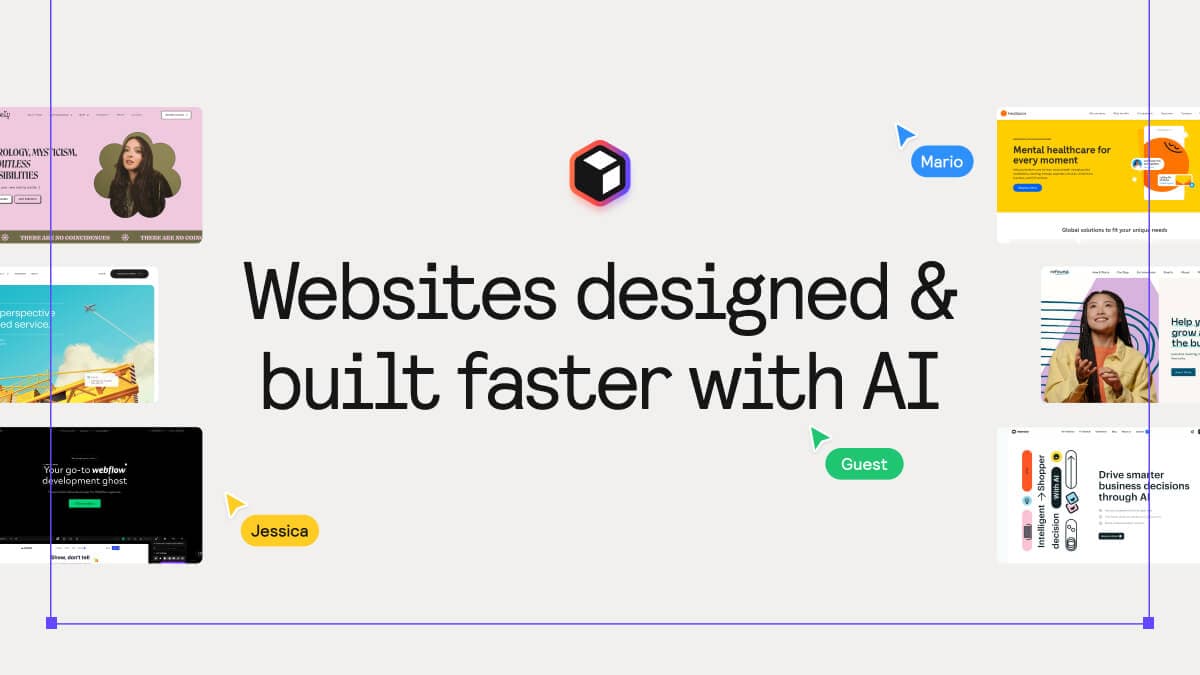
About Relume — Websites designed & built faster with AI
Overview
Relume is an AI-powered website builder that helps designers and developers generate sitemaps, wireframes, and style guides for marketing websites in minutes. Rather than replacing the designer, it acts as a design ally that handles the repetitive structural work.
Built for Webflow designers, freelance web developers, and agency teams, Relume ships over 1,000 pre-built components across Webflow, Figma, and React. Users move from prompt to sitemap to wireframe to style guide without leaving the platform, then export directly into their tool of choice.
Key Benefits
- Generate a complete sitemap from a few sentences about your company in seconds, not hours
- Convert sitemaps to wireframes in one click using real components with copy, avoiding AI-template gimmicks
- Create design concepts and apply winning styles across pages with the Style Guide Builder
- Export wireframes, components, and design systems to Figma, Webflow, React, or Claude Design natively
- Collaborate with team members and clients by sharing projects and leaving comments inline
- Trusted by over 1 million designers and developers worldwide
How It Works
You start by typing a few sentences about your company into the AI Site Builder. Relume generates a structured sitemap mapping all key pages and sections automatically.
With one click, you turn that sitemap into wireframes populated with real components and placeholder copy. You edit copy, add new components from the library of 1,000+ options, then preview a style guide. Finally, you copy any component or full design system and paste it directly into Figma, Webflow, React, or Claude Design.
Use Cases
- Freelance web designers who need to scope projects quickly and avoid scope creep by defining pages upfront
- Agency teams collaborating on multiple large website projects who need branded sharing and team workspaces
- Part-time freelancers balancing a full-time job who take on one medium-sized website project per month
- New designers entering the industry who build basic one-page landing pages with minimal collaboration needs
- Webflow developers who want a library of 1,000+ Client-First components ready to paste into projects
- Designers using Claude Design who need to send a full design system including colour and type settings in one click
Why Choose This Product
Relume is best suited for Webflow designers and developers who want AI assistance without losing control over their design process. The tool requires knowledge of Webflow to use, is not supported on Safari, and its free plan is limited to one project and one page — users on larger projects will need a paid plan.
Relume — Websites designed & built faster with AI Pros & Cons
- Prompt-to-sitemap generation in seconds
- Over 1,000 pre-built Webflow, Figma, and React components
- One-click sitemap to wireframe conversion
- Native export to Figma, Webflow, React, and Claude Design
- Free tier available with no time limit
- Webflow knowledge required — not a no-code builder
- Safari not supported for copying components
- Free plan limited to 1 project and 1 page
Key Features
AI Sitemap Generator
Generate a complete sitemap from a few sentences about your company in seconds, mapping all key pages and sections.
Wireframe Builder
Convert sitemaps into wireframes with real components and copy in one click, avoiding AI-template gimmicks.
Style Guide Builder
Create design concepts instantly and apply the winning style across all pages, then export to Figma or Webflow.
Component Library
Access over 1,000 pre-built components for Webflow, Figma, and React that are real, not generic templates.
Multi-Platform Export
Copy any component or full design system and paste directly into Figma, Webflow, React, or Claude Design.
Team Collaboration
Share projects with commenting capabilities and collaborate with team members and clients in real time.
AI Copywriting
Generate copy for wireframes directly within the tool, with unlimited AI usage on paid plans.
Relume University
Access tutorials and learning resources to get started with the platform and Webflow integration.
Relume — Websites designed & built faster with AI Pricing
View full pricing →- 1 project
- 1 page
- Share - Read-only link
- Export - Figma only
- 30 Webflow components
- 30 React components
- 1,000+ Figma components
- 1 project
- 5 pages
- Share - Commenting
- Access to Relume Library MCP
- Export - Figma, Webflow & React
- Export Design System to Claude
- 1,000+ Webflow components
- 1,000+ React components
- 1,000+ Figma components
- Unlimited Projects
- Unlimited Pages
- Share - Commenting
- Access to Relume Library MCP
- Export - Figma, Webflow & React
- Export Design System to Claude
- 1,000+ Webflow components
- 1,000+ React components
- 1,000+ Figma components
- Everything In Pro +
- 3 users included
- Each user with Pro features
- Team workspace
- Branded sharing
| Feature | Free Free/mo | Starter $18/mo | Pro $40/mo | Team $36/mo |
|---|---|---|---|---|
| 1 project | ||||
| 1 page | ||||
| Share - Read-only link | ||||
| Export - Figma only | ||||
| 30 Webflow components | ||||
| 30 React components | ||||
| 1,000+ Figma components | ||||
| 5 pages | ||||
| Share - Commenting | ||||
| Access to Relume Library MCP | ||||
| Export - Figma, Webflow & React | ||||
| Export Design System to Claude | ||||
| 1,000+ Webflow components | ||||
| 1,000+ React components | ||||
| Unlimited Projects | ||||
| Unlimited Pages | ||||
| Everything In Pro + | ||||
| 3 users included | ||||
| Each user with Pro features | ||||
| Team workspace | ||||
| Branded sharing |
Pricing extracted from the product website and may change. Check the source for current details.
Frequently asked questions about Relume — Websites designed & built faster with AI
Can I cancel my subscription?
Yes, you can easily cancel your subscription from your profile page with a click of a button.
Does Relume Library work on Safari?
No, copying components is not supported on Safari. The Relume Library is only supported on Chrome, Firefox and Edge.
Do I need to know how to use Webflow?
Yes, knowing how to work with Webflow is needed. You can create an account and follow one of Webflow's many tutorials to learn.
How do I paste a component into Webflow?
Simply click the copy button on Relume Library and paste directly into your Webflow project by pressing Command-V on Mac or Control-V on Windows.
Is Relume — Websites designed & built faster with AI free?
Relume — Websites designed & built faster with AI offers a free plan with optional paid upgrades. See the pricing section for what's included in each tier.
How much does Relume — Websites designed & built faster with AI cost?
Relume — Websites designed & built faster with AI offers the following plans: Free, Starter, Pro, Team. See the pricing section for what's included in each tier and any per-seat or usage-based costs.
How Relume — Websites designed & built faster with AI compares
Relume — Websites designed & built faster with AIThis | ||||
|---|---|---|---|---|
| Starting price | Free | Free | — | Free |
| Pricing model | Freemium | Freemium | Freemium | Freemium |
| Platforms | Web | Web | Web | Web |
| Top features |
|
|
|
|
| Rating | — | — | — | — |