
About Refactoring UI
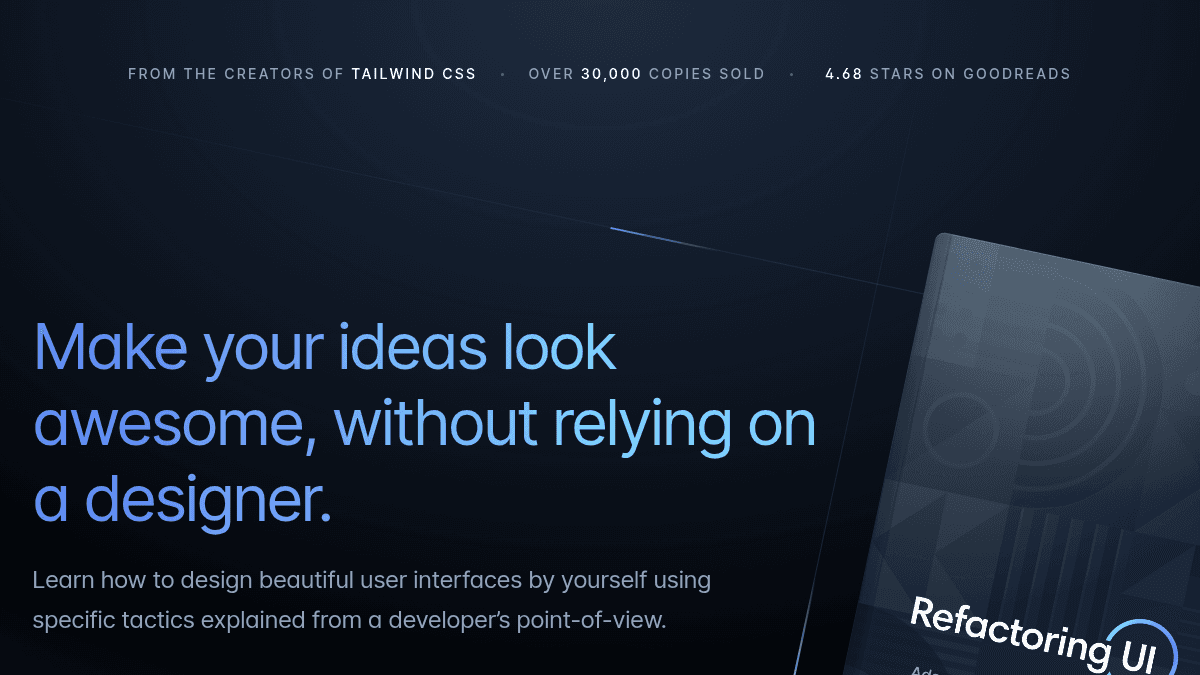
Overview Refactoring UI is a comprehensive design guide written by Adam Wathan and Steve Schoger, creators of Tailwind CSS. It teaches developers how to design beautiful user interfaces using specific, actionable tactics rather than abstract design principles. The product solves the common problem developers face when trying to improve their UI work without hiring a designer. It targets full-stack developers, engineers, and web professionals who want to make their projects look polished but lack formal design training. Unlike traditional design courses that emphasize theory like color theory and typography, Refactoring UI focuses on concrete, immediately applicable techniques. Key Benefits Over 30,000 copies sold, with 4.68 stars on Goodreads. 50 visual chapters across 200+ pages covering every aspect of web design from layout to typography to color. Includes a PDF book, screencasts, video tutorials, a component gallery, and custom design assets. Chapters are independent and can be read in any order, each taking only a few minutes to absorb. Design tactics are explained from a developer's perspective, focusing on logic and reasoning rather than artistic intuition. How It Works You access the complete package after purchase, which includes the PDF book, screencasts, and video tutorials. You read individual chapters covering specific design topics like hierarchy, spacing, typography, and color—each chapter explains a concrete tactic and demonstrates why it works. You then apply these techniques directly to your own interface projects. Use Cases Full-stack developers building web applications who need to design their own interfaces without hiring external designers. Frontend engineers at startups who must ship polished UI quickly while working with limited design resources. Solo founders and indie developers responsible for designing their entire product before fundraising or launch. Engineering teams at larger companies learning best practices for consistent, user-focused interface design. Computer science students and bootcamp graduates entering the industry who lack design training but want to improve their craft. Why Choose This Product Refactoring UI is best suited for developers who want to improve their design skills through concrete tactics rather than abstract theory. The book condenses years of real-world experience from Tailwind CSS creators into actionable, developer-friendly lessons. It works well for individuals and teams who need results quickly without committing to years of formal design education.
Refactoring UI Pros & Cons
- Over 30,000 copies sold and 4.68-star rating on Goodreads
- Created by Adam Wathan and Steve Schoger, founders of Tailwind CSS
- Includes book, screencasts, component gallery, and design assets in one package
- Chapters are independent and readable in any order or as a complete guide in a few hours
- Focuses on actionable tactics instead of abstract design theory
Key Features
Comprehensive PDF Book
50 visual chapters across 200+ pages covering starting from scratch, hierarchy, layout, spacing, typography, and color—each chapter written as independent, bite-sized lessons.
Screencasts & Tutorials
In-depth video content accompanying the book, demonstrating design techniques and real-world application.
Component Gallery
Pre-built UI components available for reference and learning alongside the design principles.
Custom Design Assets
Ready-to-use design materials and resources included with the complete package.
Developer-Focused Tactics
Design principles explained from a developer's logical and analytical perspective, not artistic intuition or abstract theory.
Twitter Quick Tips
Original source material bundled from years of design tips and tricks shared publicly online.
Frequently asked questions about Refactoring UI
Who should buy Refactoring UI?
Developers, engineers, and web professionals who want to design beautiful user interfaces without relying on a designer. The book is ideal for full-stack developers, indie founders, and anyone in the web industry who wants to improve their UI skills using logic and reasoning rather than artistic talent.
What does Refactoring UI include?
The package contains a 200+ page PDF book with 50 visual chapters, screencasts, video tutorials, a component gallery, and custom design assets. The book covers everything from layout and spacing to typography and color, with each chapter written as an independent, easy-to-read lesson.
Can I read the chapters in any order?
Yes, every chapter is designed to be independent so you can read them in almost any order. You can also read the entire book in just a couple of hours if you prefer to go through it straight through.
Is Refactoring UI free?
Refactoring UI is a paid product. See the pricing section for current plans and starting prices.
What platforms does Refactoring UI support?
Refactoring UI is available on: Web.