About ReadMe
Overview
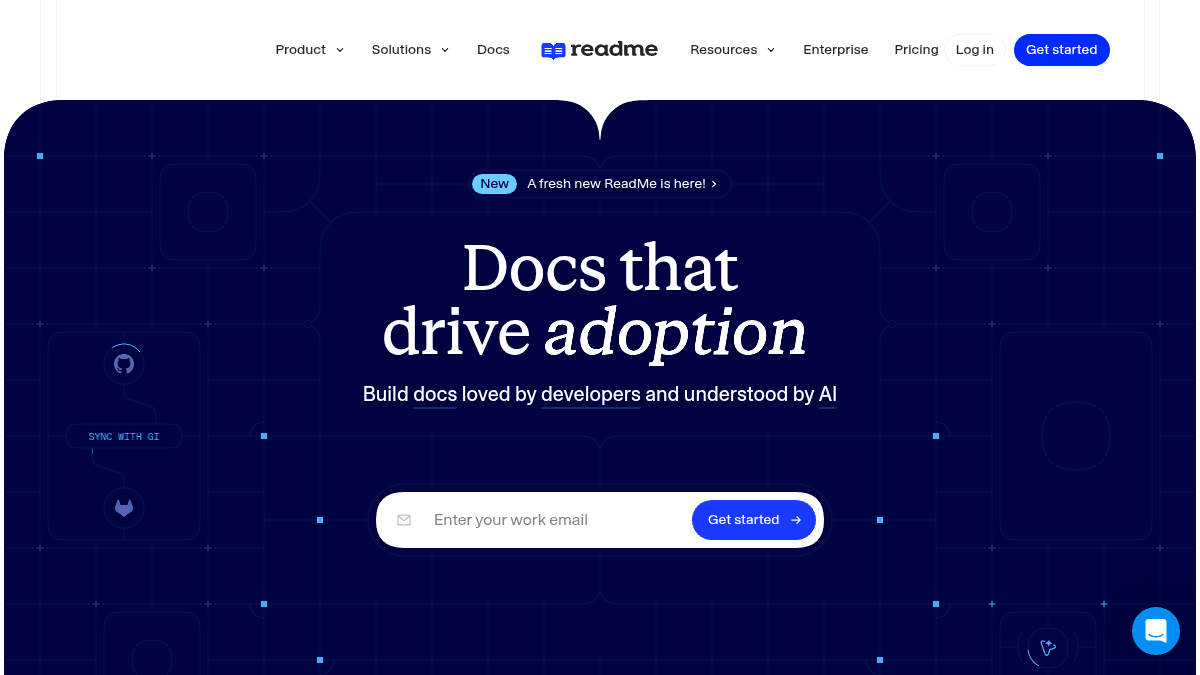
ReadMe is a developer-focused documentation platform that helps teams create beautiful, interactive API documentation. It addresses the challenge of building API docs that developers actually want to use and maintain over time.
The product combines a WYSIWYG editor with Git-based workflows, bi-directional sync with GitHub and GitLab, and AI-powered tools for writing and reviewing documentation. It supports OpenAPI Specification files, Markdown, MDX, and includes features like version control, branching, and API explorers.
Key Benefits
- Write docs in a browser editor, your IDE, or using AI with a WYSIWYG interface that renders exactly what users see.
- Bi-directionally sync with GitHub, GitHub Enterprise Server, and GitLab without losing version control.
- Score your documentation against custom style guides using the Docs Audit feature.
- Review and merge documentation branches before publishing with AI-assisted review.
- Create interactive API explorers and code walkthroughs using built-in components and recipes.
- Support for OpenAPI files, RDMD (ReadMe Markdown), and MDX for interactive content.
How It Works
Create a new project, upload your logo (which ReadMe matches to your brand colors automatically), and choose your documentation subdomain. Write docs using the WYSIWYG editor, your IDE, or ReadMe's AI writer, then sync bi-directionally with GitHub or GitLab. Review changes in branches, use the AI linter to enforce style guides, and publish approved documentation that developers can explore using built-in API explorers and interactive components.
Use Cases
- API product teams who need to publish reference documentation and guides that reduce support tickets.
- Enterprise software companies maintaining SDK documentation across multiple platforms.
- Developer tools companies offering interactive API explorers and quick-start guides to accelerate adoption.
- Technical writing teams managing multi-version documentation with branching and version control.
- DevOps and platform teams keeping internal API documentation in sync with code repositories.
Why Choose This Product
ReadMe is best suited for teams building developer-facing products who want professional, interactive documentation without managing the hosting and styling infrastructure. The platform combines Git workflows familiar to developers with non-technical writing tools, making it accessible to both engineers and technical writers.
ReadMe Pros & Cons
- Bi-directional Git sync with GitHub, GitHub Enterprise, and GitLab
- AI-powered writing assistant and linter for documentation quality
- Interactive WYSIWYG editor with exact preview rendering
- Built-in API explorer and interactive components
- Trusted by major companies including NVIDIA, Amazon, and PagerDuty
Key Features
WYSIWYG Editor
Write and style documentation in a drag-and-drop browser editor that renders exactly as users see it.
Git Sync
Bi-directionally sync documentation with GitHub, GitHub Enterprise Server, and GitLab projects.
AI Writing Assistant
Write, review, and improve documentation using ReadMe's integrated AI writing tools and linter.
API Reference
Generate API reference documentation from OpenAPI Specification files or create references manually.
API Explorer
Provide developers with interactive API explorers to test endpoints and build integrations directly in docs.
Version Control
Manage multiple documentation versions with branching, review branches with AI, and merge approved changes.
Brand Customization
Customize themes, logos, brand colors, and subdomains to match your company's identity.
Docs Audit
Score documentation against custom style guides using the Docs Audit feature.
ReadMe Pricing
Pricing extracted from the product website and may change. Check the source for current details.
Frequently asked questions about ReadMe
Does ReadMe support SSO?
The page mentions SSO as a frequently asked question but does not provide an explicit answer in the provided content.
Does ReadMe have an API explorer?
Yes, ReadMe includes built-in API explorers that allow developers to test endpoints and build integrations directly within the documentation.
Does ReadMe have AI search?
The page mentions AI search as a frequently asked question but does not provide detailed information about the feature in the provided content.
What platforms does ReadMe support?
ReadMe is available on: Web.
How ReadMe compares
R ReadMeThis | ||
|---|---|---|
| Starting price | — | — |
| Pricing model | contact_sales | Freemium |
| Platforms | Web | Web |
| Top features |
|
|
| Rating | — | — |
