
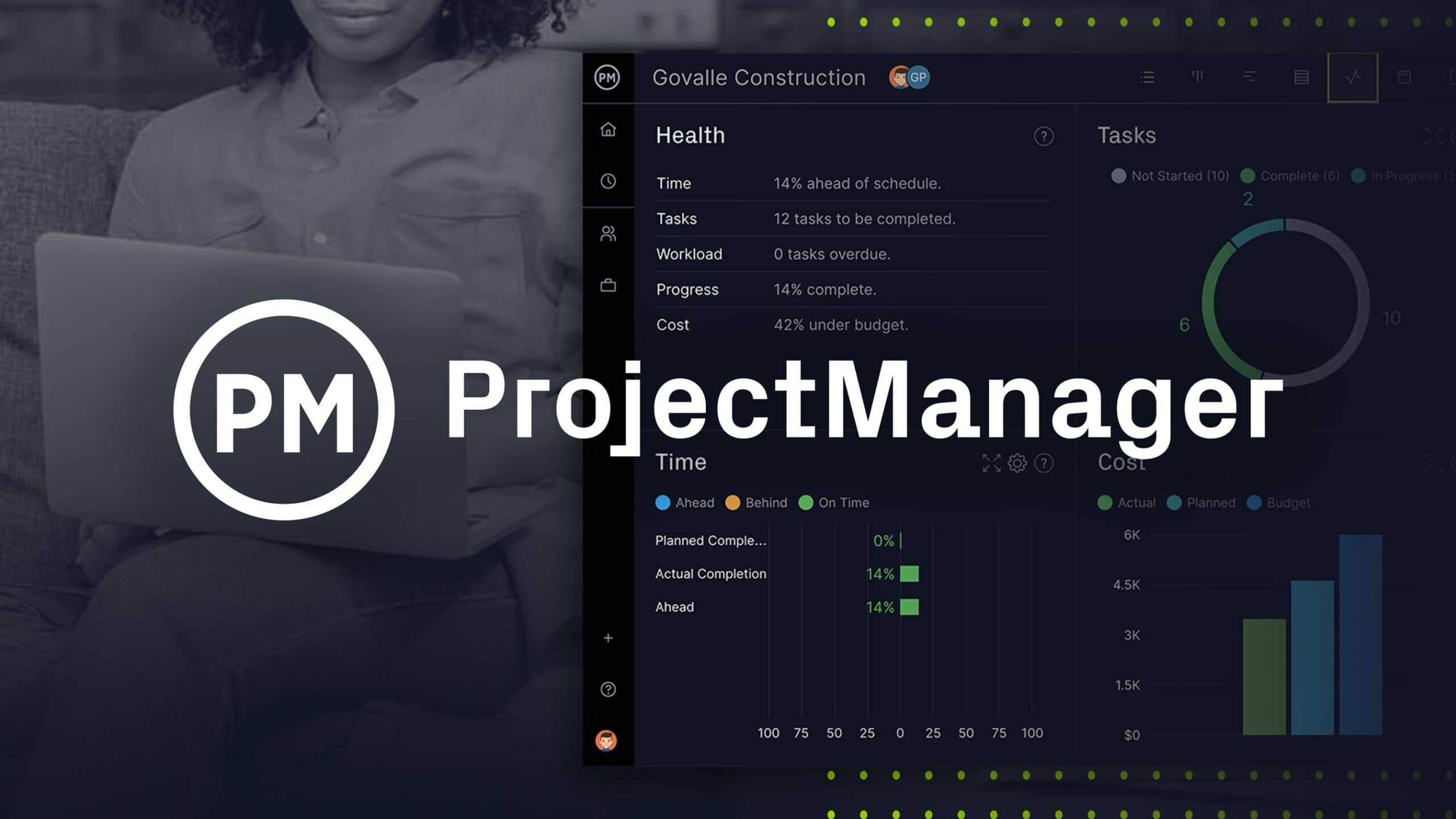
About ProjectManager
Overview
ProjectManager is a cloud-based project and portfolio management platform that teams use to plan, track, and collaborate on work of all sizes. It combines Gantt charts, kanban boards, and list, sheet, and calendar views with resource management, time tracking, reporting, and portfolio dashboards in one SaaS product.
The platform serves construction, professional services, manufacturing, and IT teams, and counts organizations such as Siemens, Mastercard, and Nutrien among its customers. Headquartered in Austin, Texas, with offices in Auckland, Seattle, and other cities, ProjectManager is trusted by more than 35,000 teams worldwide.
Key Benefits
- Plan with Gantt dependencies, track baselines, and filter for the critical path.
- Manage resources and workloads across projects with real-time availability and drag-and-drop reassignment.
- Log hours as you work and let those hours automatically populate timesheets at week's end.
- Build custom portfolio dashboards, balance budgets, and align projects on a shared roadmap.
- Give clients and stakeholders free guest licenses for read-only visibility into progress.
- Automate administrative work such as priority changes and approval requests.
How It Works
Users create projects from scratch, from featured or custom templates, or by importing existing Microsoft Project, Excel, or CSV files. Teams then plan work across Gantt, list, sheet, board, and calendar views, assign resources, and track progress in real time. Field teams update tasks, upload photos, and log hours from the iOS and Android mobile apps, while dashboards and reports keep managers and stakeholders informed.
Use Cases
- Construction managers keep schedules on time and under budget and let field teams update tasks on site with the mobile app.
- Professional services firms adjust resource schedules, track time on tasks, and monitor costs to protect client satisfaction and ROI.
- Manufacturing teams plan jobs, evaluate performance, and adapt to last-minute changes with desktop and mobile flexibility.
- IT teams handle onboarding, request management, and waterfall projects with a hybrid of Gantt, kanban, and advanced reports.
- PMO leaders use portfolio dashboards and roadmaps to allocate resources and align teams and projects to shared goals.
Why Choose This Product
ProjectManager combines detailed planning, resource management, portfolio reporting, and collaboration in a single platform, avoiding the high price tag and months-long implementation of larger enterprise tools. It integrates with more than 1,000 business and project management apps and offers a free 30-day trial with no credit card required and no user minimums.
ProjectManager Pros & Cons
- Free 30-day trial with no credit card required
- Integrates with over 1,000 business and project management apps
- Free unlimited guest licenses for stakeholder visibility
- iOS and Android mobile apps for field teams
- SOC 2 compliant with enterprise-grade security
Key Features
Gantt charts
All plansPlan with dependencies, track baselines, and filter for the critical path.
Kanban boards
All plansOrganize work using kanban board views alongside list, sheet, and calendar layouts.
Resource management
Business+Schedule resources, manage workloads, and reassign work by drag and drop across projects.
Time tracking & timesheets
Business+Team members log hours that automatically populate timesheets at the end of the week.
Portfolio dashboards & roadmap
Business+Design custom portfolio dashboards, allocate resources, balance budgets, and align projects on a roadmap.
AI Project Insights
Business+Get AI recommendations on risk analysis, resource management, and task execution for project plans.
Mobile apps
All plansUpdate tasks, upload photos, and log hours from the iOS and Android companion apps.
Guest licenses
All plansGive clients and stakeholders free read-only guest access to plans, status, milestones, and dashboards.
Integrations
All plansConnect with over 1,000 apps, including Slack, Jira, Zapier, Microsoft, and Google.
ProjectManager Pricing
View full pricing →- Up to 10 users with no user minimum
- Unlimited free guest licenses with read-only access
- Up to 20 projects with unlimited tasks and subtasks
- Gantt, List, Sheet, Board, and Calendar views
- Project import and export, project dashboard, and essential reports
- 5GB file storage and iOS & Android mobile apps
- Everything in Team with no user limits and up to 100 projects
- Resource management, workload planning, time tracking, and timesheets
- Expenses, budgeting, and QuickBooks Online integration
- Portfolio dashboard, roadmap, advanced reports, and AI Project Insights
- Workflow automation (5 rules per workflow) and custom templates
- 25GB file storage, 2FA, and live training
- Everything in Business with a customized plan
- Volume-based pricing and SAML single sign-on
- Native Power BI and Excel integrations
- Custom permissions and collaborator roles
- Dedicated customer success manager, audit logs, and account exports
- Workflow automation (20 rules per workflow) and custom domain
| Feature | Team Custom/mo | Business Custom/mo | Enterprise Custom |
|---|---|---|---|
| Gantt charts | |||
| Kanban boards | |||
| Resource management | |||
| Time tracking & timesheets | |||
| Portfolio dashboards & roadmap | |||
| AI Project Insights | |||
| Mobile apps | |||
| Guest licenses | |||
| Integrations |
Pricing extracted from the product website and may change. Check the source for current details.
Frequently asked questions about ProjectManager
Is ProjectManager free?
ProjectManager offers a free plan with optional paid upgrades. See the pricing section for what's included in each tier.
How much does ProjectManager cost?
ProjectManager offers the following plans: Team, Business, Enterprise. See the pricing section for what's included in each tier and any per-seat or usage-based costs.
What platforms does ProjectManager support?
ProjectManager is available on: Web, iOS, Android.