
About MarkUp.io
Overview
MarkUp.io is a visual commenting platform for leaving feedback on websites, images, PDFs, and videos. It replaces disjointed email chains and chat messages with pinned, contextual comments directly on the content being reviewed.
Design teams, creative agencies, marketers, and client-facing professionals use MarkUp.io to centralize review conversations. Unlike generic annotation tools, it supports over 30 file types and lets external guests participate without signing up.
Key Benefits
- Users cut review loops by up to 80% by keeping all feedback in one place.
- External guests can comment on MarkUps without creating an account.
- The Chrome extension lets users capture screenshots and create MarkUps straight from the browser.
- Unregistered collaborators are invited as guests at no extra cost in any plan.
- Users can comment on live websites, images, PDFs, and videos from a single platform.
How It Works
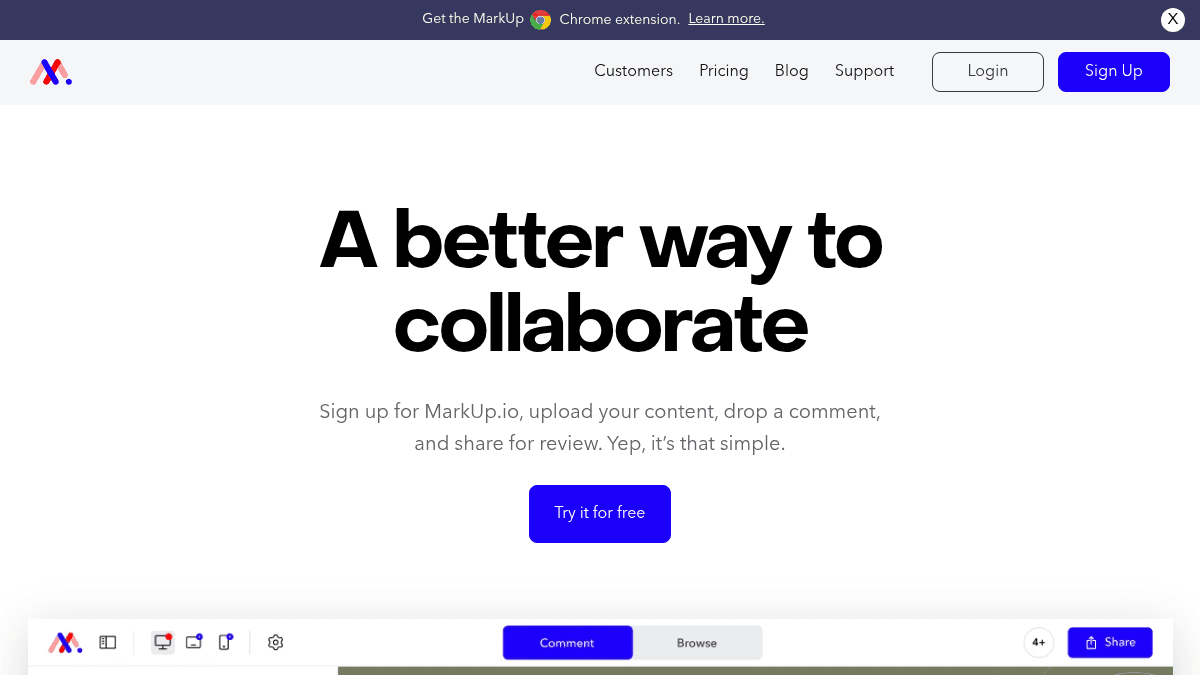
You sign up for a MarkUp.io account, then upload or enter a URL for the content you want reviewed. You click anywhere on the file to drop a comment pin, type your feedback, and share a link with team members or clients. Collaborators open the same view, add their own pins, and each new comment or reply triggers a notification so nobody misses a change.
Use Cases
- Creative agencies — collect client feedback on website mockups and video drafts without back-and-forth email threads.
- In-house design teams — share wireframes and interactive prototypes for team review before hand-off to development.
- Marketing managers — gather sign-off on landing pages, banner ads, and PDF presentations from multiple stakeholders.
- External consultants — let clients annotate deliverables directly, reducing misinterpretation of written notes.
- Freelance designers — invite clients as guests (no sign-up required) to review portfolios or project files.
Why Choose This Product
MarkUp.io is best for teams that need a lightweight, visual feedback layer on top of existing content without forcing every reviewer to create an account. It works well for creative teams and agencies, though the Pro plan requires a credit card for the free trial and the platform does not offer a free tier beyond that trial.
MarkUp.io Pros & Cons
- Supports 30+ file types
- Guests can comment without signing up
- Chrome extension for browser-based feedback
- Reduces review loops by up to 80%
- Unlimited users on both plans
Key Features
Visual Pin Commenting
Users can comment directly on websites, images, PDFs, and videos with visual pins placed at exact coordinates.
Multi-Format Support
Over 30 different file types are supported, including websites, images, PDFs, and videos.
Guest Access
Invited collaborators can view and comment on MarkUps without registering for an account.
Chrome Extension
The Chrome browser extension enables users to create MarkUps and capture screenshots directly from any page.
Real-Time Notifications
All comments and replies in a MarkUp trigger notifications to keep reviewers in sync.
Folder Organization
Users can organize projects by grouping related MarkUps into named folders.
Manage Share Links
Users can control access to shared MarkUps by managing public or restricted share links.
Comment Pausing
Admins can temporarily stop new comments on a MarkUp while still allowing viewing.
Enterprise Security
SOC II compliance documentation and SSO (SAML) are available for enterprise accounts.
Dedicated Support
Priority support, a dedicated success manager, and custom onboarding are included in the Enterprise plan.
MarkUp.io Pricing
View full pricing →- 1 Workspace
- 500GB Storage
- Unlimited MarkUps
- Unlimited users
- Folders
- Manage share links
- Unlimited Workspaces
- Unlimited Storage
- SOC II Documentation
- SSO (SAML)
- 99% Platform SLA
- Dedicated success manager
| Feature | Pro $79/mo | Enterprise Custom |
|---|---|---|
| 1 Workspace | ||
| 500GB Storage | ||
| Unlimited MarkUps | ||
| Unlimited users | ||
| Folders | ||
| Manage share links | ||
| Unlimited Workspaces | ||
| Unlimited Storage | ||
| SOC II Documentation | ||
| SSO (SAML) | ||
| 99% Platform SLA | ||
| Dedicated success manager |
Pricing extracted from the product website and may change. Check the source for current details.
Frequently asked questions about MarkUp.io
Is MarkUp.io free?
MarkUp.io offers a free plan with optional paid upgrades. See the pricing section for what's included in each tier.
How much does MarkUp.io cost?
MarkUp.io offers the following plans: Pro, Enterprise. See the pricing section for what's included in each tier and any per-seat or usage-based costs.
What platforms does MarkUp.io support?
MarkUp.io is available on: Web, macOS, Windows.
How MarkUp.io compares
MarkUp.ioThis | ||
|---|---|---|
| Starting price | $79/mo | Free |
| Pricing model | Freemium | Freemium |
| Platforms | Web, macOS, Windows | Web |
| Top features |
|
|
| Rating | — | — |

