
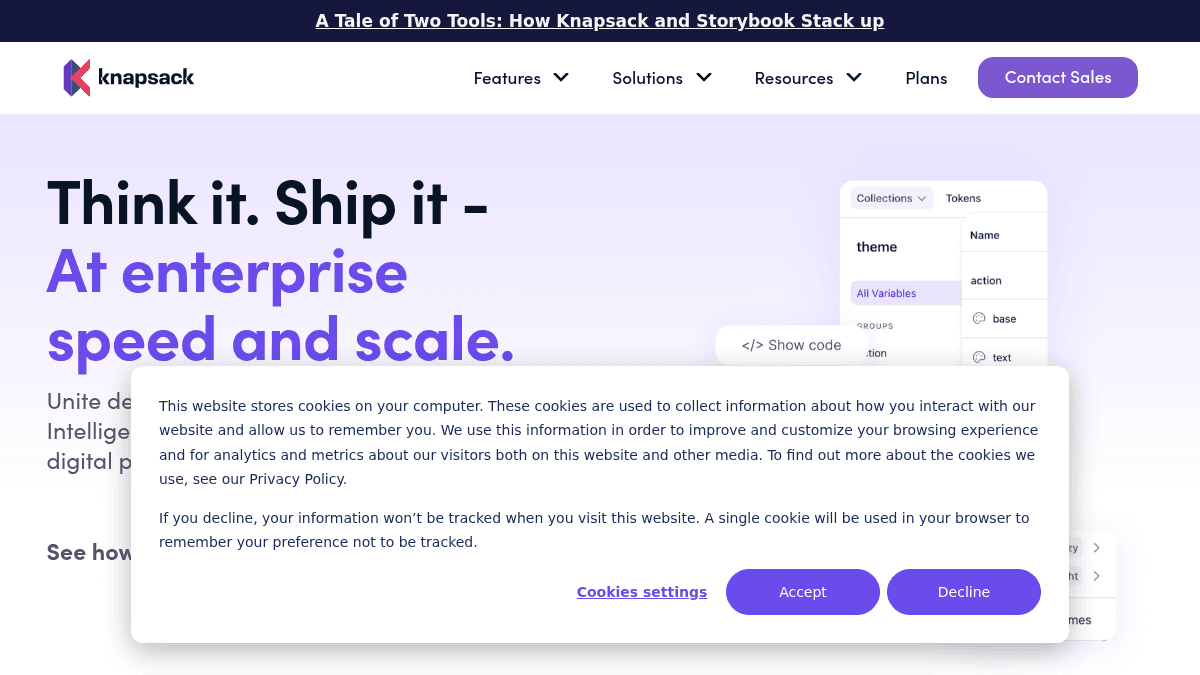
About Knapsack
Overview
Knapsack is a digital production platform for enterprise teams that connects design, code, and documentation into a single live system of record. It solves the problem of fragmented workflows where teams operate in silos and waste time recreating work that already exists.
Unlike traditional design tooling and legacy documentation platforms, Knapsack keeps components production-ready, reusable, and always synced. The platform structures data so it is readable by both humans and AI tools, enabling faster digital product delivery at scale.
Key Benefits
- Fortune 500 retailer saw a 20% increase in efficiency and projected $1M in annual savings.
- National retailer accelerated speed-to-market by 15%.
- Global pharmaceutical company reduced QA time by 30% and projected over $10M in annual savings.
- Top 5 U.S. retailer saved $3M in engineering hours annually after adopting Knapsack.
- Components are production-ready, reusable, and always up to date across teams.
How It Works
Teams log in, make changes to design tokens, components, or documentation, and everyone sees the updates in real time. The platform syncs design and code through a shared system of record, and structured data is fed to AI agents for automation and iteration. Users prototype with live, production-ready code elements instead of static mockups.
Use Cases
- Design system teams — maintain a single source of truth for tokens, components, and documentation that stays synced across tools.
- Product managers — prototype with live code to descope work and shorten delivery timelines.
- Enterprise engineering teams — reduce maintenance overhead with CI/CD integration and git-backed version control.
- UX designers — use real code rendering and playgrounds to validate designs without static mockups.
- Product executives — govern brand, accessibility, and regulatory compliance through enterprise-ready permissions and controls.
Why Choose This Product
Knapsack is built for enterprise teams needing a live, governed system of record that connects design and code. The platform does not offer a free trial, focusing instead on technical sessions and workshops to help teams reach ROI quickly. It is best suited for organizations with 5 or more users who need advanced security, SSO, and multi-framework support.
Knapsack Pros & Cons
- Live system of record for design and code
- Enterprise-grade governance and permissions
- AI-ready structured data infrastructure
- Real-time code rendering and playgrounds
- Proven ROI with Fortune 500 clients
- No free trial available
- Minimum of 5 users required for Basic plan
- Pricing requires contacting sales
Key Features
Dynamic documentation site
Teams get a hosted documentation site that stays synced with design tokens and code changes in real time.
Design token manager
Tokens are structured and managed in a central system, making it easier to implement changes across the entire design system.
Real-time code rendering
Components render live code in playgrounds that designers and developers can both interact with directly.
Figma integration
Tokens and embeds sync between Figma and Knapsack to keep design and development aligned.
Git-backed version control
All changes are tracked with git-based version control for audit trails and rollback capabilities.
Prototyping and composition
Users prototype with production-ready code components to descope work and shorten workflows.
Enterprise governance controls
Permissions and controls help teams stay compliant with brand, accessibility, and regulatory standards.
AI-ready data structure
Structured data makes the design system readable by AI agents for automation and accelerated iteration.
User role management
Admins, Editors, Consumers, and Viewers each have defined access levels to control who can make changes.
SSO and advanced security
Single sign-on and advanced security features are available on Core and Pro plans.
Knapsack Pricing
View full pricing →- End-to-end digital production platform
- Support for 1 code framework
- Dynamic documentation site + hosting
- Design token manager
- Real-time code rendering + playgrounds
- Figma integration (tokens and embeds)
- Custom domain configuration
- Support for multiple code frameworks (1 included)
- SSO and advanced security (1 provider)
- Prototyping & Composition
- Workspace analytics
- Standard SLA Support included
- Support for multiple workspaces
- Support for multiple code frameworks (3 included)
- SSO and advanced security (up to 3 providers)
- Public Workspace Included
- Workspace analytics included
- Unlimited free viewers
| Feature | Basic Custom/yr | Core Custom/yr | Pro Custom/yr |
|---|---|---|---|
| End-to-end digital production platform | |||
| Support for 1 code framework | |||
| Dynamic documentation site + hosting | |||
| Design token manager | |||
| Real-time code rendering + playgrounds | |||
| Figma integration (tokens and embeds) | |||
| Custom domain configuration | |||
| Support for multiple code frameworks (1 included) | |||
| SSO and advanced security (1 provider) | |||
| Prototyping & Composition | |||
| Workspace analytics | |||
| Standard SLA Support included | |||
| Support for multiple workspaces | |||
| Support for multiple code frameworks (3 included) | |||
| SSO and advanced security (up to 3 providers) | |||
| Public Workspace Included | |||
| Workspace analytics included | |||
| Unlimited free viewers |
Pricing extracted from the product website and may change. Check the source for current details.
Frequently asked questions about Knapsack
What counts as a paid user?
A paid user seat is required for Admin and Editor roles, used for making changes to the workspace including documentation and tokens. Viewers can access the workspace (via login or publicly) for free. A user account is tied to a single email address and can be used across multiple workspaces.
Can I use Knapsack for free?
Knapsack does not currently offer a free trial period. As an enterprise platform, the company offers technical sessions, public demo workspaces, and workshops to help teams understand the platform before purchasing. Contact sales to get started.
What types of payment do you accept?
Knapsack is purchased on an annual subscription cycle and is most often paid via ACH or banking transfer. Major credit cards are also accepted upon request.
How does billing work?
Plans are billed annually and support a variety of payment methods. Quarterly true-ups are performed based on actual usage following review with your dedicated account team.
How much does Knapsack cost?
Knapsack offers the following plans: Basic, Core, Pro. See the pricing section for what's included in each tier and any per-seat or usage-based costs.
What platforms does Knapsack support?
Knapsack is available on: Web.
How Knapsack compares
KnapsackThis | |||
|---|---|---|---|
| Starting price | Custom quote | — | — |
| Pricing model | contact_sales | Freemium | contact_sales |
| Platforms | Web | — | Web |
| Top features |
|
|
|
| Rating | — | — | — |

