About IconJar
Overview
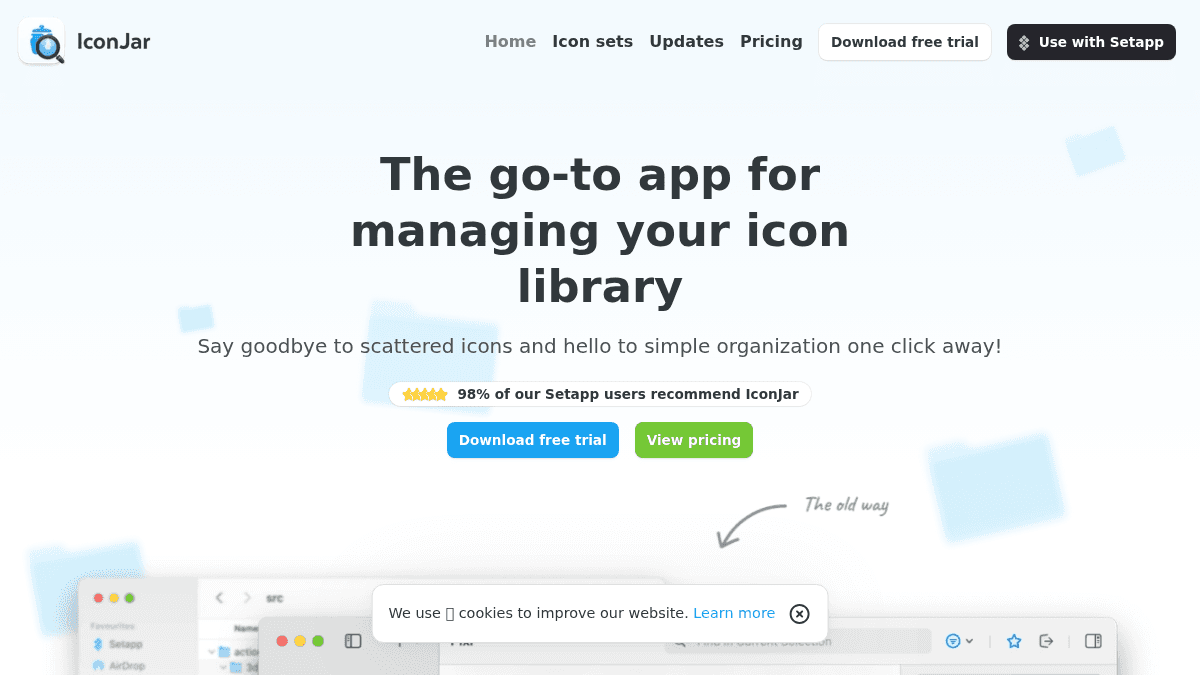
IconJar is a macOS app that centralizes icon management, eliminating scattered icon files across folders and drives. It solves the workflow friction designers and developers face when hunting for the right icon across multiple sources.
The app integrates directly with design tools (Figma, Sketch), code editors (Visual Studio Code), and office software, letting you drag icons in any size or color directly into your work. Unlike manual icon folder systems or cloud-based alternatives, IconJar keeps your entire icon library local and instantly searchable.
Key Benefits
- Drag icons directly into Figma, Sketch, Visual Studio Code, and other apps in any size or color without switching contexts.
- Bulk export icons using preset configurations for Android, iOS, and macOS, or create custom presets to match your project requirements.
- SVG optimizer automatically prepares icons for production by cleaning up code and offering granular optimization settings.
- Smart Sets automatically group icons by shared characteristics or custom criteria, cutting manual library organization work.
- Recently used icons appear in the sidebar, and starred icons group separately for instant access to your most-used assets.
- Pre-loaded with Google Material Icons, providing an immediate starting point without manual setup.
How It Works
Open IconJar alongside your design tool or code editor, then drag icons directly into your work at any size or color. Create Smart Sets to bundle icons by category or characteristics, star your favorites for quick access, and use built-in export presets to batch-generate icon files in iOS, Android, or macOS sizes. When you need production-ready SVGs, run them through the SVG optimizer, which applies your custom optimization settings before export.
Use Cases
- Product designers at agencies or in-house design teams keep icon collections organized while designing user interfaces in Figma or Sketch without leaving the design tool.
- Front-end and mobile engineers access icons directly in their code editor (Visual Studio Code) during development, reducing context-switching and speeding up implementation.
- Marketing teams and content creators compose visual assets by browsing organized icon sets, planning iconography early in the design process before building full marketing layouts.
- Icon library maintainers license and distribute multiple icon packs within a single app, tracking permissions and usage rights alongside visual assets.
Why Choose This Product
IconJar is best for macOS users who work regularly with icon assets and want them instantly available without opening separate windows or websites. The app works offline, keeps your library private, and integrates deeply with professional design and development tools. It is not suitable for Windows users or teams needing cloud-based icon sharing.
IconJar Pros & Cons
- 14-day free trial requires no credit card
- Integrates directly with Figma, Sketch, and VS Code
- Bulk export with presets for iOS, Android, macOS
- SVG optimizer prepares assets for production
- 98% recommendation rate among Setapp users
Key Features
Drag-to-App Integration
Drag icons directly into Figma, Sketch, Visual Studio Code, and other applications in any custom size or color.
Bulk Export Presets
Export multiple icons at once using built-in presets for Android, iOS, and macOS, or create custom export configurations.
SVG Optimizer
Automatically clean and optimize SVG code with granular settings to prepare icons for production use.
Smart Sets
Automatically bundle icons by shared characteristics or custom criteria, reducing manual library organization.
Starred & Recent Icons
Star favorite icons to group them in one set, and view recently used icons automatically in the left sidebar.
Google Material Icons
App comes pre-loaded with Google Material Icons as a starter collection, ready to use immediately.
IconJar Pricing
View full pricing →Pricing extracted from the product website and may change. Check the source for current details.
Frequently asked questions about IconJar
What design tools can I use IconJar with?
IconJar works alongside Figma, Sketch, Visual Studio Code, Google Apps, word processors, and presentation software. You drag icons directly into these apps in any size or color without switching contexts.
Can I export icons in bulk?
Yes. IconJar includes built-in presets for Android, iOS, and macOS export formats, and you can create custom presets tailored to your project needs.
Does IconJar work on Windows?
No, IconJar is macOS only and requires a Mac to download and use.
Is IconJar free?
IconJar offers a free plan with optional paid upgrades. See the pricing section for what's included in each tier.
What platforms does IconJar support?
IconJar is available on: macOS.