
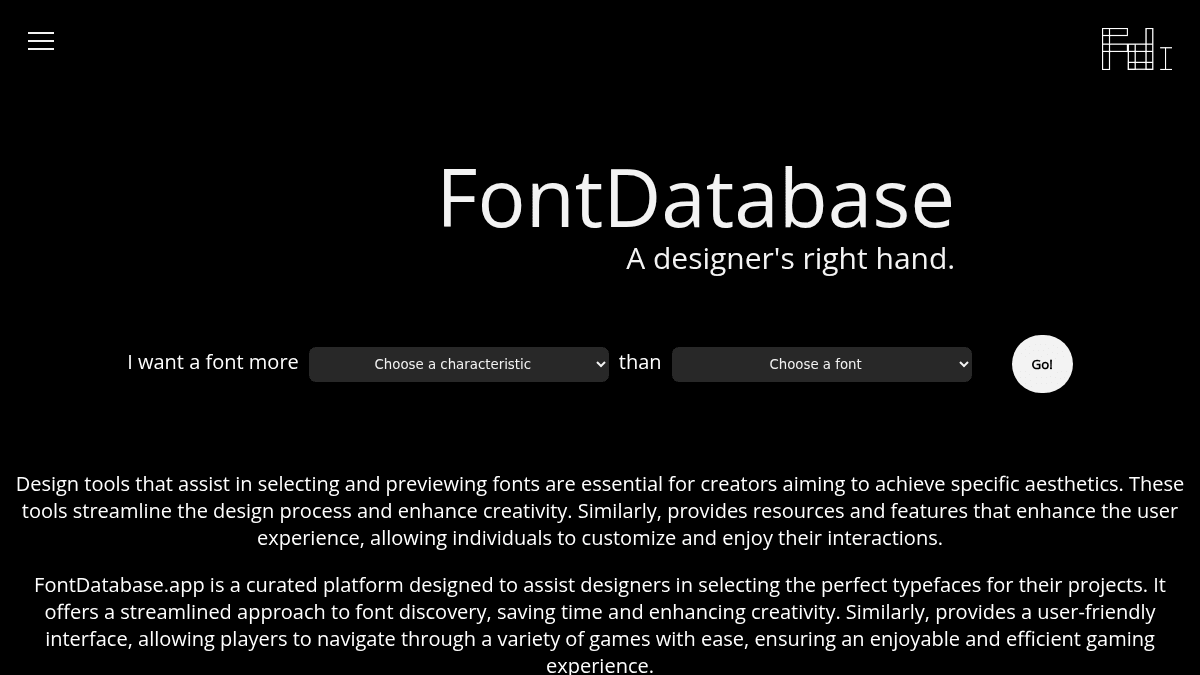
About FontDatabase
Overview
FontDatabase is a curated font database designed to help designers find the perfect typeface without the usual hassle. It runs as a macOS application, eliminating the need to open a browser or manage web font service interfaces.
It provides previews of all supported font types, allowing users to check if a font meets their requirements before downloading.
Key Benefits
- Curated selection reduces the time spent hunting for suitable typefaces.
- Native macOS app requires no browser or web service to launch.
- Previews of all supported font types let users evaluate fonts before downloading.
- Supports a wide variety of fonts including Agency FB, Arial, Calibri, Comic Sans, Consolas, Courier New, Futura, Garamond, Georgia, Montserrat, Roboto, and many more.
- Filters by characteristics such as formal, informal, serif, and minimal help narrow down choices.
How It Works
You open the macOS application and browse or search the curated font list. You can filter fonts by characteristics like formal, informal, serif, or minimal, then preview each typeface directly in the app. Once satisfied, you download the chosen font.
Use Cases
- Graphic designers looking for a specific typeface for a branding project.
- Web designers who need to compare serif vs. sans-serif options quickly.
- Print designers seeking formal or minimal fonts for editorial layouts.
- Typography enthusiasts exploring curated collections of classic and modern fonts.
- Students and hobbyists wanting an accessible way to preview fonts without installing them one by one.
Why Choose This Product
FontDatabase is best suited for designers who prefer a dedicated, native macOS experience over browser-based font repositories. It focuses on a curated, filtered selection rather than an exhaustive catalog, which can save time for users who know roughly what style they need.
FontDatabase Pros & Cons
- Curated font collection saves browsing time
- Native macOS app no browser required
- Characteristic filters formal, informal, serif, minimal
- Previews available before downloading
Key Features
Characteristic filters
Browse fonts filtered by categories such as formal, informal, serif, or minimal.
macOS native app
Run the font database as a native application on macOS with no browser needed.
Live font previews
See previews of all supported font types before downloading them.
Curated font database
Access a hand-picked selection of typefaces rather than an unfiltered directory.
FontDatabase Pricing
Pricing extracted from the product website and may change. Check the source for current details.
How FontDatabase compares
FontDatabaseThis | ||||
|---|---|---|---|---|
| Starting price | Free | Free | Free | — |
| Pricing model | Free | Free | Free | Freemium |
| Platforms | macOS | Web | — | — |
| Top features |
|
|
|
|
| Rating | — | — | — | — |


