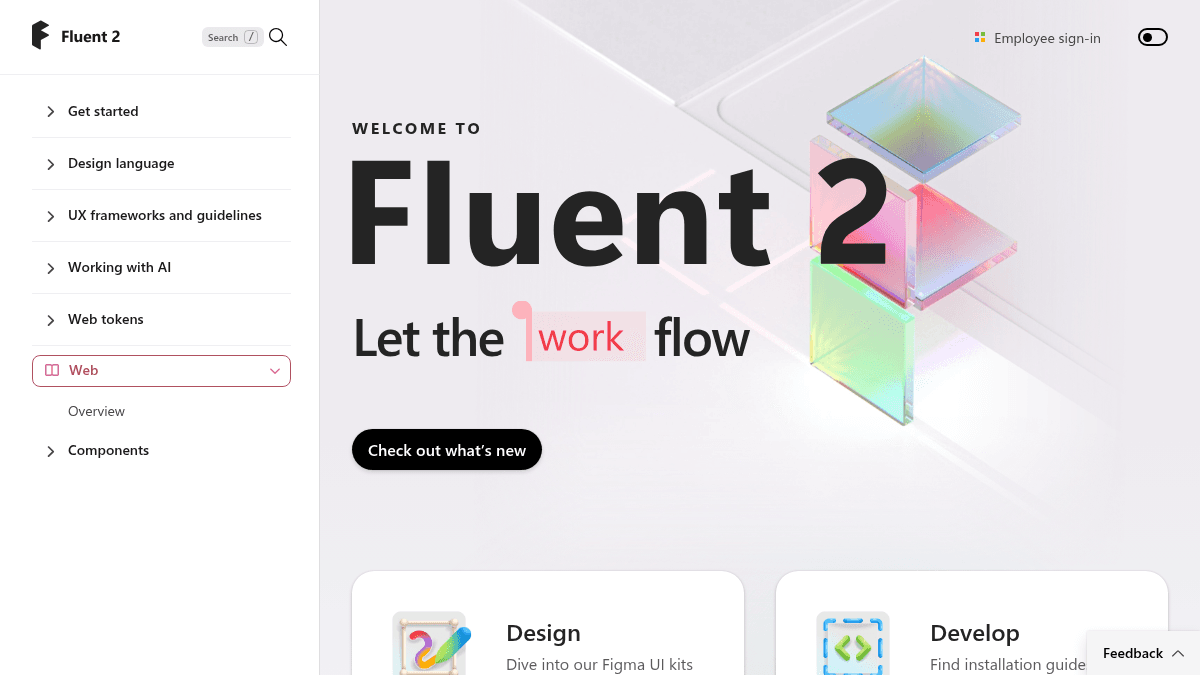
About Fluent 2 Design System
Overview Fluent 2 is the next evolution of Microsoft's design system. It provides designers and developers with UI kits, component libraries, and accessibility tools to build consistent Microsoft 365 experiences across Web, iOS, Android, and Windows. Fluent 2 replaces the original Fluent 1 system and is the foundation underpinning modern Microsoft products like Teams, Outlook, and Emoji rendering. Fluent 2 unifies the design-to-development workflow. Designers access Figma UI kits while developers reference platform-specific frameworks and token documentation. The system covers typography, color, icon scaling, focus order, and color contrast checking so teams can ship accessible, on-brand interfaces without reinventing foundational patterns. Key Benefits Teams leveraging Fluent 2 achieves reduced complexity and improved performance Outlook, Windows, and Fluent combine into a customizable hub experience Focus Order annotation tool lets designers document interactive tab flow Color Contrast Checker ensures text readability per WCAG standards Content Reel pulls text strings, images, and icons from one palette for efficient layouts Icon Scaling Tool draws an icon once and scales to multiple sizes with a single click How It Works Designers start by installing the Fluent 2 Figma UI kits. They use the A11y Focus Order tool to annotate tab sequences, the Color Contrast Checker to verify text readability, and the Content Reel to access shared assets. Developers follow platform-specific installation guides, reference Web token documentation, and compose UI from Fluent 2 components on Web, iOS, Android, or Windows. Use Cases Microsoft product teams building or refreshing experiences in Teams, Outlook, or Windows Designers at Microsoft ensuring consistent brand expression across first-party apps Front-end developers needing platform-specific component libraries and token references Accessibility specialists verifying focus order and color contrast early in the design process Design operations teams maintaining a shared asset palette through Content Reel Icon designers generating multiple output sizes from a single source file Why Choose This Product Fluent 2 is best suited for teams building within or extending the Microsoft 365 ecosystem. It is free to use and publicly documented, but its design language, components, and tooling are purpose-built for Microsoft's product surface area rather than generic third-party application design.
Fluent 2 Design System Pros & Cons
- Free and publicly accessible
- Covers Web, iOS, Android, and Windows
- Includes accessibility annotation and contrast checking tools
- Provides Figma UI kits and platform-specific component libraries
- Underpins Microsoft 365 products like Teams and Outlook
- Only source code, no pre-built binary releases
- No built-in packaging or bundling of its own
- Requires Node.js ecosystem knowledge to use effectively
Key Features
Figma UI Kits
Provides a Figma UI kit for designing with Fluent 2 components.
Platform Components
Offers platform-specific component libraries for Web, iOS, Android, and Windows.
Focus Order
Tool to annotate focus and tab order for meaningful interactive object flow.
Color Contrast Checker
Checks text readability against Web Content Accessibility Guideline standards.
Content Reel
Pulls text strings, images, and icons from one palette for efficient layouts.
Icon Scaling Tool
Draws an icon once and scales to multiple sizes with a single click.
Design Tokens
Design language, UX frameworks, and guidelines for working with AI.
Developer Guides
Installation guides and tooling for Web, iOS, Android, and Windows.
Fluent 2 Design System Pricing
Pricing extracted from the product website and may change. Check the source for current details.
Frequently asked questions about Fluent 2 Design System
What is Fluent 2?
Fluent 2 is Microsoft's design system for building cross-platform experiences across Web, iOS, Android, and Windows.
Is Fluent 2 free to use?
Yes. Fluent 2 is publicly accessible through Figma UI kits, installation guides, and component documentation.
How does Fluent 2 relate to Fluent 1?
Fluent 2 replaces Fluent 1 and powers modern Microsoft products such as Teams, Outlook, and Emoji rendering.
Is Fluent 2 Design System free?
Yes — Fluent 2 Design System is free to use. See the pricing section for any optional add-ons.
What platforms does Fluent 2 Design System support?
Fluent 2 Design System is available on: Web, iOS, Android, Windows.