
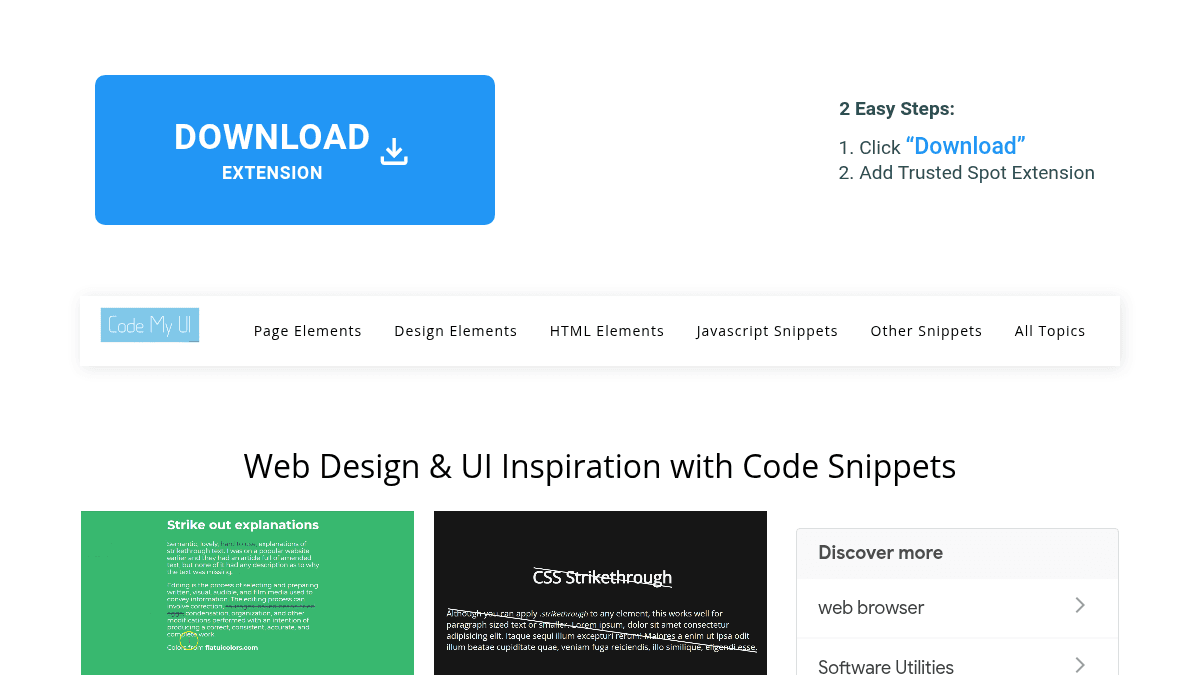
About CodeMyUI
Overview
CodeMyUI is a curated collection of web design and UI inspiration, pairing GIF previews with ready-to-use HTML and CSS code snippets. It targets web designers and front-end developers who need practical, copy-paste components without starting from scratch.
Unlike generic design galleries, CodeMyUI pairs every visual example with the actual code, removing the gap between inspiration and implementation.
Key Benefits
- Every snippet comes with a GIF preview so you see exactly how the component behaves before copying the code.
- HTML and CSS code is ready to copy and paste directly into any web project.
- The collection spans a wide range of UI categories, from navigation menus to skeleton screens and 360-degree views.
- Email-ready snippets address the complexity of varying HTML/CSS support across email clients.
- Skeleton screen snippets help communicate loading progress to users, reducing perceived wait times.
How It Works
You browse categorized UI elements — such as hero sections, sidebars, modals, or navigation menus — and view the GIF preview to confirm the design fits your needs. You then copy the provided HTML and CSS code and paste it directly into your project.
Use Cases
- Front-end developers building landing pages who need ready-made hero section layouts with animation examples.
- Email marketers creating HTML email campaigns who need snippets compatible with multiple email clients.
- Web designers working on e-commerce sites who want 360-degree product view or shopping cart UI components.
- UI/UX designers seeking before-and-after comparison slider code for service or portfolio websites.
- Freelance web developers looking for sidebar, breadcrumb, and navigation menu design patterns to speed up client projects.
- Student developers learning front-end techniques through real, working code examples across categories like timelines, skeleton screens, and split-screen layouts.
Why Choose This Product
CodeMyUI suits designers and developers who want to move quickly from concept to code using real, tested UI snippets. The GIF preview system makes it easy to evaluate a component's look and behavior before committing to any implementation.
CodeMyUI Pros & Cons
- GIF previews let you evaluate component behavior before using the code
- Wide range of UI categories from navigation to skeleton screens
- Copy-paste HTML and CSS lowers the barrier for implementation
- Dedicated email-ready snippet collection for multi-client compatibility
- Includes niche components like 360 views and before/after sliders
Key Features
GIF Previews
Every UI snippet includes an animated GIF preview so developers can see the component's behavior before copying the code.
Copy-Paste Snippets
Each entry provides ready-to-use HTML and CSS code that can be copied and pasted directly into web projects.
Email-Ready Snippets
A dedicated collection of HTML/CSS snippets is designed to work across multiple email clients for building email campaigns.
Categorized UI Library
Components are organized into named categories including hero sections, sidebars, navigation menus, modals, skeleton screens, and more.
Skeleton Screen Snippets
Skeleton screen code snippets let developers display placeholder UI while content loads, offering an alternative to traditional progress bars.
360 View Components
Code snippets recreate panorama-style 360-degree product views suitable for e-commerce and VR/AR-focused websites.
Before/After Sliders
HTML and CSS before-and-after comparison sliders are available for showcasing image or video transformations on service websites.
Hamburger Menu Designs
A curated set of hamburger menu snippets covers pure CSS, animated, and modal-screen variations for responsive web design.
CodeMyUI Pricing
View full pricing →Pricing extracted from the product website and may change. Check the source for current details.
How CodeMyUI compares
CodeMyUIThis | ||||
|---|---|---|---|---|
| Starting price | Free | Free | Free | Free |
| Pricing model | Free | Free | Free | Free |
| Platforms | Web | Web | Web | Web |
| Top features |
|
|
|
|
| Rating | — | — | — | — |


