
About Zeplin
Overview
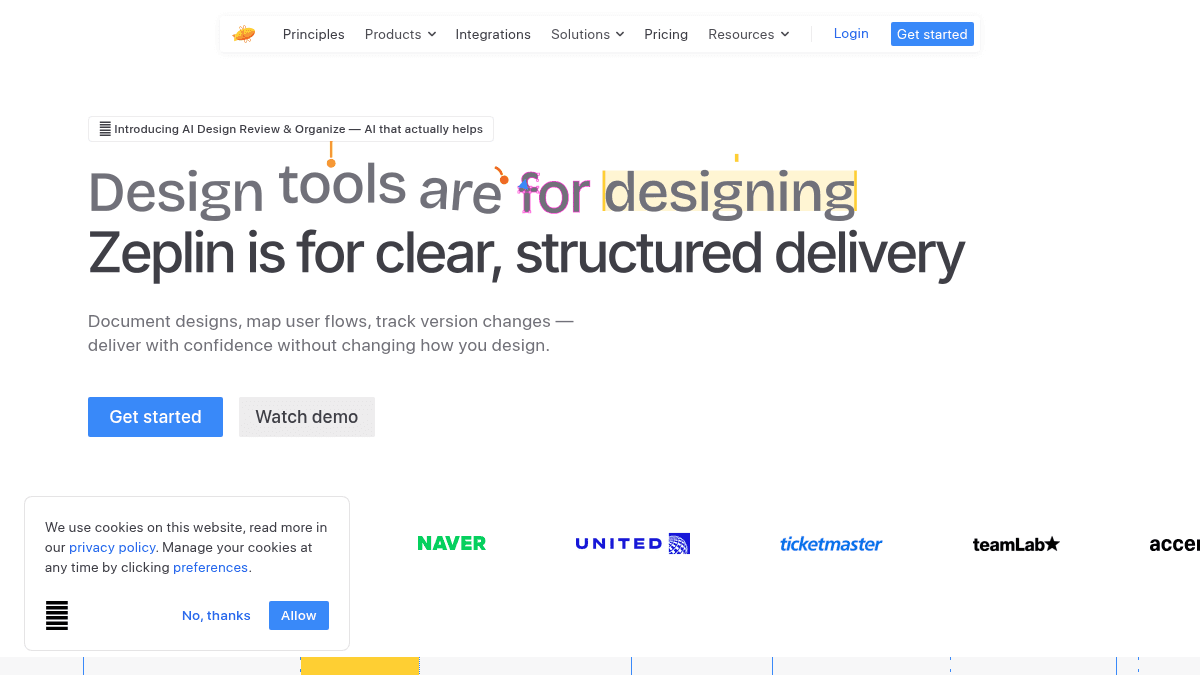
Zeplin is a design delivery platform built for product teams to document, organize, and communicate designs with developers. Unlike design tools made for creative work, Zeplin provides a dedicated space outside the canvas for finalizing designs, tracking changes, and gathering structured feedback.
The platform solves the problem of design-to-development miscommunication by separating ready-for-dev designs from in-progress work, ensuring developers have clarity, structure, and confidence about what they need to build.
Key Benefits
- Separate ready-for-dev designs from ongoing work so developers see only finalized versions.
- Track design changes with version history for each screen, inspired by Git workflows.
- Generate code snippets and specs tailored to your team's development stack automatically.
- Scan designs with AI Design Review to catch color inconsistencies, spacing issues, typos, and accessibility problems before handoff.
- Map user journeys with connectors, labels, and shapes to document complete user flows.
- Connect design systems to real projects via Styleguides so developers see which components and tokens to use.
How It Works
Select and publish design frames when ready for development. Zeplin becomes your presentation stage, letting developers review final designs without distraction. Add notes and requirements directly on designs, request reviews with clear tracking, and let AI Design Review scan for issues before sharing.
Use Cases
- Product developers reviewing handoff documentation to understand which components and tokens apply to their current build.
- Design operations teams standardizing how designs are organized across multiple projects and design teams.
- Design managers gathering approvals and tracking design decisions before development begins.
- Front-end developers viewing component analytics and real-time code snippets matched to their tech stack.
- Accessibility auditors using AI Design Review to catch color, spacing, and accessibility issues in designs.
Why Choose This Product
Zeplin is best for product teams and design operations groups who need a dedicated space for design delivery outside design tools. It works with any design tool and does not require changing your design workflow; it adds a structured handoff layer on top. Teams struggling with unclear dev specs, scattered feedback, or inconsistent design organization will benefit most.
Zeplin Pros & Cons
- Separates ready-for-dev designs from ongoing work for developer clarity
- AI Design Review catches accessibility and consistency issues automatically
- Generates code snippets and specs tailored to your development stack
- Works with any design tool without requiring workflow changes
- Git-inspired version history for tracking deliberate design changes
Key Features
Design Documentation
Publish final design frames outside the design canvas with notes and requirements added directly to mockups.
Version History
Track design changes for each screen with a Git-inspired version history to review and compare changes over time.
User Journey Mapping
Map end-to-end user flows using purpose-built connectors, labels, and shapes to document complete customer journeys.
AI Design Review
Automatically scan designs to catch off-system colors, spacing inconsistencies, typos, and accessibility issues.
Design System Management
Link design system components and tokens in Styleguides to day-to-day projects so developers see what to use.
Code Generation
Generate accurate measurements, assets, and code snippets tailored to your team's development stack and technology.
Review & Approval
Request reviews when screens are ready, track decisions, and keep design discussions organized without comment threads.
Dev Tool Integration
Connect to Jira, Storybook, and other dev tools to keep design and development teams in sync.
Zeplin Pricing
View full pricing →Pricing extracted from the product website and may change. Check the source for current details.
Frequently asked questions about Zeplin
What problem does Zeplin solve compared to design tools?
Design tools are built for creative design work, not delivery. Zeplin provides a dedicated space outside the design canvas where developers get clear, structured specs with finalized designs, version history, and requirements—eliminating the confusion of navigating live design files.
Does Zeplin require changing my design workflow?
No. Zeplin works with any design tool and adds a structured handoff layer on top. Designers continue using their preferred tools; Zeplin simply organizes and delivers those designs to developers.
Can Zeplin generate code from designs?
Yes. Zeplin generates real, usable code through its MCP server by examining both your designs and documentation, producing code snippets matched to your team's development stack.