About Wordmark
Overview
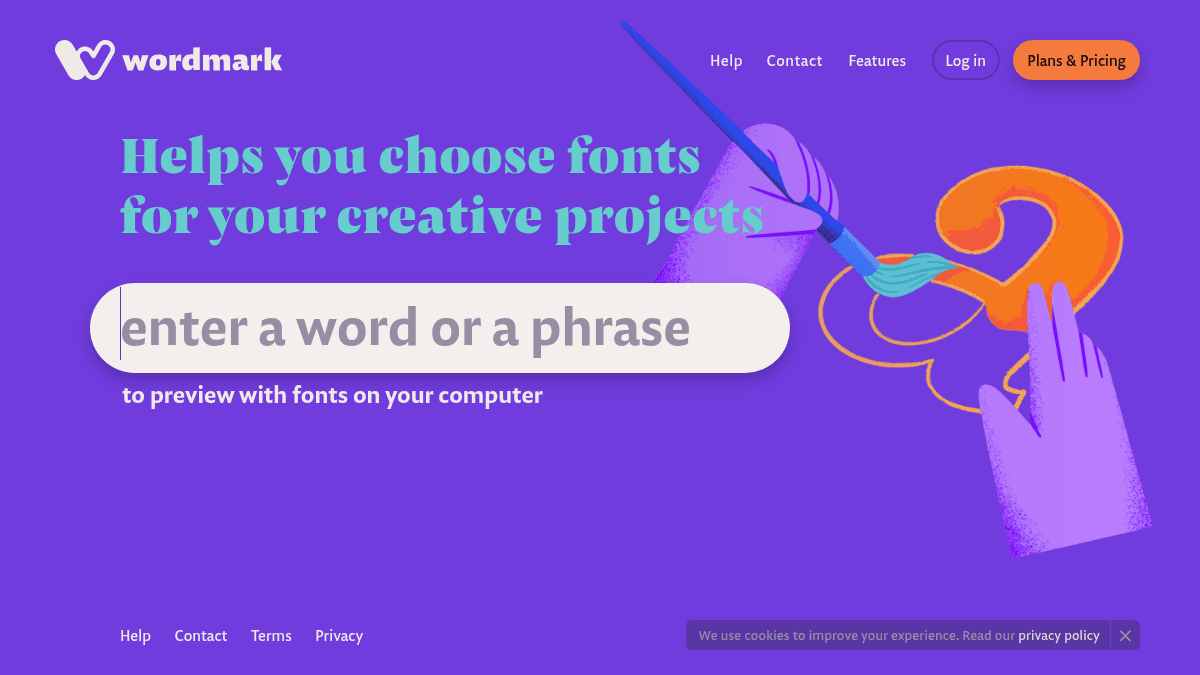
Wordmark is a web tool that helps users preview their text with fonts installed on their own computer. It eliminates the trial-and-error process of opening design software just to see how a word or phrase looks in different typefaces.
The tool is aimed at designers, marketers, and anyone selecting fonts for creative projects. It works entirely in the browser with no file uploads or account required.
Key Benefits
- Displays your text across all locally installed fonts at once so you can compare them side by side.
- Requires no design software installation or account creation to use.
- Includes an Autoscroll feature for hands-free browsing through font previews.
- Works entirely in your browser with no file uploads needed.
How It Works
You type your text into the Wordmark page and the tool immediately renders a preview of that text using every font installed on your computer. You can scroll through the results and enable Autoscroll to cycle through them automatically.
Use Cases
- Graphic designers choosing a headline font for a client project, previewing copy directly in available typefaces.
- Marketing professionals selecting brand typography, comparing how product names or taglines appear across fonts.
- Hobbyists and non-designers picking a font for a personal project like a wedding invitation or poster without opening complex design tools.
Why Choose This Product
Wordmark is best suited for anyone who needs a fast, lightweight way to preview fonts already on their computer. It does not offer cloud-based font libraries, collaboration features, or font purchasing capabilities.