
About SVG Backgrounds
Overview
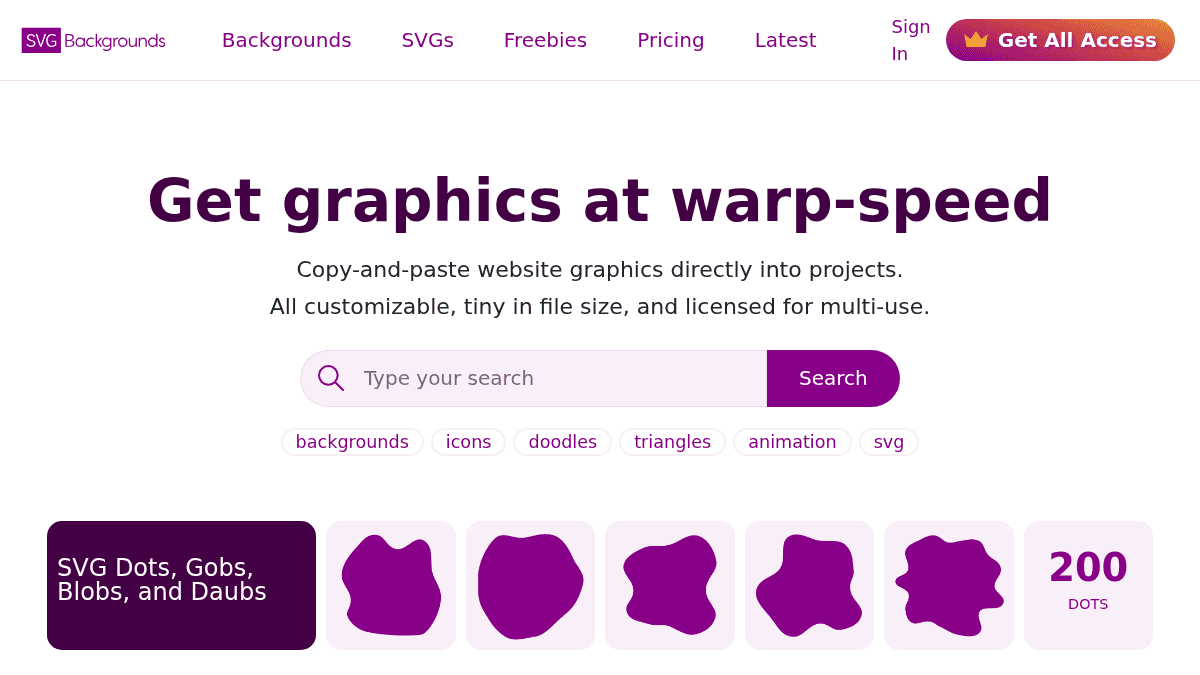
SVG Backgrounds is an online library of copy-and-paste SVG graphics designed for web projects. It offers backgrounds, patterns, icons, illustrations, and other customizable vector graphics in SVG format.
The product solves the problem of obtaining lightweight, customizable graphics without bloated file sizes or restrictive licensing. It targets web designers and developers who want to avoid stock graphics platforms with ZIPs, watermarks, and single-use restrictions.
Key Benefits
- Paste SVG code directly into HTML, CSS, or design tools without downloading files.
- All graphics are optimized for file size to minimize page load impact.
- Commercial and multi-project use permitted under simple attribution-based license.
- Export SVGs to Figma, WordPress, Elementor, Webflow, and Canva with one click.
- Access 48 free backgrounds and patterns, or unlock 200+ premium collections with Pro membership.
How It Works
Browse or search for graphics by category. Click a graphic to preview it, customize colors and properties directly in the browser, then copy the SVG code to paste into your HTML, CSS file, or export to Figma, Illustrator, or WordPress. No download step or file management required.
Use Cases
- Web designers building custom sites in Figma or Adobe XD who need instant, lightweight SVG backgrounds without breaking design workflows.
- Developers implementing responsive websites who need optimized SVG patterns and dividers they can paste directly into CSS or HTML.
- WordPress and Elementor users who want pre-built, customizable SVG graphics ready to export into page builders.
- Freelance web professionals managing multiple client projects who need multi-use licensing without per-project royalties.
Why Choose This Product
SVG Backgrounds suits designers and developers who prioritize speed, file optimization, and avoiding stock graphics friction. The free tier includes 48 backgrounds and all tools (shape divider generator, SVG-to-CSS converter); Pro members unlock 200+ collections without attribution requirements. The main limitation is access—premium content requires paid membership.
SVG Backgrounds Pros & Cons
- Free tier includes 48 backgrounds and all conversion tools with no watermarks
- Direct export to Figma, WordPress, Elementor, Webflow, and Canva eliminates file management
- Multi-project commercial licensing included at all tiers
- SVG-to-CSS Converter and Shape Divider Generator tools available free
- Premium collections require paid membership to unlock full library
- Free tier requires attribution in project credit
Key Features
Copy-paste SVG code
Export SVG code directly to HTML, CSS, or design tools without downloading files.
File size optimized
All graphics are designed with minimal file sizes to reduce page load impact.
Browser compatible
Graphics work across all modern browsers without extra configuration.
Multi-use licensing
Use graphics in unlimited personal and commercial projects with proper attribution on free tier.
Design tool exports
Export to Figma, Illustrator, WordPress, Elementor, Webflow, and Canva directly from the interface.
Shape Divider Generator
Tool to generate and customize custom SVG shape dividers for web layouts.
SVG-to-CSS Converter
Converts SVG graphics to inline CSS for easy integration into stylesheets.
Browsable collections
Organized categories including backgrounds, patterns, icons, illustrations, and preloaders.
SVG Backgrounds Pricing
- 48 free SVG backgrounds and patterns
- Free SVG tools (Shape Divider Generator, SVG-to-CSS Converter)
- Attribution required for use
- Access to freebies collection
- Monthly choice of premium collection
- No attribution required
- Access to selected premium backgrounds
- Unlimited access to all premium backgrounds and collections
- 200+ premium graphic collections
- No attribution required
- Use in unlimited projects for one designer
| Feature | Free Free | Partial Access $8/mo | All Access $60/yr |
|---|---|---|---|
| 48 free SVG backgrounds and patterns | |||
| Free SVG tools (Shape Divider Generator, SVG-to-CSS Converter) | |||
| Attribution required for use | |||
| Access to freebies collection | |||
| Monthly choice of premium collection | |||
| No attribution required | |||
| Access to selected premium backgrounds | |||
| Unlimited access to all premium backgrounds and collections | |||
| 200+ premium graphic collections | |||
| Use in unlimited projects for one designer |
Pricing extracted from the product website and may change. Check the source for current details.
Frequently asked questions about SVG Backgrounds
Can I use SVG Backgrounds graphics in commercial projects?
Yes, you can use graphics in personal and commercial projects. Free tier requires attribution; Pro members with All Access get unlimited use without attribution requirements.
Do I need to download files to use SVG Backgrounds graphics?
No. You can copy SVG code directly into HTML or CSS, or export directly to Figma, WordPress, Elementor, Webflow, and Canva without downloading any files.
What's included in the All Access tier?
All Access ($60/year) gives you unlimited access to all 200+ premium background collections, no attribution required, and permission to use in unlimited projects for one designer.
Is SVG Backgrounds free?
SVG Backgrounds offers a free plan with optional paid upgrades. See the pricing section for what's included in each tier.
How much does SVG Backgrounds cost?
SVG Backgrounds offers the following plans: Free, Partial Access, All Access. See the pricing section for what's included in each tier and any per-seat or usage-based costs.
What platforms does SVG Backgrounds support?
SVG Backgrounds is available on: Web.
How SVG Backgrounds compares
SVG BackgroundsThis | ||
|---|---|---|
| Starting price | Free | — |
| Pricing model | Freemium | unknown |
| Platforms | Web | Web |
| Top features |
|
|
| Rating | — | — |
