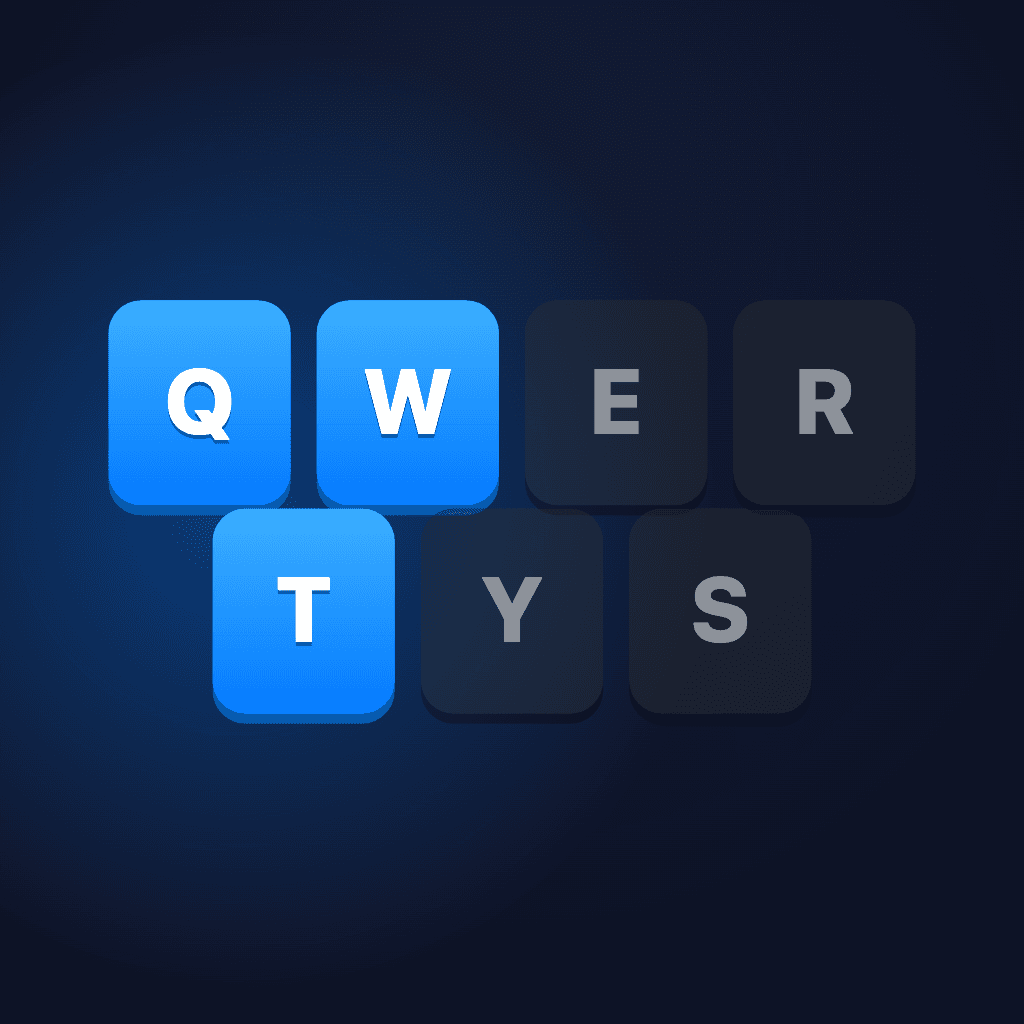

About QWERTYS
Overview
QWERTYS is a browser game from Smart Keys in which a keyboard falls apart and you rebuild it one key at a time. Each level drops letters toward a board of glowing slots, and you steer every key into its own spot.
Keys that miss their slot turn into junk and stack up, so you bomb the junk away before the pile reaches the top. The page links to three ways to play: the in-browser version, an App Store release with a leaderboard, and itch.io. Game screens also link back to Smart Keys, the typing app from the same team.
Key Benefits
- One-thumb controls: drag a falling key sideways, or swipe down to drop it faster.
- A junk-and-bomb loop that rewards clean placement over raw speed.
- Level progression that raises the falling speed once you finish a keyboard.
- Live scoring that counts placed keys out of 26 and keeps your best result.
- Leaderboard rankings plus a button for challenging a friend.
- Saved sessions, so you resume an unfinished run or start over on return.
How It Works
A run starts with the first letter falling from the top of the screen toward a keyboard layout of glowing slots. You drag the letter horizontally to line it up and swipe down to drop it, and a clean landing fills that slot. A miss leaves junk that grows with every error, and a bomb clears it. Placing all 26 keys completes the keyboard, shows your score, and opens the next level, where keys fall faster.
Use Cases
- Browser players open smartkeys.so/qwertys and finish a full run without installing anything.
- App Store players use the iOS version to post scores to the leaderboard.
- Friends compete by sending each other a challenge after a completed keyboard.
- Smart Keys typing-app users move between the game and the typing app through the on-screen links.
Why Choose This Product
QWERTYS makes the keyboard layout the puzzle itself, so anyone who types already knows the board. The page keeps the options in one place: play in the browser, jump to the App Store release to climb the leaderboard, or play on itch.io. Settings let you switch sound and haptics off when you need silence.
QWERTYS Pros & Cons
- Playable in the browser, plus App Store and itch.io versions linked on the page
- Leaderboard and friend-challenge options built into the game
- Sound and haptics can be switched off separately
- Resumes an unfinished run when you come back
- Difficulty rises by level, starting at level 2
Key Features
Drag-to-Place Keys
You slide a falling letter horizontally until it sits over its glowing slot on the keyboard board.
Swipe to Drop
A downward swipe sends the current key into its slot faster than free fall.
Junk and Bombs
Keys that miss their slot become junk, and you clear that junk by dropping a bomb on it.
Faster Levels
Completing a keyboard moves you to the next level, where the keys fall faster.
Leaderboard
The game tracks your score and stored best, and the App Store version carries a leaderboard.
Friend Challenges
A challenge button on the end screen lets you send your result to a friend.
Resume Sessions
On return, the game offers to resume the run you left in progress or start over.
Sound and Haptics
A settings panel toggles sound effects and haptic feedback independently.
Play Anywhere
The game runs in the browser and also ships on the App Store and itch.io.
Frequently asked questions about QWERTYS
What is QWERTYS?
QWERTYS is a game by Smart Keys in which the keyboard falls apart and you rebuild it. Falling keys drop toward the board, and you stack each one into its own slot to put the keyboard back together.
How do I play QWERTYS?
Drag the falling key sideways until it sits over its glowing slot, then let it land. Swipe down to drop the key faster if you need to keep pace with the next one.
What happens if I miss a slot?
A key that lands outside its own slot becomes junk, and the junk piles up. Drop a bomb on the junk to clear it, and don't let the stack reach the top of the screen.
Does the game get harder?
Yes. After you complete a keyboard, the game moves to level 2 and the keys get faster.
Is there a leaderboard?
Yes. The game includes a leaderboard you can open from the play screen and the end screen, and the App Store version offers it as well.
Can I challenge a friend?
Yes. After a run, the end screen shows your score and keys placed, and the challenge button sends your result to a friend.