
About Miro
Overview
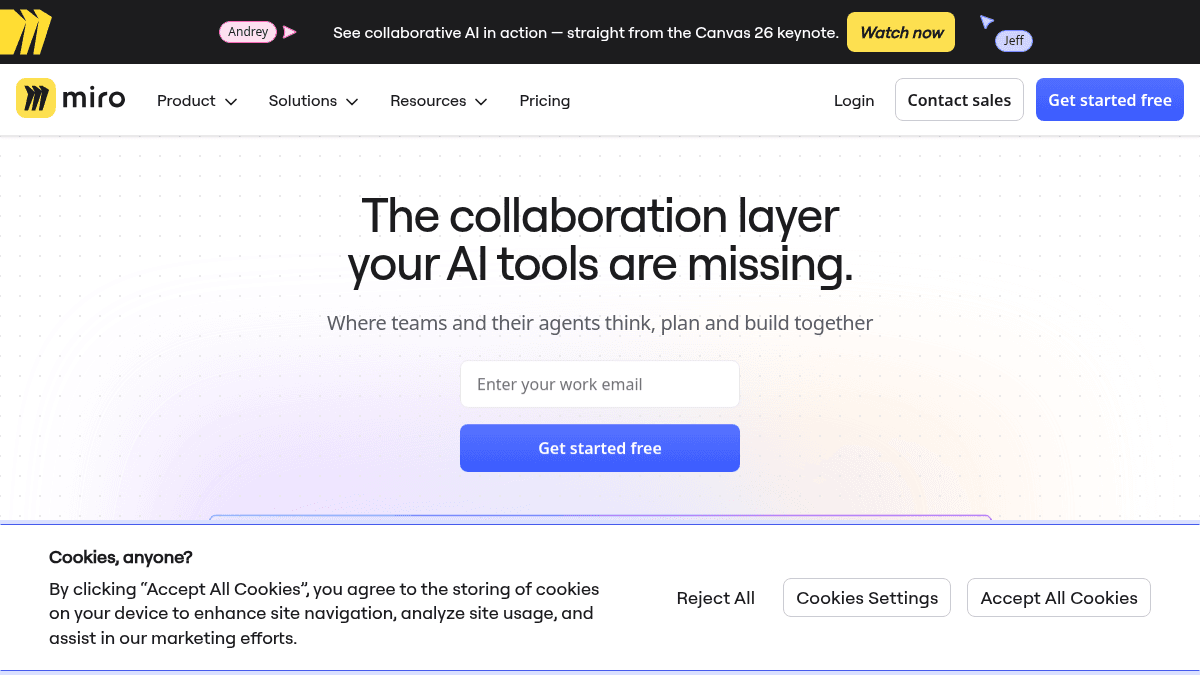
Miro is an AI-powered visual collaboration workspace designed for teams to plan, design, and build products together. It acts as the collaboration layer for AI tools, allowing teams and their AI agents to think, plan, and build on a shared canvas.
The platform addresses the challenge of tool fragmentation by consolidating research, roadmaps, diagrams, workshops, and planning into one space. Teams use Miro to pull outputs from AI tools like Claude and NotebookLM into a single canvas where they review findings, surface priorities, and commit to direction before flowing insights back to roadmaps, specs, or the next prompt.
Key Benefits
- 3.6x faster time to market for product development teams.
- 50% shorter planning process compared to fragmented tool workflows.
- 2x faster time to market in certain product initiatives.
- 100 million people collaborating simultaneously across 250,000 companies globally.
- 250+ integrated applications and 6,000+ ready-to-use templates reduce setup time.
How It Works
Teams pull research outputs from AI tools like Claude or NotebookLM directly into Miro's canvas. Your team reviews findings on the shared board, surfaces what matters most, and commits to a direction. Those insights then flow back to roadmaps, specs, or feed into your next AI prompt, creating a continuous loop between human decision-making and AI output.
Use Cases
- Product managers use Miro to consolidate research, create roadmaps, and align engineering and design teams on priorities before development begins.
- Design and UX teams run collaborative workshops, share prototypes, and gather feedback from stakeholders in real time.
- Engineering teams document technical specs and architectural diagrams while staying synchronized with product and design decisions.
- Leadership teams use Miro for strategic planning, setting goals, and defining portfolios across multiple business units.
- Customer experience teams map journeys and identify pain points to inform product and operational decisions.
Why Choose This Product
Miro is best suited for cross-functional teams working on product development, strategic planning, or digital transformation who need to break silos between AI tools and human teams. The platform eliminates the friction of switching between research platforms, design tools, and planning software.
Miro Pros & Cons
- 3.6x faster time to market for product teams
- 100M+ people collaborating across 250,000 companies
- 250+ app integrations and 6,000+ templates reduce setup friction
- Consolidates research, design, planning, and engineering workflows in one canvas
Key Features
AI Integration
Pulls outputs from Claude, NotebookLM, and other AI research tools directly into the canvas for collaborative review.
Shared Canvas
A unified visual workspace where teams and AI agents think, plan, and build together without switching tools.
Research & Roadmaps
Turn research findings into shared direction by reviewing outputs, surfacing priorities, and committing to roadmap decisions on one board.
Templates & Blueprints
Access 6,000+ pre-built templates and diagram blueprints to accelerate project setup and planning.
Multi-App Integrations
Connect with 250+ external applications and tools to centralize workflows and data from across your stack.
Real-Time Collaboration
100 million people collaborate simultaneously across Miro boards, enabling distributed teams to work asynchronously and in real time.
Diagram & Workshop Tools
Create diagrams, run design workshops, and capture stakeholder feedback directly on the canvas.