
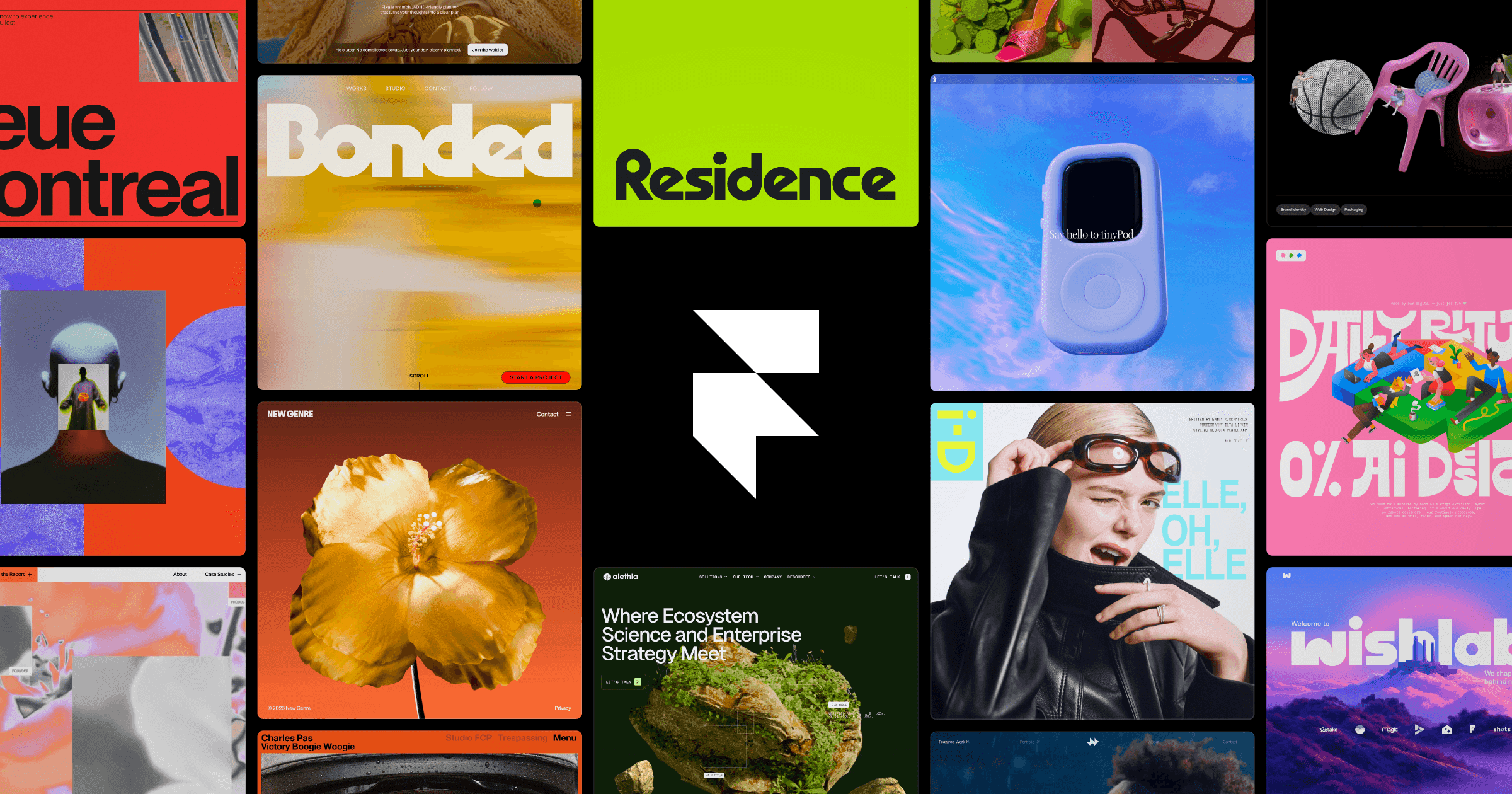
About Framer
Build and launch sites with an AI design agent that works directly on the canvas, with hosting, CMS, analytics, and SEO built in.
Framer Pros & Cons
- Free tier includes 500 AI credits and 10 CMS collections
- Agents for design, CMS, and code all work directly on the canvas
- Hosting, analytics, SEO, and localization are built in
- Connects to Slack, GitHub, Claude Code, Cursor, and ChatGPT Codex
- Pro Experts get free editor access on client projects
- Custom domains require a paid plan
- Bugs in custom code can break the entire site
- npm package imports are experimental and often incompatible
Key Features
AI design agent
Works directly on your site to generate and refine in place, with every change visible and editable.
CMS agent
Sets up, organizes, and updates your entire CMS, keeping content and design in sync on the canvas.
Code agent
Turns ideas into code, from simple custom effects to complex interactions.
Built-in hosting
Global content delivery network with 99.99% uptime, scaling from 20 to 300+ hosting locations.
Site analytics
Tracks live visitors, pageviews, bounce rate, and conversion lift with 30 to 90 days of history.
AI localization
Translates sites into multiple languages with AI-powered translation locales.
A/B testing
Runs A/B tests, funnels, and triggers through the Convert add-on, billed per analytics event.
External AI connections
Updates copy from Slack, triggers CMS changes from the terminal, and ships from GitHub PRs via Claude Code, Cursor, or Codex in ChatGPT.
Staging & branching
ProTests changes in staging before publishing and explores changes with shareable previews.
Team collaboration
Invites teams to collaborate on design, content, and publishing with editors from $10 per month and free viewers.
Framer Pricing
View full pricing →- 500 AI credits to try Agents
- Free Framer domain
- 1 GB bandwidth
- 10 CMS collections
- 1,000 site pages
- 1,000 AI credits per month
- Free custom domain
- 2 CMS collections
- 50 GB bandwidth
- 10 seats
- Additional editors at $20 per month
- 3,000 AI credits per month
- Free custom domain
- 10 CMS collections
- 100 GB bandwidth
- Staging environment and branching with previews
- Site redirects plus A/B testing and advanced hosting as add-ons
- Custom limits
- Enterprise security
- Dedicated support
- Annual billing
| Feature | Free Free | Basic $10/mo | Pro $30/mo | Enterprise Custom |
|---|---|---|---|---|
| 500 AI credits to try Agents | ||||
| Free Framer domain | ||||
| 1 GB bandwidth | ||||
| 10 CMS collections | ||||
| 1,000 site pages | ||||
| 1,000 AI credits per month | ||||
| Free custom domain | ||||
| 2 CMS collections | ||||
| 50 GB bandwidth | ||||
| 10 seats | ||||
| Additional editors at $20 per month | ||||
| 3,000 AI credits per month | ||||
| 100 GB bandwidth | ||||
| Staging environment and branching with previews | ||||
| Site redirects plus A/B testing and advanced hosting as add-ons | ||||
| Custom limits | ||||
| Enterprise security | ||||
| Dedicated support | ||||
| Annual billing |
Pricing extracted from the product website and may change. Check the source for current details.
Frequently asked questions about Framer
What are credits?
Every paid plan includes monthly credits that power Agents, Localization, and other AI features. Credits are shared across the entire workspace and its editors. When running low, users upgrade a site or add an add-on for more. On the free plan with no active subscriptions, you receive 500 credits to try Agents.
What's included in the Free plan?
Projects on the Free plan include 10 CMS collections, 1,000 pages, 5 MB file uploads, and one free locale. Connecting a custom domain requires upgrading to a paid plan. Workspaces without a subscription also support collaboration with up to three editors.
Which plan is right for me?
The Free plan is ideal for non-commercial use. Basic caters to students, freelancers, and small studios. Pro is designed for teams at agencies, startups, and scale-ups running their full marketing stack on Framer. Enterprise suits teams that need custom limits, annual billing, and dedicated support.
How are extra editors billed?
Editors are billed per seat and can be added to your workspace or projects at any time. Framer notifies you when an editor is added to your billing, and you are charged within 24 hours. Additional editors cost $20 per month, and content editors cost $10 per month.
What happens if I go over a limit?
When you reach certain limits, Framer asks you to upgrade your plan. For other limits, like bandwidth, you can exceed the limit for one month and receive a notification via email so you can upgrade accordingly.
How many add-ons can you purchase on the Pro plan?
With add-ons, Pro users can reach up to 40,000 CMS items, 40 CMS collections, 2 TB of bandwidth, 700 pages, and 1.5M events.