
About Buffer
Overview
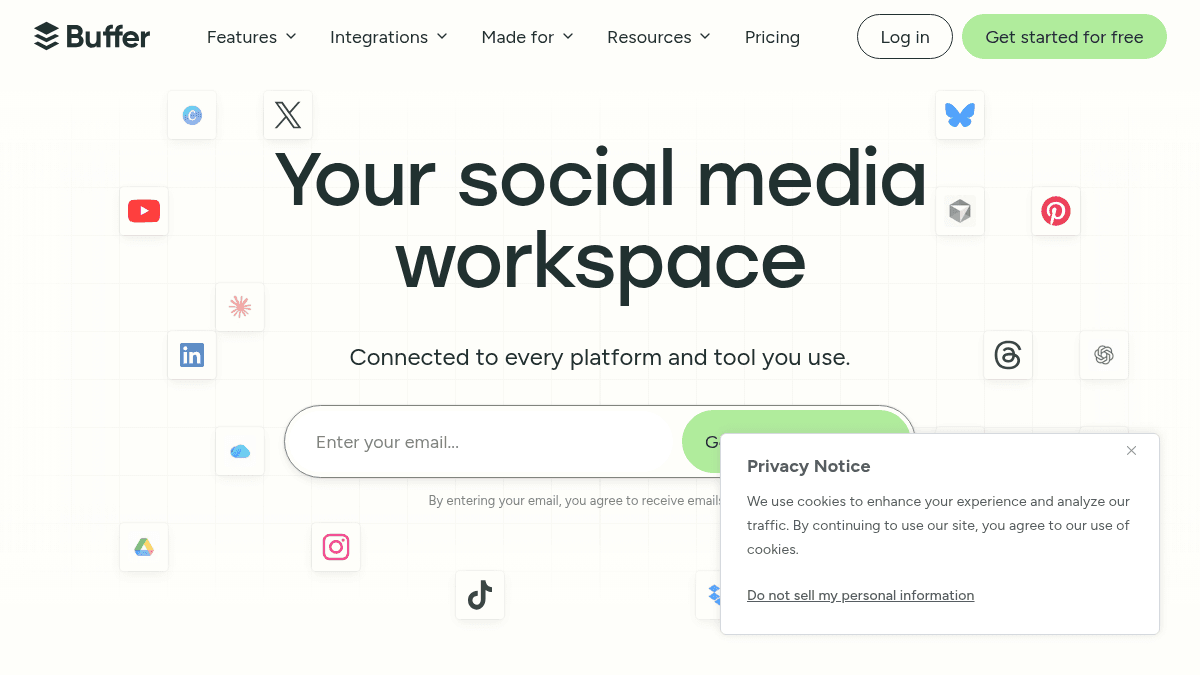
Buffer is a social media management platform that lets individuals and teams schedule, publish, engage, and analyze content across 13+ social platforms from a single workspace. It is designed for creators, small businesses, agencies, nonprofits, and higher education institutions.
Unlike standalone publishing tools, Buffer combines scheduling with an AI assistant, community engagement inbox, analytics, and a customizable link-in-bio page. It is trusted by over 100,000 businesses and individuals.
Key Benefits
- Schedule posts weeks or months in advance across 13+ platforms including Instagram, TikTok, LinkedIn, Threads, Bluesky, and YouTube Shorts.
- Reply to comments across all channels at 10x speed using the unified community inbox.
- Get answers beyond basic analytics with in-depth reporting that shows what works and how to improve.
- Turn any idea into a platform-specific post using AI Assistant for brainstorming, rewriting, and repurposing content.
- Build a custom link-in-bio page called Start Page to turn your social bio into a personalized hub.
- Manage, edit, and approve social media posts from your team with collaboration features and access levels.
How It Works
You sign up for a free account, connect your social channels (Facebook, Instagram, TikTok, LinkedIn, X, YouTube, Pinterest, Threads, Bluesky, Mastodon, Google Business Profile, and more), and draft posts in the Create workspace. You schedule them on a calendar via Publish, monitor and reply to incoming comments from the Community inbox, and review performance in Analyze.
Use Cases
- Creators growing their personal brand — schedule cross-platform content and engage with followers from one dashboard.
- Small business owners — plan weeks of social content in advance while tracking what drives traffic and sales.
- Agencies managing multiple client accounts — collaborate with team members, set access levels, and use per-channel pricing to scale flexibly.
- Nonprofit teams — coordinate social outreach across a small team with scheduling, approval workflows, and analytics.
- Higher education institutions — manage university social channels across departments with shared calendars and content approval.
- Developers and automation builders — connect Buffer via API or third-party integrations like Zapier, IFTTT, and Make to build custom social workflows.
Why Choose This Product
Buffer is best suited for anyone who needs a single tool to publish, engage, and measure performance across multiple social platforms without switching between apps. The free plan supports up to 3 channels with 10 scheduled posts per channel, while paid plans start at $5/month per channel on the Essentials tier. Teams needing per-channel flexibility, approval workflows, and advanced analytics will benefit from the Team plan at $10/month per channel.
Buffer Pros & Cons
- Free forever plan with 3 channels and 10 scheduled posts per channel
- Supports 13+ social platforms including TikTok, Bluesky, and Threads
- AI Assistant for content creation, rewriting, and repurposing
- Per-channel pricing allows flexible scaling for agencies
- Community inbox for unified comment engagement across channels
- Free plan limits to 10 scheduled posts per channel
- Essentials and Team plans are per-channel, costs multiply with each additional channel
- Essentials and Team plans limited to 1 channel at base price
Key Features
Content Scheduling
Schedule posts weeks or months in advance across 13+ social platforms from a unified calendar.
Community Inbox
Reply to comments across all social channels from a single dashboard at 10x speed.
Advanced Analytics
Measure performance with basic or in-depth reporting to learn what works and how to improve.
AI Assistant
Brainstorm ideas, rewrite content, and craft platform-specific posts using AI.
Team Collaboration
Manage, edit, and approve social media posts with team members and configurable access levels.
Start Page
Build a custom link-in-bio page to turn your social bio into a personalized hub.
Hashtag Manager
Organize and manage hashtags for efficient posting across channels.
First Comment Scheduling
Schedule the first comment on posts alongside the main content.
Content Approval Workflows
Set up approval flows for team content before publishing.
Buffer Pricing
View full pricing →- Connect up to 3 channels
- 10 scheduled posts per channel
- 100 ideas
- 1 user account
- AI Assistant
- Basic analytics
- API access (1 key, 3,000 requests/month)
- Community inbox
- World-class customer support
- Unlimited scheduled posts per channel
- Unlimited ideas
- 1 user account
- Advanced analytics
- API access (3 keys, 7,500 requests/month)
- Hashtag manager
- First comment scheduling
- Community inbox
- Unlimited scheduled posts per channel
- Unlimited ideas
- Unlimited team members
- Advanced analytics
- API access (5 keys, 15,000 requests/month)
- Hashtag manager
- First comment scheduling
- Access levels
- Content approval workflows
- Community inbox
| Feature | Free Free/mo | Essentials $5/mo | Team $10/mo |
|---|---|---|---|
| Connect up to 3 channels | |||
| 10 scheduled posts per channel | |||
| 100 ideas | |||
| 1 user account | |||
| AI Assistant | |||
| Basic analytics | |||
| API access (1 key, 3,000 requests/month) | |||
| Community inbox | |||
| World-class customer support | |||
| Unlimited scheduled posts per channel | |||
| Unlimited ideas | |||
| Advanced analytics | |||
| API access (3 keys, 7,500 requests/month) | |||
| Hashtag manager | |||
| First comment scheduling | |||
| Unlimited team members | |||
| API access (5 keys, 15,000 requests/month) | |||
| Access levels | |||
| Content approval workflows |
Pricing extracted from the product website and may change. Check the source for current details.
Frequently asked questions about Buffer
Does Buffer have a free trial?
Yes, Buffer's Essentials and Team plans come with a 14-day free trial. The Free plan is available forever with no time limit.
What counts as a channel?
A channel is one social media account connected to Buffer. For example, connecting one Instagram account, one LinkedIn account, and one TikTok account counts as three channels.
What are the billing options for Buffer's paid plans?
Buffer offers monthly and yearly billing. Yearly billing saves 2 months compared to monthly — Essentials is $60/year and Team is $120/year per channel.
Does Buffer offer a discount to nonprofit organizations and charities?
The pricing page and FAQ section indicate Buffer does offer a discount to nonprofit organizations and charities, but the specific discount amount is not listed on the page.
Is Buffer free?
Buffer offers a free plan with optional paid upgrades. See the pricing section for what's included in each tier.
How much does Buffer cost?
Buffer offers the following plans: Free, Essentials, Team. See the pricing section for what's included in each tier and any per-seat or usage-based costs.