About Blue Cat Reports
Overview
Blue Cat Reports is a Trello Power-Up that lets teams create summary reports across multiple Trello boards in one place. It solves the core problem that Trello is great for day-to-day task management but makes it hard to see the bigger picture across projects.
Unlike generic reporting add-ons, Blue Cat Reports is built specifically for Trello and supports cards, checklists, custom fields, activity tracking, and time reporting — all without requiring stakeholders to hold a Trello or Blue Cat account.
Key Benefits
- Pull data from any number of Trello boards into a single, unified project status report.
- Send automated email summary reports on a daily, weekly, or monthly schedule to anyone in your organisation.
- Filter and report on Trello custom fields directly inside the report editor.
- Report on Trello checklists — including due dates and member assignments — that are otherwise buried inside cards.
- Generate Time to Complete charts showing how long work takes at any stage of the process, across any historical time period.
- Create activity reports showing who is working on what and how long tasks have taken.
How It Works
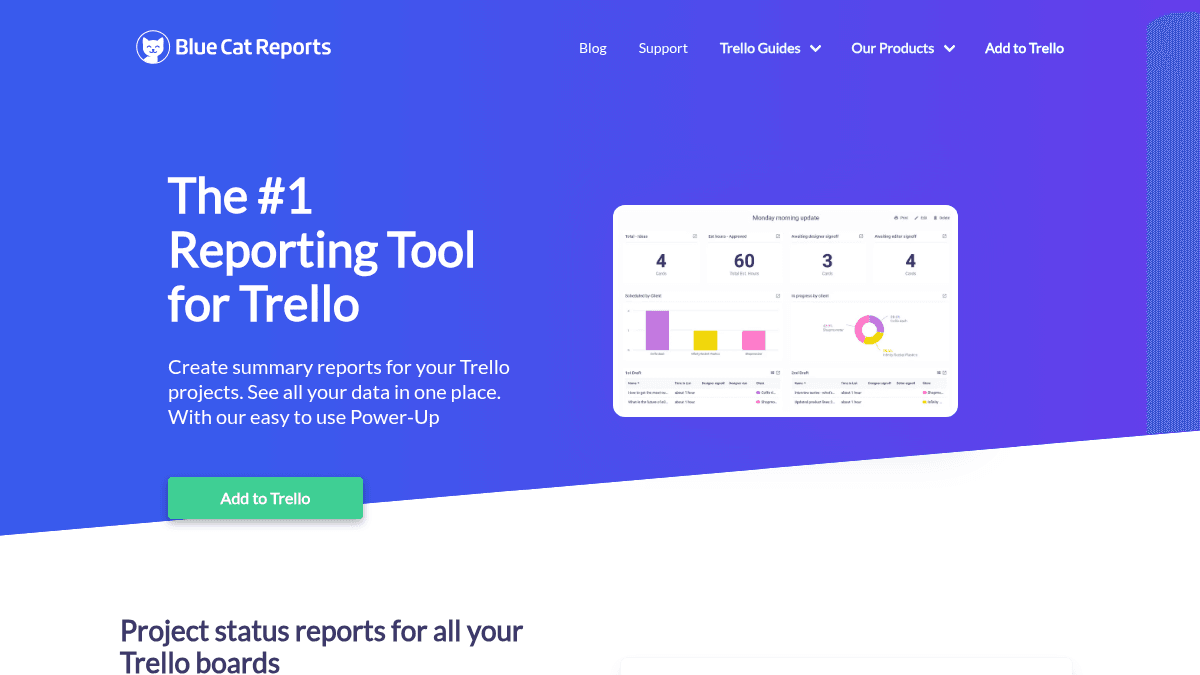
You add Blue Cat Reports as a Trello Power-Up, then use the built-in wizard to select the boards and data you want to include. You choose chart types — tables, counts, or charts — and apply filters to cards, checklists, members, custom fields, or labels. Once the report is configured, you can view it live on your dashboard or schedule it to be emailed automatically.
Use Cases
- Project managers who need a cross-board status report to share with leadership without exporting data manually.
- Scrum and Kanban teams that want burndown charts and Work In Progress limits layered onto their existing Trello workflow.
- Team leads at organisations like schools or nonprofits who need weekly or monthly productivity reports for internal stakeholders.
- Operations managers who track time-in-list and time-to-complete metrics to identify and reduce bottlenecks in their process.
- Executives or department heads who receive scheduled email summaries without needing to log in to Trello or Blue Cat.
- Administrators importing or exporting Trello board data via CSV or Excel for offline analysis or migration.
Why Choose This Product
Blue Cat Reports is best suited for Trello teams that need structured reporting and stakeholder visibility beyond what native Trello supplies. Enterprise pricing is available on demand, and all accounts include a 7-day free trial before any charge applies.
Key Features
Cross-Board Reporting
Reports can pull data from any number of Trello boards the user has access to and display it in a single summary view.
Scheduled Email Reports
Email summary reports can be sent daily, weekly, or monthly to anyone in the organisation, including non-Trello users.
Custom Field Reports
Users can filter and report on Trello custom fields directly within the Blue Cat report editor.
Checklist Reporting
Blue Cat Reports lets users filter and report on Trello checklists, including their due dates and member assignments.
Time to Complete Charts
Time reporting charts show how long work takes at any stage of the process and support historical data for any chosen time period.
Activity Reports
Activity reports display who is working on what, who has completed tasks, and how long those tasks have taken.
Burndown Charts
Burndown charts include daily email and Slack integration for tracking sprint or project progress over time.
Kanban WIP Limits
The Kanban Power-Up enforces Work In Progress limits on Trello boards to control flow and reduce overload.
CSV & Excel Import/Export
Users can import data into Trello or export data from Trello in CSV and Excel formats.
Report Editor Wizard
A step-by-step wizard lets users add charts and configure reports without complicated setup, displaying data as tables, counts, or charts.
Blue Cat Reports Pricing
Pricing extracted from the product website and may change. Check the source for current details.